14 Best AI Tools for Blogging: From Keyword Research to Content Promotion
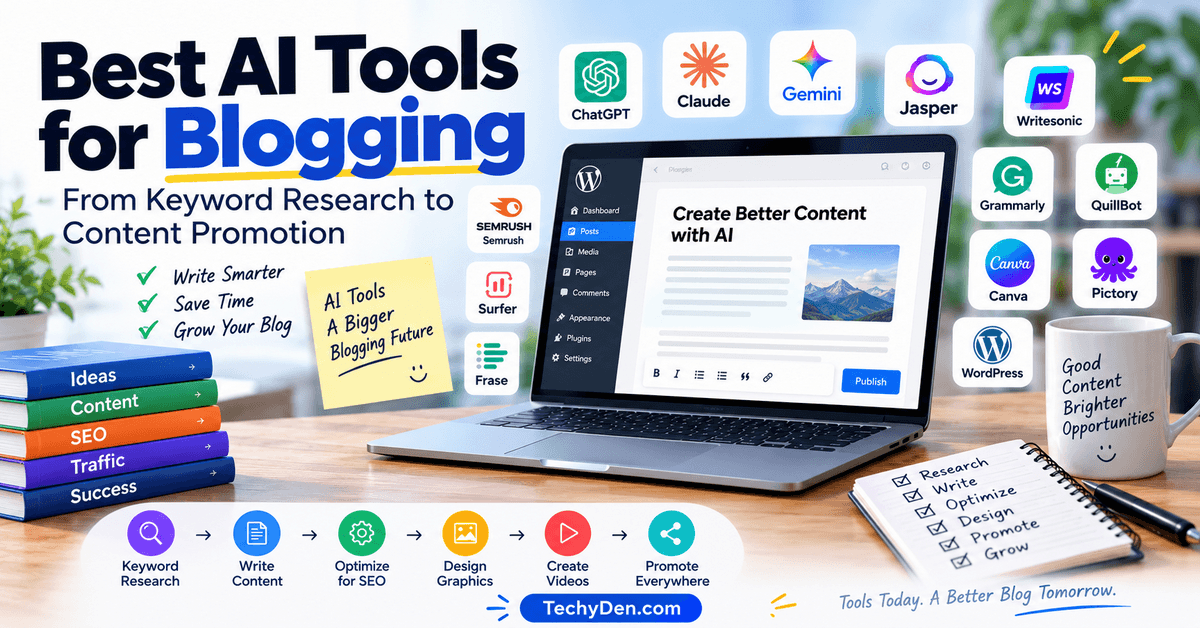
Blogging is no longer just about writing articles. From finding profitable keywords to creating engaging content and optimizing posts for search engines, bloggers have more tasks than ever. The right AI tools can help you save time, improve your workflow, and focus on growing your blog.
Whether you are a beginner blogger, an experienced content creator, or an affiliate marketer, AI blogging tools can simplify almost every stage of content creation.
You can use AI writing tools to brainstorm blog post ideas, create outlines, and improve your writing. AI SEO tools help with keyword research, content optimization, and search intent, while AI image generators and design tools make it easier to create attractive blog graphics and featured images.
However, AI should be used as an assistant rather than a complete replacement for human expertise. Publishing unedited AI-generated content can lead to factual errors, repetitive writing, and content that lacks originality. Reviewing, fact-checking, and adding your own experience are essential.
In this guide, we will explore the best AI tools for blogging in 2026, including AI writing assistants, SEO tools, keyword research platforms, image generators, and content promotion tools.
AI tools can help bloggers with research, content creation, SEO, images, editing, and promotion. If you’re looking for more options, check out our guide to best free AI tools for bloggers and our list of AI tools for small businesses.
You will learn their key features, benefits, limitations, and how to choose the right AI blogging tools for your website.
What Are AI Tools for Bloggers?
AI tools for bloggers are software applications that use artificial intelligence to help content creators research topics, write blog posts, improve SEO, create images, and promote their content.
These tools can understand text prompts, analyze information, suggest ideas, and automate repetitive blogging tasks.
AI tools for blogging are designed to make the content creation process faster and more efficient. Instead of spending hours brainstorming topics, writing every section from scratch, or creating social media captions manually, bloggers can use AI to assist with these tasks.
Popular AI blogging software includes writing assistants, SEO platforms, image generators, and content editing tools.
- How AI Helps Bloggers Create Content: Artificial intelligence for bloggers can support almost every stage of writing a blog post. For example, a blogger can use an AI writing assistant to generate article ideas, create a detailed outline, draft an introduction, and suggest engaging headings. AI can also help rewrite sentences, simplify complex explanations, and prepare FAQs.
- AI for Keyword Research and SEO: AI-powered SEO tools help bloggers discover relevant keywords, understand search intent, identify content gaps, and optimize blog posts. They can suggest related keywords, improve title tags, and recommend ways to structure content for search engines. However, keyword research data and AI suggestions should be reviewed before making SEO decisions.
- AI for Blog Images and Social Media: AI image generators and design tools help create featured images, illustrations, infographics, and social media graphics. Bloggers can also use AI to prepare Facebook posts, Instagram captions, Pinterest descriptions, and other promotional content.
- AI for Editing and Content Updates: AI proofreading tools can identify grammar mistakes, improve readability, and suggest clearer sentences. Bloggers can also use AI to review older articles, identify outdated information, and suggest content updates.
Example: A blogger writing about the best blogging tools can use AI to generate topic ideas, create an outline, draft content, optimize headings, and prepare social media captions. The blogger should then fact-check the information, add personal experience, and edit the final article before publishing.
Best AI Tools for Blogging 2026
Choosing the right AI blogging software can be challenging, especially when there are so many AI writing assistants, SEO platforms, and content creation tools available. Each tool is designed for a different purpose.
Some help you write blog posts, while others focus on keyword research, content optimization, proofreading, graphic design, or video creation.
To help you choose the right solution, here is a quick comparison of the best AI tools for bloggers in 2026. This list includes popular AI tools for blogging, content creators, and website owners.
| Tool | Best for | Category |
|---|---|---|
| ChatGPT | Brainstorming and writing assistance | AI assistant |
| Claude | Long-form writing and editing | AI assistant |
| Google Gemini | Research and content ideas | AI assistant |
| Jasper | Marketing content | AI writing |
| Writesonic | AI article creation | AI writing |
| Surfer | SEO content optimization | SEO |
| Semrush | Keyword research and SEO | SEO |
| Grammarly | Grammar and proofreading | Editing |
| QuillBot | Paraphrasing and rewriting | Editing |
| Canva | Blog graphics and social images | Design |
| Pictory | Turning blog posts into videos | Video |
| Frase | Content briefs and optimization | SEO |
| Perplexity | Research and source discovery | AI search |
| WordPress AI tools | Content workflow inside WordPress | Publishing |
How to Choose the Right AI Blogging Tool
The best AI tool for your blog depends on your specific content creation needs. If you want help with blog post ideas, writing, and brainstorming, ChatGPT or Claude can be useful options. For keyword research and SEO, tools such as Semrush and Surfer can support your workflow.
Bloggers who create featured images, infographics, and social media graphics may find Canva helpful. If you want to turn written articles into videos, Pictory is worth exploring. Grammarly and Quillbot can assist with proofreading, rewriting, and improving readability.
Important note: This is a proposed shortlist of popular AI tools for blogging, not a verified ranking or current pricing comparison. Features, plans, usage limits, and pricing may change. Check each tool’s official website before making a purchase decision.
Both tools can support SEO content creation. The better choice depends on whether your main need is optimization depth, research, content briefs, or writing assistance.
1. ChatGPT
Best Overall AI Tool for Bloggers
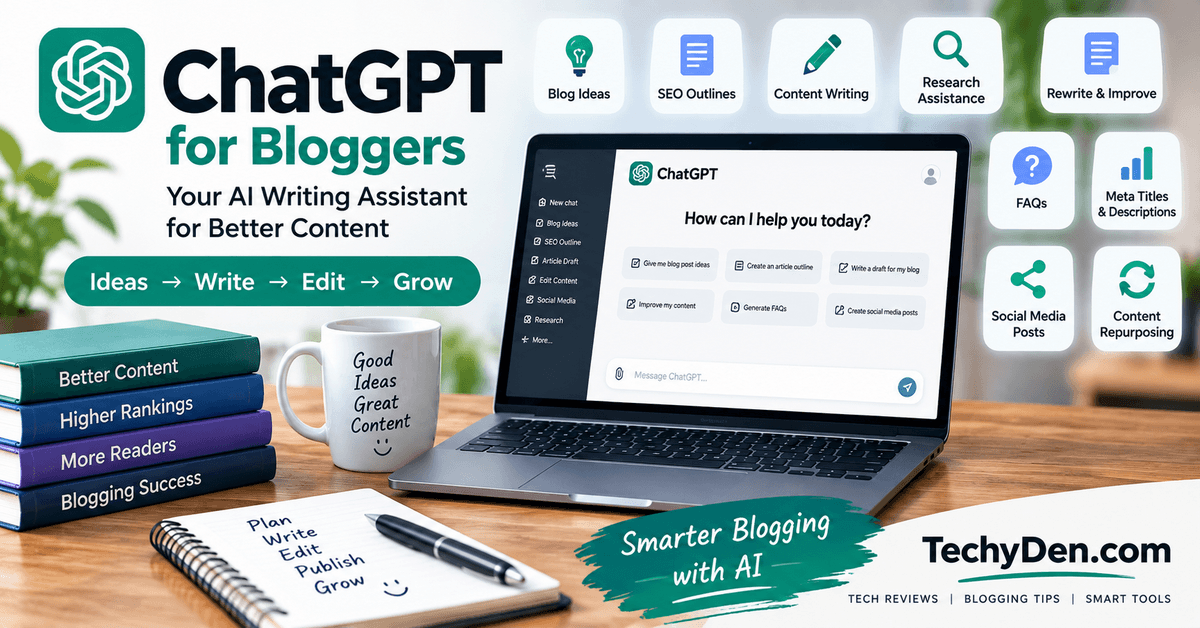
ChatGPT is one of the most versatile AI tools for bloggers. It can support almost every stage of the blogging process, from brainstorming topics and creating outlines to drafting, editing, research assistance, and content repurposing.
For bloggers, one of its biggest advantages is flexibility. You can ask ChatGPT to generate blog post ideas based on a niche, create an SEO-friendly outline, explain a complex topic, rewrite paragraphs, generate FAQs, or create social media posts from an existing article.
ChatGPT can also help bloggers develop content clusters. For example, if your main topic is SEO for beginners, you can ask it to suggest pillar topics, supporting articles, related keywords, and internal linking opportunities.
Bloggers can also use ChatGPT for keyword research. See our detailed guide on how to use ChatGPT for keyword research.
Key Features of ChatGPT for Bloggers
- Blog topic and keyword brainstorming
- SEO-friendly content outlines
- Blog post drafting
- Content rewriting and expansion
- Grammar and readability improvement
- FAQ generation
- Meta title and description ideas
- Social media content
- Content repurposing
- Research assistance
- Content refresh ideas
Pros of ChatGPT
- Versatile general-purpose AI assistant
- Useful for beginners and experienced bloggers
- Can handle many content-related tasks
- Helpful for brainstorming and editing
- Supports structured workflows
Cons of ChatGPT
- AI-generated information may require fact-checking
- Output quality depends heavily on the prompt
- It should not replace original research or expertise
Best For
ChatGPT is particularly useful for solo bloggers, affiliate marketers, technology bloggers, content creators, and beginners who want one AI assistant that can handle multiple blogging tasks.
The best way to use ChatGPT is not simply to ask it to “write an article.” Instead, use it throughout your workflow: research ideas, create an outline, develop sections, review the draft, generate FAQs, and prepare promotional content.
Bottom line: ChatGPT is a strong all-purpose AI assistant for bloggers who want to save time while maintaining control over their content strategy and final writing.
2. Claude
Best for Long-Form Writing and Editing
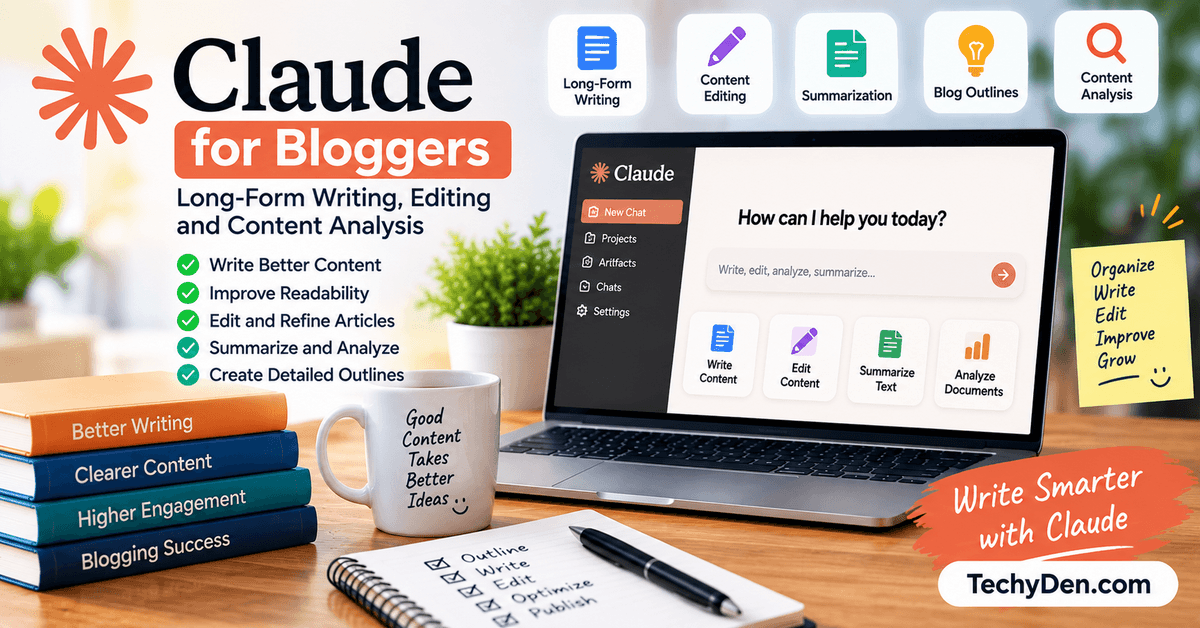
Claude is an AI assistant that can be particularly useful for bloggers working with long-form content, detailed documents, editing, and content analysis. It can help writers organize ideas, improve drafts, summarize information, and develop structured articles.
One of Claude’s useful applications for bloggers is content editing. Instead of asking it to generate an entire article, you can provide an existing draft and ask it to identify repetitive sections, unclear explanations, weak transitions, or areas that need additional information.
Claude can also help create detailed outlines. Give it your primary keyword, target audience, search intent, and competing topics, and ask it to structure an article with logical H2 and H3 sections.
Learn more about using Claude for blogging and content creation in our Claude AI for Content Creators guide.
If you’re deciding between the two popular AI assistants, see our comparison of Claude AI vs ChatGPT.
Key Features of Claude for Bloggers
- Long-form content assistance
- Content rewriting
- Article editing
- Outline generation
- Summarization
- Brainstorming
- Tone adjustment
- Content organization
- FAQ creation
- Content analysis
Pros of Claude
- Useful for detailed writing and editing
- Good for analyzing lengthy content
- Helpful for improving structure and clarity
- Can assist with complex explanations
Cons of Claude
- Important information still needs verification
- Free usage may have limitations
- AI-generated content can require substantial editing
Best For
Claude is suitable for long-form bloggers, editors, researchers, technology writers, and content creators who frequently work with lengthy articles or documents.
A productive workflow is to write an initial draft, give it to Claude for review, and ask for specific improvements rather than asking it to completely rewrite everything. This helps preserve your original voice and ideas.
Claude can also be used to compare two drafts, simplify technical explanations, create article summaries, or turn long blog posts into newsletters and social media content.
Bottom line: Claude is a useful AI writing and editing assistant, especially for bloggers who work with detailed, long-form content and want help improving structure and readability.
3. Google Gemini
Best for Content Ideas and Google Ecosystem Workflows
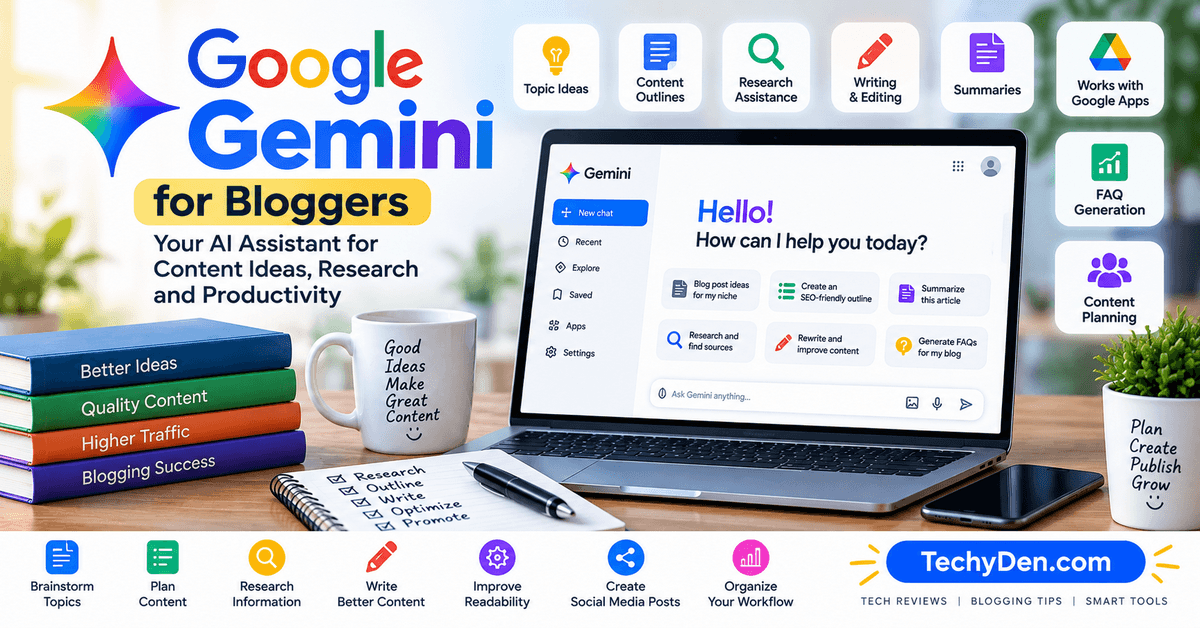
Google Gemini is a general-purpose AI assistant that can help bloggers with research planning, brainstorming, writing, summarization, editing, and content organization. Its integration with Google’s broader ecosystem can also make it useful for people who already rely heavily on Google services.
Bloggers can use Gemini to generate article ideas, create outlines, explain complicated subjects, rewrite content, summarize information, and develop FAQs. It can also help turn rough notes into organized content.
For example, a blogger preparing an article about WordPress security could ask Gemini to create a beginner-friendly outline covering common threats, security practices, plugins, backups, and troubleshooting.
Key Features of Google Gemini
- Topic brainstorming
- Blog outlines
- Writing assistance
- Content summaries
- Rewriting and editing
- Research assistance
- FAQ generation
- Content planning
- Google ecosystem workflows
Pros of Google Gemini
- Versatile AI assistant
- Useful for brainstorming and writing
- Convenient for Google-focused workflows
- Helpful for summarization and organization
Cons of Google Gemini
- Generated information should be verified
- Features can change over time
- Not a replacement for dedicated SEO platforms
Best For
Gemini can be useful for bloggers, students, researchers, content creators, and professionals who already use Google’s productivity ecosystem.
However, bloggers should distinguish between AI assistance and verified research. An AI-generated answer should not automatically be treated as an authoritative source.
You can also use Gemini alongside other tools. For example, use an SEO platform for keyword research, Gemini for brainstorming and content organization, and a proofreading tool for final editing.
Bottom line: Gemini is a useful general-purpose AI tool for bloggers who want help with content ideas, writing, research assistance, and productivity workflows.
4. Jasper
Best AI Writing Tool for Marketing Blogs
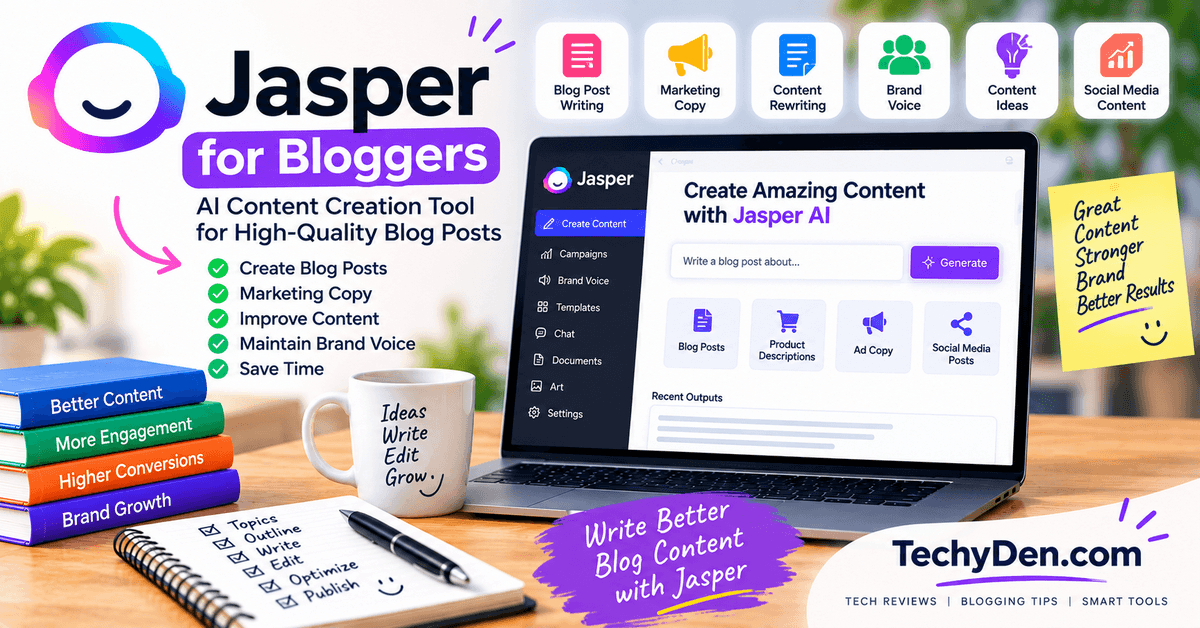
Jasper is an AI content platform designed with marketing and business content workflows in mind. It can be useful for bloggers who create promotional articles, landing pages, marketing content, product descriptions, and branded communications.
Unlike using a general-purpose chatbot for every task, Jasper focuses more heavily on marketing-oriented content creation. This can be useful for businesses and professional bloggers who need consistent messaging across different content formats.
Bloggers can use Jasper to brainstorm topics, create content drafts, develop marketing copy, rewrite existing text, and adapt content to different audiences.
Key Features of Jasper
- AI-assisted blog writing
- Content ideas
- Marketing copy
- Brand-focused writing
- Content rewriting
- Campaign content
- Social media copy
- Content expansion
Pros of Jasper
- Designed for marketing workflows
- Useful for businesses and content teams
- Can support consistent brand messaging
- Multiple content use cases
Cons of Jasper
- May be unnecessary for casual bloggers
- Premium access can add subscription costs
- Human editing remains necessary
Best For
Jasper is best suited to professional bloggers, marketing teams, affiliate marketers, agencies, and businesses that publish content regularly.
For example, a marketing team could use Jasper to develop a blog article and then adapt the core message into social media posts, promotional copy, and email content.
However, bloggers should avoid treating AI-generated marketing copy as finished content. Add brand-specific information, original examples, customer insights, and accurate product details before publishing.
Bottom line: Jasper can be valuable for bloggers who need marketing-focused AI content workflows and consistent brand communication, particularly when content production is part of a larger marketing strategy.
5. Writesonic
Best for AI Article Creation
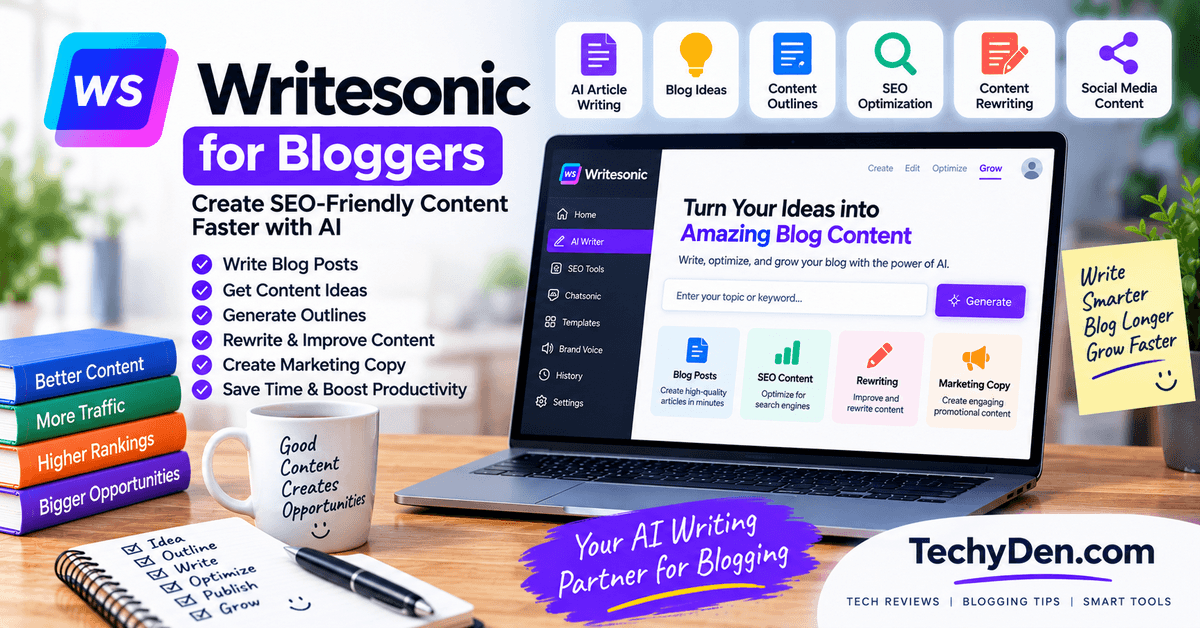
Writesonic is an AI content creation platform designed to help users generate and optimize different types of marketing and website content. For bloggers, it can be useful for article drafting, topic ideation, rewriting, and content optimization workflows.
A major advantage is the ability to move from an initial idea toward a structured article more quickly. Bloggers can use it to develop outlines, generate sections, rewrite content, and create supporting marketing copy.
Key Features for Bloggers
- AI article generation
- Blog topic ideas
- Content expansion
- Rewriting
- SEO content workflows
- Marketing copy
- Social media content
- Content optimization
Pros of Writersonic
- Designed for content creation
- Useful for article drafting
- Supports multiple content formats
- Can reduce repetitive writing work
Cons of Writersonic
- AI-generated articles require editing
- Current features and limits can change
- Generated facts need verification
Best For
Writesonic may be suitable for affiliate bloggers, content marketers, small businesses, and publishers who produce articles regularly.
The most effective workflow is to use the platform as a starting point rather than publishing generated content immediately. Begin with keyword and search-intent research, create a useful outline, generate a draft, and then add your own examples and expertise.
Bloggers should also check product information, statistics, pricing, and other time-sensitive details before publication.
Writesonic can be especially helpful when a blogger needs to create multiple content assets around one topic. For example, a main article can be supported by shorter social posts, promotional copy, or additional content ideas.
Bottom line: Writesonic is worth considering when you want an AI platform focused on article creation and content marketing workflows, particularly for regular publishing.
6. Surfer
Best AI SEO Content Optimization Tool
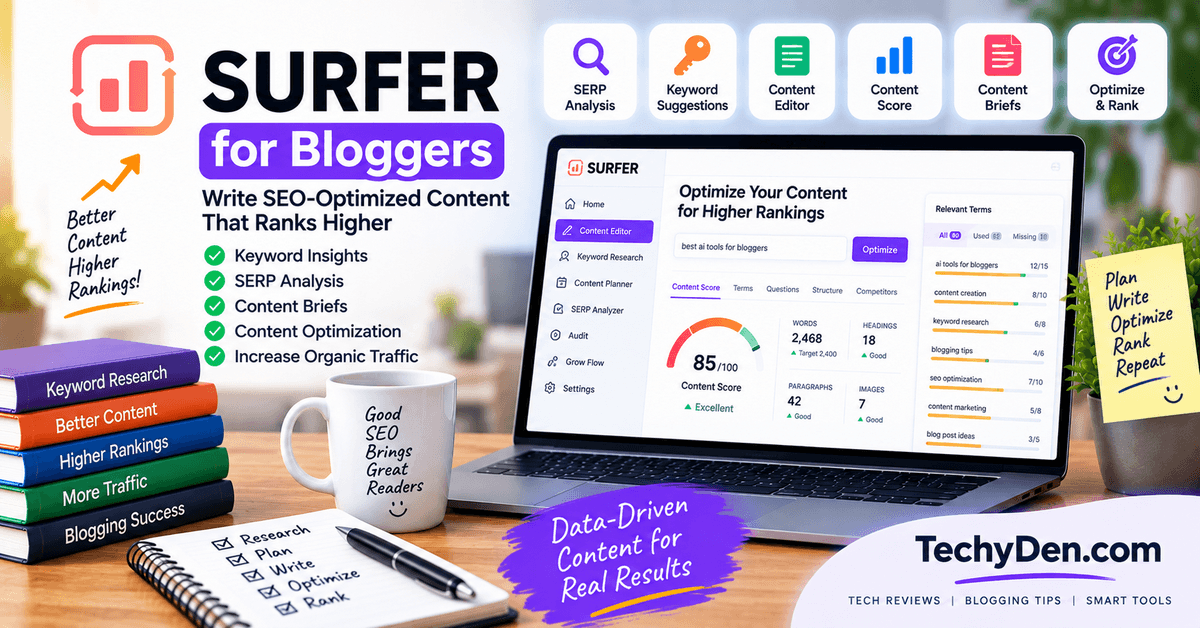
Surfer is an SEO and content optimization platform designed to help bloggers create content that better covers a target topic. Instead of focusing only on writing, it provides tools for analyzing search results, content structure, keywords, and related terms.
Bloggers can use Surfer when they already know their target keyword and want to understand what topics and concepts should be included in an article.
For example, if you are writing about “best WordPress hosting,” an SEO content platform can help identify related concepts and content areas that may be relevant to the search intent.
Key Features for Bloggers
- Content optimization
- Keyword suggestions
- Content briefs
- SERP analysis
- Related terms
- Content scoring
- SEO writing assistance
Pros of Surfer
- Focused on SEO content optimization
- Useful for content briefs
- Helps identify related topics
- Can support on-page optimization
Cons of Surfer
- Requires understanding of SEO
- Scores should not be treated as ranking guarantees
- Premium features can increase costs
Best For
Surfer is suitable for SEO-focused bloggers, affiliate marketers, content teams, and agencies that regularly optimize articles for organic search.
However, bloggers should not write solely to achieve a particular content score. Search engines and readers care about usefulness, relevance, accuracy, and overall quality.
A better workflow is to use Surfer for research and optimization, then apply human judgment to decide which recommendations genuinely improve the article.
Bottom line: Surfer can be valuable when SEO content optimization is an important part of your blogging workflow, but it should complement—not replace—good research and useful writing.
7. Semrush
Best AI-Powered SEO and Keyword Research Platform
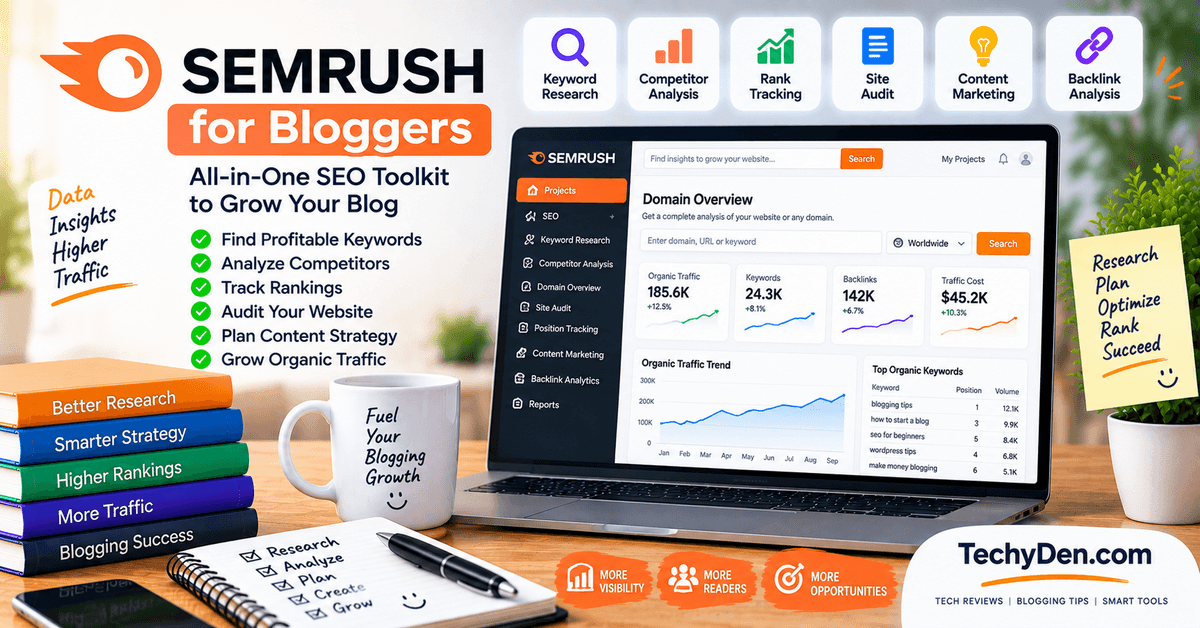
Semrush is a comprehensive digital marketing and SEO platform that provides much more than AI writing. It can help bloggers with keyword research, competitor analysis, rank tracking, backlink research, site audits, content planning, and other SEO activities.
For bloggers, one of its biggest advantages is the ability to research a topic before writing. You can investigate keyword opportunities, understand search competition, analyze competing websites, and identify related topics.
Key Features of Semrush
- Keyword research
- Competitor analysis
- Site auditing
- Rank tracking
- Backlink research
- Content planning
- SEO analysis
- Topic research
Pros of Semrush
- Comprehensive SEO platform
- Useful for serious bloggers
- Strong research capabilities
- Supports broader website analysis
Cons of Semrush
- Can be expensive for beginners
- Large number of features may feel overwhelming
- Requires SEO knowledge to use effectively
Best For
Semrush is particularly useful for professional bloggers, affiliate marketers, SEO professionals, agencies, and established websites.
A blogger can use Semrush to identify a keyword, study competing pages, develop a content brief, publish the article, and later monitor search performance.
Unlike a simple AI writing assistant, Semrush is primarily an SEO research and marketing platform. Its value comes from combining multiple types of website and search data.
However, keyword difficulty and search volume should not be treated as guarantees of traffic. Always consider search intent and whether your website can provide something genuinely useful.
Bottom line: Semrush is a strong choice for bloggers who want a more complete SEO research and website optimization platform rather than only an AI writing assistant.
8. Grammarly
Best AI Editing and Proofreading Tool
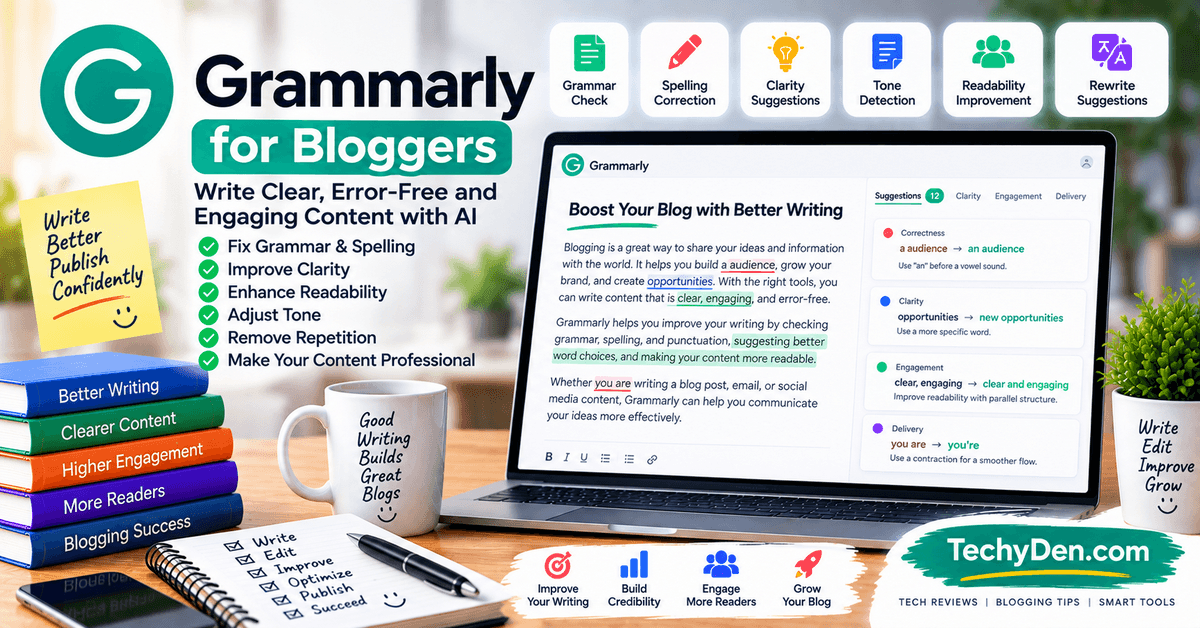
Grammarly is an AI-powered writing assistant that helps users improve grammar, spelling, punctuation, clarity, and overall writing quality. For bloggers, it can be useful during the final editing stage before publishing an article.
Even experienced writers can overlook spelling mistakes, awkward sentences, repeated words, or punctuation errors when working on long articles. Grammarly can provide another layer of review.
Key Features of Grammarly for Bloggers
- Grammar checking
- Spelling correction
- Punctuation suggestions
- Clarity improvements
- Writing suggestions
- Tone-related feedback
- Rewriting assistance
Pros of Grammarly
- Easy to use
- Useful for proofreading
- Helps improve readability
- Works across many writing workflows
Cons of Grammarly
- Suggestions are not always appropriate
- Some advanced features require paid access
- It cannot verify every factual claim
Best For
Grammarly is useful for bloggers, freelancers, students, marketers, and content teams who want an additional proofreading layer.
It should not be used to automatically rewrite every sentence. Sometimes an AI suggestion can make writing sound less natural or remove the author’s personal voice.
A good workflow is to finish the article first, review it manually, and then use Grammarly to identify potential grammar and clarity issues.
Bloggers should also remember that grammar checking does not equal fact-checking. Grammarly cannot guarantee that product specifications, statistics, prices, or technical claims are accurate.
Bottom line: Grammarly is a useful final editing assistant for bloggers who want cleaner, more readable content, particularly when publishing frequently or working with multiple writers.
9. Quillbot
Best AI Paraphrasing and Rewriting Tool
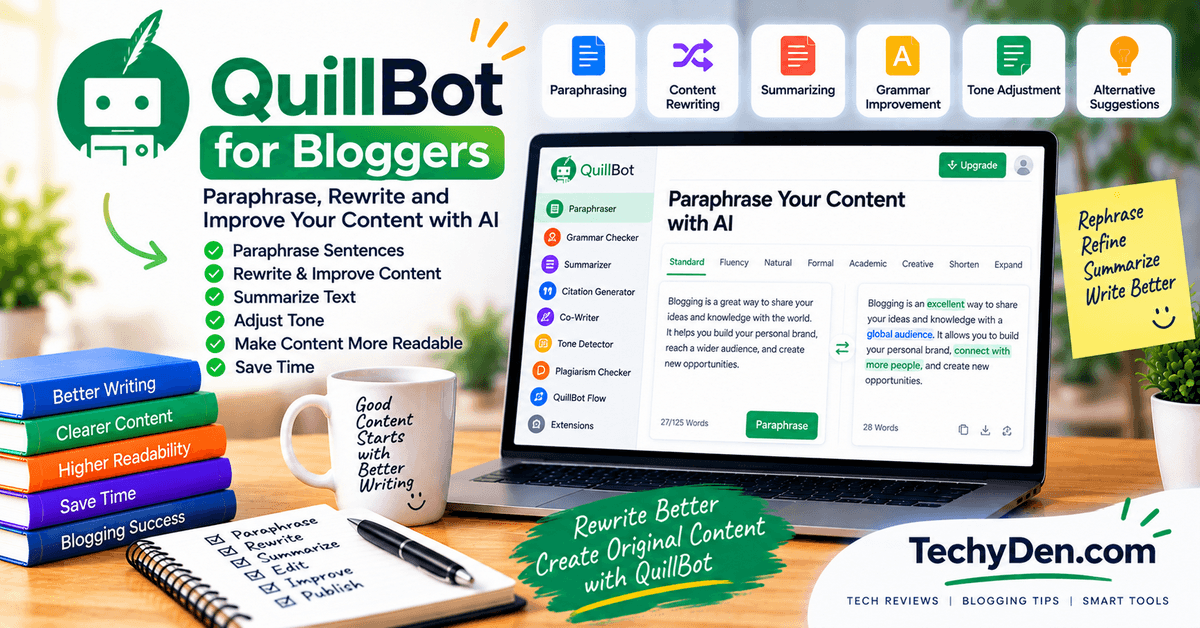
QuillBot is an AI writing tool known for paraphrasing, rewriting, summarization, and other language-related features. Bloggers can use it when they need to improve sentence structure, simplify complicated writing, or find alternative ways to express an idea.
For example, a technical paragraph can be rewritten into simpler language for beginners. Bloggers can also use it to improve awkward sentences or reduce unnecessary repetition.
Key Features of QuillBot
- Paraphrasing
- Rewriting
- Summarization
- Grammar assistance
- Sentence improvement
- Alternative wording
Pros of QuillBot
- Useful for rewriting
- Can simplify complex sentences
- Helpful for editing drafts
- Easy for beginners to understand
Cons of QuillBot
- Rewriting does not automatically make content original
- Output should be reviewed carefully
- Free features may have limitations
Best For
QuillBot is suitable for bloggers, students, writers, editors, and content creators who frequently need help rephrasing or simplifying text.
However, bloggers should use paraphrasing tools responsibly. Rewriting another website’s article with different words does not create genuinely original content. Your article should be based on your own research and provide additional value.
One useful workflow is to write your own draft first and then use QuillBot to test alternative sentence structures. You can select useful suggestions while keeping your original voice.
It can also help convert technical explanations into beginner-friendly language, which is valuable for technology and educational blogs.
Bottom line: QuillBot works best as a rewriting and language-improvement assistant, not as a shortcut for creating original articles from competitors’ content.
10. Canva
Best AI Tool for Blog Images and Graphics

Canva is a popular online design platform that bloggers can use to create featured images, social media graphics, infographics, thumbnails, presentations, and other visual content.
For bloggers, visual design is important because a good featured image can make an article more attractive when shared on social networks. Canva makes this easier through templates, design tools, stock assets, and AI-powered features.
If you need images beyond AI-generated graphics, explore these best copyright royalty-free image sites.
Key Features of Canva for Bloggers
- Featured image creation
- Blog graphics
- Infographics
- Social media templates
- YouTube thumbnails
- Presentation designs
- AI-assisted design features
- Brand templates
Pros of Canva
- Beginner-friendly
- Large collection of templates
- Useful for multiple content formats
- Helpful for maintaining visual consistency
Cons of Canva
- Some features require a paid plan
- Templates can look generic without customization
- Bloggers still need to follow image licensing rules
Best For
Canva is particularly useful for bloggers, affiliate marketers, social media creators, and small businesses that need professional-looking graphics without advanced design software.
A blogger can create a branded featured image, resize it for different social platforms, and develop an infographic from the same article.
For TechyDen, for example, Canva could be used to create consistent technology-themed graphics with the site’s colors, logo, and typography.
AI can speed up the design process, but human review remains important. Check spelling, layout, image quality, and whether the visual actually supports the article.
Bottom line: Canva is an excellent option for bloggers who want an easy way to create attractive blog graphics and promotional visuals without hiring a professional designer for every image.
11. Pictory
Best for Turning Blog Posts Into Videos
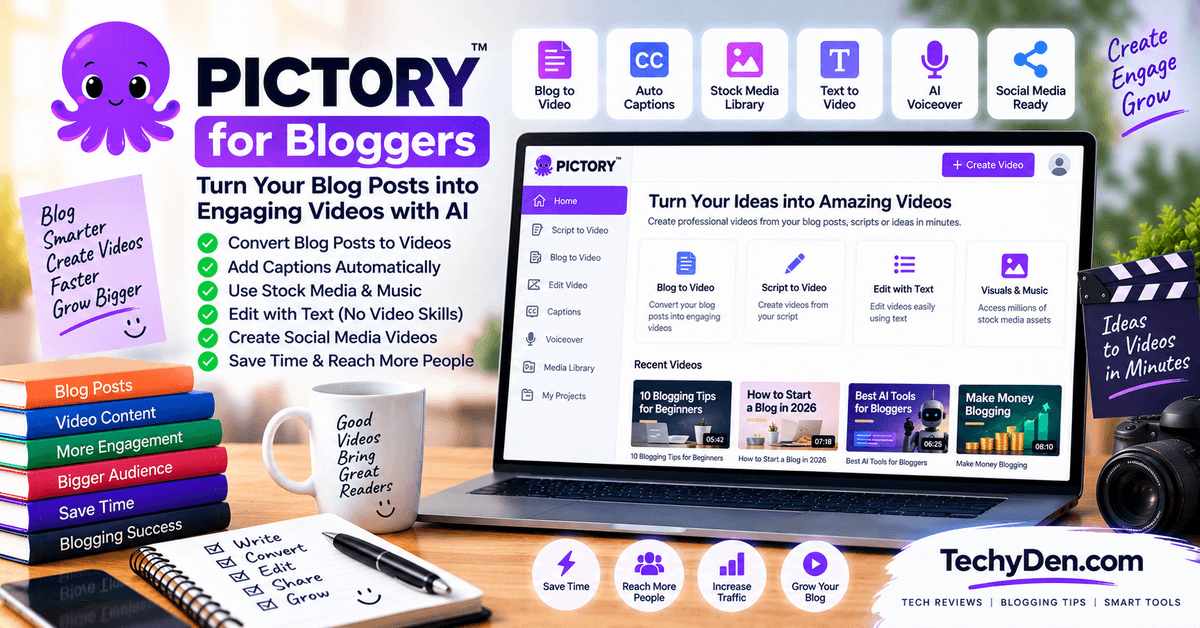
Pictory is an AI-powered video creation platform that can help bloggers repurpose written content into video content. This makes it useful for bloggers who want to expand beyond search traffic and distribute their content through video platforms and social media.
Instead of creating every video manually, bloggers can start with an existing article or script and use AI-assisted tools to build a video.
Bloggers who want to repurpose articles into videos can also explore our guide to best AI video generators.
Key Features of Pctory for Bloggers
- Blog-to-video conversion
- AI-assisted video creation
- Video scripts
- Captions and subtitles
- Stock media
- Short-form video creation
- Content repurposing
Pros of Pictory
- Helps turn written content into videos
- Useful for content repurposing
- Can save editing time
- Suitable for social media video workflows
Cons of Pictory
- AI-generated videos still require review
- Some advanced features may require paid access
- Automated visuals may not always match the topic perfectly
Best For
Pictory can be useful for bloggers, affiliate marketers, content marketers, and publishers who want to turn existing articles into video content.
For example, a 2,000-word tutorial can become a short explainer video, a YouTube video outline, or several short promotional clips.
However, simply converting an article into a video does not automatically make the video engaging. Bloggers should review the script, visuals, pacing, captions, and branding before publishing.
The strongest workflow is to adapt the article rather than copy it word-for-word. Video audiences may need shorter explanations, stronger visual demonstrations, and a different structure.
Bottom line: Pictory is worth considering when you want to extend your blog content into video without building every video entirely from scratch.
12. Frase
Best for Content Briefs and SEO Optimization
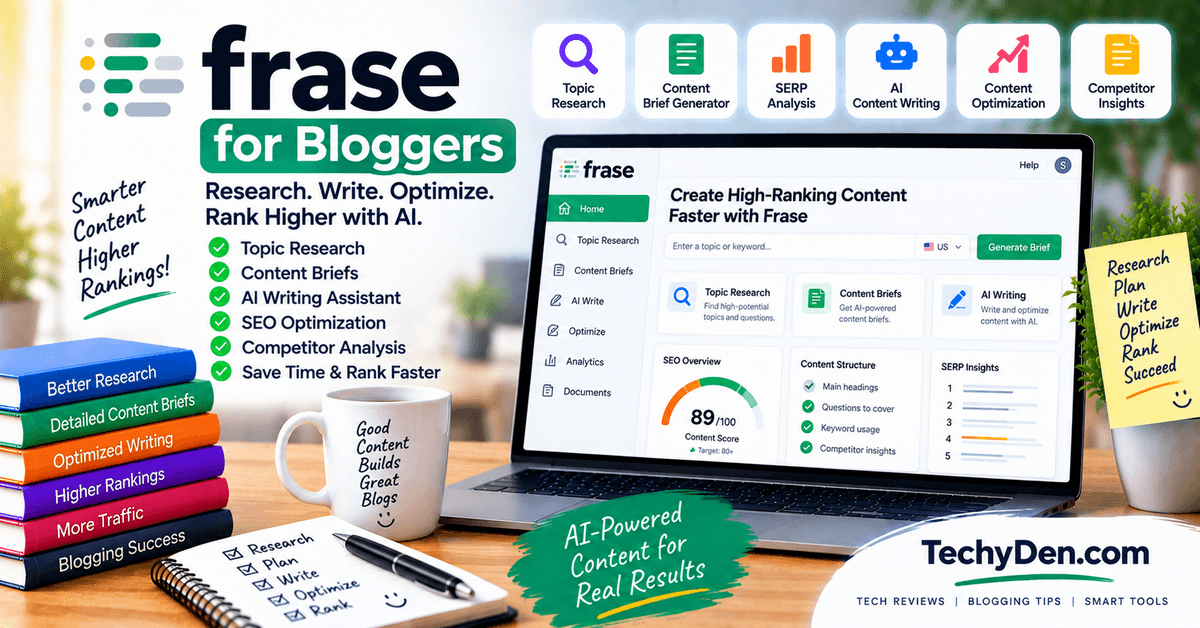
Frase is an AI-powered content and SEO platform designed to help bloggers research topics, create content briefs, and optimize articles. It can be useful for bloggers who want more structure before beginning the writing process.
A detailed content brief can help identify important questions, subtopics, and concepts related to a target keyword. This can make the writing process more organized and reduce the chance of missing important information.
Key Features of Frase for Bloggers
- Content research
- SEO content briefs
- Topic analysis
- Content optimization
- Question research
- AI writing assistance
- Competitor content analysis
Pros of Frase
- Useful for content planning
- Helps structure SEO articles
- Can identify related questions
- Supports content optimization
Cons of Frase
- SEO recommendations require human judgment
- Content scores do not guarantee rankings
- May overlap with other SEO tools
Best For
Frase is suitable for SEO bloggers, content marketers, affiliate websites, and agencies that want structured content planning.
For example, before writing an article about “best AI tools for bloggers,” you could use Frase to identify relevant questions, topics, and competitor coverage. You can then combine that research with your own experience and additional research.
Avoid treating competitor coverage as a checklist that must be copied. The goal should be to understand what readers expect and then create something more useful and original.
Bottom line: Frase can be a helpful addition to an SEO-focused blogging workflow, particularly when creating detailed content briefs and optimizing existing articles.
13. Perplexity
Best for AI-Assisted Research
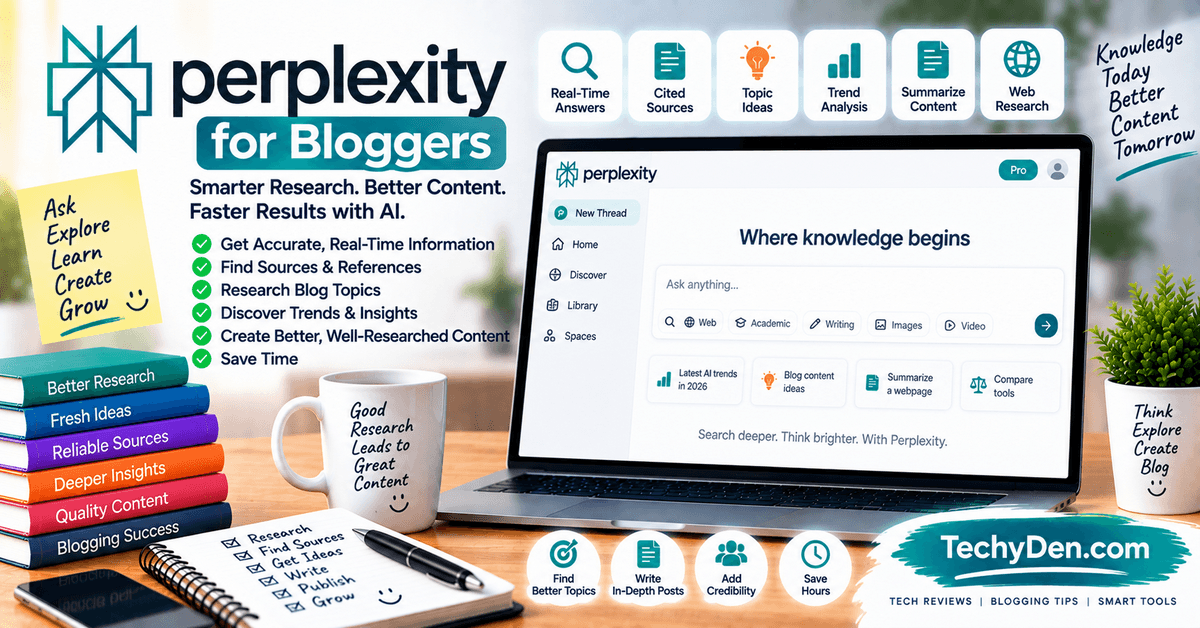
Perplexity is an AI-powered search and research tool designed to provide conversational answers alongside sources. For bloggers, it can be useful during the research stage when exploring a new topic or looking for sources to investigate further.
Instead of immediately asking an AI tool to write an article, bloggers can use Perplexity to develop background knowledge, identify important questions, and locate potentially useful sources.
For a beginner-friendly introduction, see our guide to Perplexity AI for beginners.
Key Features of Perplexity for Bloggers
- AI-assisted research
- Source discovery
- Topic exploration
- Question answering
- Summarization
- Research organization
- Follow-up questions
Pros of Perplexity
- Useful for initial research
- Helps discover sources
- Convenient conversational interface
- Can accelerate topic exploration
Cons of Perplexity
- Sources still need verification
- AI summaries can contain errors
- Not a replacement for reading original sources
Best For
Perplexity can be useful for research-heavy bloggers, technology writers, journalists, students, and content creators who need to investigate unfamiliar subjects.
For example, when researching a new software product, you can use it to identify official documentation, announcements, reviews, and relevant technical information. Then open the original sources and verify the important details.
This final step is essential. AI-generated summaries can misunderstand context or combine information incorrectly.
Perplexity is therefore best treated as a research assistant rather than an authoritative source. Your final article should cite or link to reliable original sources where appropriate.
Bottom line: Perplexity can make initial research and source discovery faster, but bloggers should always verify important information against the original source before publishing.
14. WordPress AI Tools
Best for Bloggers Publishing on WordPress
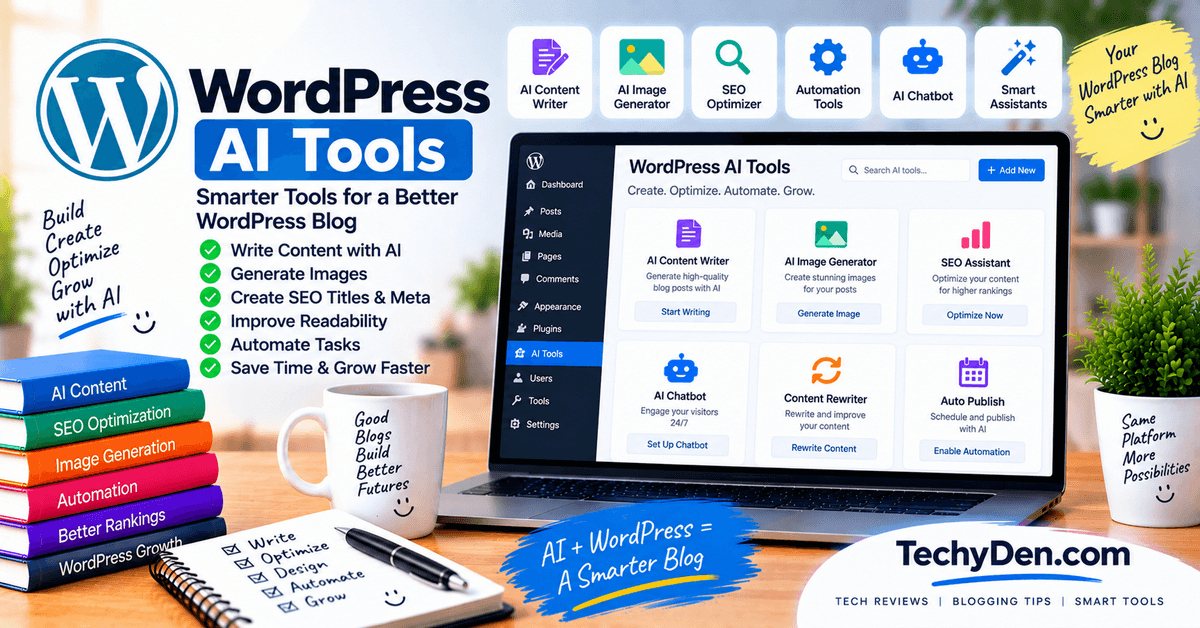
WordPress remains one of the most popular platforms for bloggers, and AI features are increasingly being incorporated into WordPress-related workflows. Depending on the tools and plugins available, bloggers can use AI to assist with writing, editing, SEO, images, metadata, and other publishing tasks.
AI can be particularly useful inside the blogging workflow because it reduces the need to move between multiple applications.
If you’re new to WordPress, our guide WordPress from beginner to professional covers the platform from setup through advanced use.
Common AI Uses in WordPress
- Blog drafting
- Paragraph rewriting
- Content expansion
- SEO metadata
- Image generation
- Alt text
- Content summaries
- Grammar improvement
- Internal linking assistance
- Content optimization
Pros of WordPress AI Tools
- Can integrate AI into publishing workflows
- Reduces repetitive tasks
- Useful for WordPress content management
- Can speed up editing and optimization
Cons of WordPress AI Tools
- Features depend on the specific plugin or service
- Too many plugins can affect site management
- AI output still requires human review
- Some features require separate subscriptions
Best For
WordPress AI tools are useful for bloggers who publish frequently and want to streamline their workflow directly inside WordPress.
However, bloggers should be selective when installing AI plugins. Every plugin adds another component to a website, so check compatibility, maintenance, security, performance, and developer support before installation.
A simple workflow might involve writing or editing content with an AI assistant, optimizing the article with an SEO tool, creating graphics with Canva, and then using WordPress for final formatting and publishing.
AI should support the publishing process rather than automatically publish content without review.
Bottom line: WordPress AI tools can save time by bringing AI-assisted writing and optimization closer to the publishing workflow, but bloggers should choose reliable tools and keep human review as the final step.
Best AI Tools by Blogging Task
Different blogging tasks require different types of AI tools. An AI writing assistant may be useful for drafting an article, while an SEO platform is better for keyword research and content optimization. Instead of choosing one tool for everything, bloggers can combine a small number of tools based on their goals, budget, and publishing workflow.
| Blogging task | Recommended AI tool types |
|---|---|
| Blog topic ideas | ChatGPT, Google Gemini, Claude |
| Keyword research | Semrush, Ahrefs, other SEO research tools |
| Search intent analysis | Semrush, Frase, Surfer |
| SEO content briefs | Surfer, Frase |
| Blog post writing | ChatGPT, Claude, Writesonic |
| Grammar checking | Grammarly, QuillBot |
| Sentence rewriting | QuillBot, Grammarly, ChatGPT |
| Blog images | Canva, AI image generators |
| Featured images | Canva, image-generation tools |
| Infographics | Canva |
| Video creation | Pictory and AI video tools |
| Content research | Perplexity, Gemini, ChatGPT |
| Content optimization | Surfer, Frase, Semrush |
| Old content updates | Surfer, Frase, Semrush |
| Content promotion | Canva, AI writing assistants |
| Social media captions | ChatGPT, Claude, Canva |
| WordPress content workflow | WordPress AI tools and SEO plugins |
| Affiliate content | ChatGPT, Semrush, Canva, Grammarly |
Best AI Tools for Blog Topic Ideas
ChatGPT, Gemini, and Claude can help generate article ideas based on:
- Your blog niche.
- Target audience.
- Existing content.
- Seasonal trends.
- Beginner questions.
- Product categories.
- Content gaps.
For better results, provide your niche, audience, website goals, and existing article topics. Then ask for ideas grouped into pillar posts, supporting articles, tutorials, comparisons, and FAQs.
Best AI Writing Tools for Bloggers
ChatGPT, Claude, and Writesonic can support:
- Outlines.
- Introductions.
- Draft paragraphs.
- FAQs.
- Product comparisons.
- Conclusions.
- Content repurposing.
Always add original experience, examples, screenshots, and verified information.
Best AI SEO Tools for Bloggers
Surfer, Frase, and Semrush can support different parts of an SEO workflow:
- Keyword research.
- Search intent analysis.
- Content briefs.
- Topic coverage.
- Competitor research.
- Content optimization.
- Content updating.
- Backlink analysis.
No tool can guarantee search rankings. Use SEO recommendations alongside helpful content and sound technical SEO.
Best AI Tools for Keyword Research
Semrush and Ahrefs are useful for discovering keywords and evaluating competition.
AI assistants can help expand keyword lists and organize them into topic clusters, but dedicated SEO platforms are generally better for keyword metrics and competitor data.
Best AI Image Generators for Blog Posts
Canva is useful for finished designs, featured images, banners, and infographics. AI image generators can help create original visual concepts, illustrations, and decorative images.
Before publishing any image, check:
- Relevance to the article.
- Usage rights.
- Brand accuracy.
- Text quality.
- Image dimensions.
- File size.
- Accessibility.
Best AI Tools for WordPress Bloggers
WordPress AI tools can help with:
- Drafting.
- Editing.
- Meta descriptions.
- Blog titles.
- Content summaries.
- Internal linking.
- Image creation.
- Publishing workflows.
Choose only the integrations that provide clear value and avoid adding unnecessary plugins.
Best AI Tools for Affiliate Marketing Blogs
Affiliate bloggers can combine:
- Semrush for keyword and competitor research.
- ChatGPT or Claude for outlines and drafts.
- Grammarly for editing.
- Surfer or Frase for content optimization.
- Canva for product graphics.
- Pictory for video promotion.
- WordPress AI tools for publishing support.
Affiliate content should be transparent, accurate, and genuinely useful. Include personal testing where possible, disclose affiliate relationships, and avoid unsupported claims about product performance or earnings.
How to Choose the Best AI Tool for Your Blog
How to Choose the Best AI Tool for Your Blog
Choosing the right AI tool depends on your blogging goals, content workflow, budget, and level of experience. The best tool for one blogger may not be the right choice for another. A product designed for long-form writing may not be useful if your main requirement is keyword research or image creation.
Identify the specific problem you want to solve and compare the tool’s features, pricing, ease of use, SEO capabilities, content quality, WordPress compatibility, and privacy policies.
⚙️ Features
Start by identifying the actual problem you want to solve. Do you need help with blog topic ideas, content writing, SEO, proofreading, images, videos, or WordPress publishing?
Choose a tool that provides the features you will use regularly. Avoid paying for a large collection of unnecessary features. For example, a blogger who only needs grammar correction may not need a complete AI marketing platform.
💰 Pricing
Compare the free and paid plans carefully. A free plan may be enough for occasional tasks, while full-time bloggers may benefit from a paid subscription.
🚀 Ease of Use
An AI tool should fit naturally into your existing blogging workflow. A powerful platform can still be frustrating if it is difficult to learn or requires too many separate steps.
🔍 SEO Capabilities
If organic traffic is important to your blog, check whether the tool supports important SEO research and optimization tasks.
- Keyword research
- Search intent
- Content outlines
- Topic coverage
- SEO titles
- Meta descriptions
- Internal linking
- Content optimization
- Competitor research
✍️ Content Quality
AI should improve your content—not replace your expertise or editorial judgment. Before selecting a tool, check whether its output is accurate, natural, original, readable, and relevant.
🌐 WordPress Compatibility
If you publish with WordPress, consider how easily the AI tool works with your website and publishing workflow.
🔐 Privacy & Data Handling
Read the provider’s privacy policy before uploading confidential information. This is especially important when working with clients, businesses, or unpublished content.
🎯 Choose Based on Your Workflow
Choose an AI tool based on your most frequent blogging task. You may need only two or three carefully selected tools instead of a large collection of subscriptions.
✅ The Smart Way to Choose an AI Blogging Tool
You do not need every AI tool available. Start with one or two tools that solve your biggest content creation challenges, learn the workflow, and expand your toolkit only when necessary. The goal is not to collect AI subscriptions—it is to build a faster, more effective blogging workflow.
How to Use AI Tools to Write an SEO-Friendly Blog Post
AI tools can make blog writing faster, but the best results come from combining AI assistance with keyword research, reliable sources, original insights, and human editing. A useful AI blogging workflow moves from topic selection to research, drafting, optimization, proofreading, publishing, and promotion.
For more advanced automation ideas, see our guide to AI agents for automation.
AI Blogging Workflow
Use AI as a practical assistant throughout your blogging process. From choosing the right topic and researching information to writing, SEO optimization, editing, publishing, and promotion, a structured workflow can help you save time while maintaining content quality.
Find a Profitable Topic
Start by identifying a topic that is relevant to your audience and connected to your blog’s goals. Use keyword research tools such as Semrush or Ahrefs to understand the opportunity before creating content.
- Search volume
- Keyword difficulty
- Search intent
- Related keywords
- Commercial value
- Competitor content
- Long-tail variations
Create a Content Outline
Once you choose the primary keyword, create a detailed outline using ChatGPT, Claude, Gemini, or another writing assistant. Review the structure manually before writing.
- Clear H1 title
- Introduction
- Main H2 sections
- Supporting H3 headings
- Frequently asked questions
- Examples
- Comparison tables
- Conclusion
- Suggested internal links
Research the Topic
AI can help identify questions and research directions, but important information should always be verified using reliable sources.
- Official product information
- Current pricing details
- Feature documentation
- Product limitations
- User examples
- Original screenshots
- Relevant statistics
- Competitor content gaps
Write the First Draft
Use AI to assist with the first draft, but provide clear instructions about the target audience, writing style, primary keyword, article structure, and content requirements.
- Target audience
- Writing tone
- Primary keyword
- Article structure
- Target word count
- Examples
- Internal links
- Content limitations
- Who should use it
- Main features
- Advantages
- Disadvantages
- Alternatives
- Pricing considerations
- Real-world use cases
- Important limitations
Optimize for SEO
After writing the draft, optimize it naturally for the target keyword and related search terms. Focus on helping the reader rather than inserting keywords unnecessarily.
- SEO title
- H1 heading
- URL slug
- Introduction
- H2 and H3 headings
- Meta description
- Image filenames
- Image alt text
- Internal links
- External references
- FAQ section
- Search intent
Edit and Fact-Check
This is one of the most important stages of the workflow. AI-generated content can contain incorrect facts, outdated product details, or unnatural wording.
- Verify important claims
- Check product features
- Confirm current pricing
- Test links
- Remove repetition
- Improve sentence clarity
- Check grammar and spelling
- Add original examples
- Review headings
- Check formatting
Publish and Promote
Prepare the article for publication in WordPress and then promote it across channels where your audience is active.
- Featured image
- Image alt text
- Internal links
- External references
- Author information
- Affiliate disclosure
- Clear conclusion
- Categories and tags
Monitor and Update
Publishing an article is not the end of the blogging workflow. Monitor how the content performs and update it when information changes or readers develop new questions.
- Search impressions
- Organic clicks
- Keyword rankings
- Click-through rate
- User engagement
- Content freshness
- New reader questions
- Competitor changes
A Simple AI Blogging Workflow
Use AI to support your workflow rather than replacing your expertise. Research the topic, create a strong structure, write with useful context, optimize naturally, fact-check carefully, publish, promote, and continue improving the article based on real performance and reader needs.
Practical Example: Creating a Blog Post with AI
Topic: Best AI Tools for Bloggers
The following example shows how to use AI tools during the complete content creation process.
Step 1: Find the Primary Keyword
Start with the keyword:
Best AI Tools for Bloggers
Use a keyword research platform to evaluate:
- Search demand.
- Keyword difficulty.
- Search intent.
- Related keywords.
- Competing pages.
Possible secondary keywords include:
- AI tools for blogging.
- Best AI writing tools for bloggers.
- AI SEO tools for bloggers.
- AI image tools for blog posts.
- AI tools for content creators.
- AI tools for WordPress bloggers.
Step 2: Generate a Blog Outline
Ask ChatGPT or Claude:
Create an SEO-friendly outline for an article targeting “Best AI Tools for Bloggers.” Include an introduction, comparison table, detailed tool reviews, use cases, selection criteria, FAQs, and a conclusion. Keep the outline useful for beginner and experienced bloggers.
Review the generated outline and adjust it based on your audience and existing website content.
Step 3: Write a Helpful Introduction
Use an AI assistant to create a first draft, then improve it manually.
Example prompt:
Write a clear 150-word introduction for a blog post targeting “Best AI Tools for Bloggers.” Explain how AI helps with research, writing, SEO, images, videos, and promotion. Use a practical and trustworthy tone. Avoid exaggerated claims.
Add your own perspective and explain what readers will learn from the article.
Step 4: Create a Comparison Table
Ask AI to organize the tools into a simple comparison table.
Example columns:
| Tool | Best for | Main use |
|---|---|---|
| ChatGPT | Overall blogging assistance | Ideas, outlines, writing, research |
| Claude | Long-form writing | Drafting and editing |
| Semrush | SEO research | Keywords and competitors |
| Surfer | Content optimization | Topic coverage and SEO recommendations |
| Grammarly | Proofreading | Grammar and clarity |
| Canva | Blog graphics | Featured images and infographics |
| Pictory | Video creation | Turning articles into videos |
Check each tool’s features before publishing the table. Do not include outdated pricing or unsupported claims.
Step 5: Generate FAQs
Use AI to identify common questions related to the topic.
Possible FAQs include:
- What are the best AI tools for bloggers?
- Can AI write a complete blog post?
- Are AI-generated articles good for SEO?
- Which AI tool is best for keyword research?
- Can AI create blog images?
- How can bloggers use AI responsibly?
- Are free AI blogging tools enough for beginners?
Review the questions against real search intent and answer them directly.
Step 6: Add Internal Links
Search your existing website for relevant articles and link to them naturally.
For example, a blog post about AI tools may link to:
- How to start a blog.
- Best blogging tips for beginners.
- WordPress SEO guide.
- Keyword research tutorial.
- Best SEO tools.
- How to create a content calendar.
- Best WordPress plugins.
Use descriptive anchor text instead of generic phrases such as “click here.”
Step 7: Create a Featured Image
Use Canva or an AI image-generation tool to create a featured image.
The design should include:
- A short headline.
- Relevant visual elements.
- Consistent brand colors.
- Readable typography.
- A suitable landscape dimension.
- Minimal text.
Compress the image before uploading it to WordPress and add descriptive alt text.
Step 8: Edit and Publish
Before publishing the article:
- Read the full draft.
- Check facts and product details.
- Review SEO elements.
- Remove repetitive AI wording.
- Add personal experience.
- Verify internal and external links.
- Check image quality and alt text.
- Preview the article on mobile.
- Add categories and tags.
- Publish and monitor performance.
AI tools can support almost every stage of blogging, from topic research to content promotion. However, the strongest workflow is not fully automated. Use AI for speed, organization, and idea generation, while keeping research, fact-checking, originality, and final editorial decisions under human control.
AI can also help with social media campaigns, promotional copy, and marketing workflows. See our guide to best AI marketing tools.
How to Get Better Results from AI Prompts
The quality of an AI-generated response depends heavily on the quality of the prompt. Use the following practices to make your prompts more effective.
1. Provide a Clear Role
Tell the AI what type of expert you want it to act as.
For example:
Act as an experienced SEO content strategist who specializes in technology blogs and beginner-friendly tutorials.
This gives the AI useful context about the expected expertise and writing style.
2. Explain Your Audience
Mention whether your readers are beginners, professionals, students, business owners, or experienced developers.
For example:
Write for beginner bloggers who understand basic WordPress concepts but have limited SEO knowledge.
3. Specify the Desired Format
Tell the AI whether you need a blog post, outline, table, checklist, email, social media post, or product comparison.
A specific format usually produces a more usable result.
4. Include Content Restrictions
Add instructions such as:
- Avoid keyword stuffing.
- Do not invent statistics.
- Do not make unsupported claims.
- Use short paragraphs.
- Include practical examples.
- Use simple language.
- Add tables where they improve clarity.
- Mark information that needs verification.
5. Ask for Multiple Versions
When working on headlines, introductions, meta descriptions, or social media posts, ask for several variations. You can then select and edit the strongest option.
6. Review and Improve the Output
Do not publish AI-generated content without reviewing it. Check facts, examples, screenshots, product details, links, grammar, and originality. Add your own experience, opinions, test results, and practical recommendations wherever possible.
7. Work in Smaller Sections
For long articles, ask the AI to create one section at a time. This makes it easier to control tone, avoid repetition, maintain accuracy, and edit the final article.
Final tip: Treat AI prompts as starting points rather than complete replacements for human judgment. The best blogging results usually come from combining AI-assisted research and drafting with human expertise, fact-checking, editing, and original insights.
Benefits of Using AI Tools for Blogging
Why Bloggers Should Use AI Tools? AI tools are becoming valuable assistants for bloggers, content creators, and website owners. They can help simplify repetitive work, improve content quality, and make the overall blogging process more efficient. Whether you manage a technology blog, personal blog, affiliate website, or educational platform, AI can support different stages of content creation.
- Save Time on Repetitive Tasks: AI tools can help with tasks such as generating outlines, writing meta descriptions, creating summaries, proofreading content, and preparing social media captions. This allows bloggers to spend more time on research, strategy, and developing original ideas.
- Generate More Content Ideas: Coming up with fresh topics consistently can be difficult. AI tools can suggest blog post ideas, long-tail keywords, frequently asked questions, and content clusters based on a specific niche. These suggestions can help bloggers build a useful editorial calendar.
- Improve Writing and Readability: AI writing assistants can identify grammar mistakes, unclear sentences, repeated words, and readability problems. They can also suggest better headlines, introductions, transitions, and calls to action. Bloggers can use these recommendations while keeping their own writing style and voice.
- Make SEO Research Easier: AI-powered SEO tools can assist with keyword research, search intent analysis, content briefs, competitor research, and on-page optimization. They may help identify related topics and missing subtopics that should be covered in an article.
- Create Images and Graphics: AI image and design tools can help bloggers create featured images, infographics, thumbnails, diagrams, and social media graphics. This is particularly useful for solo bloggers who do not have access to a professional designer.
- Repurpose Existing Content: A single blog post can be converted into a video script, newsletter, Facebook post, X post, LinkedIn update, or short-form video outline. Content repurposing helps bloggers reach readers on different platforms without creating everything from scratch.
- Improve Productivity for Solo Bloggers: Managing a blog alone often requires handling writing, editing, SEO, design, promotion, and maintenance. AI tools can support many of these tasks and help solo bloggers manage their workload more effectively.
- Support Content Updates: AI can help identify outdated sections, suggest new examples, summarize changes, and create content refresh checklists. However, bloggers should verify current prices, product features, statistics, and technical information using reliable sources.
Important: AI tools can improve efficiency and support better workflows, but they do not guarantee search rankings, organic traffic, affiliate earnings, or business growth. Results depend on content quality, search intent, competition, user experience, promotion, and consistent publishing.
Limitations of AI Blogging Tools
Although AI tools can make blogging faster, they also have limitations. Bloggers who rely on AI without reviewing its output may publish inaccurate, repetitive, or low-value content. AI should support the blogging process rather than completely replace human judgment.
- AI Can Produce Factual Errors: AI-generated content may include incorrect facts, misleading explanations, inaccurate statistics, or invented references. This is especially risky when writing about technology, finance, health, software features, or product specifications. Always verify important claims before publishing.
- Information May Be Outdated: Some AI tools may not have access to the latest information. Software versions, subscription plans, product features, search engine guidelines, and pricing can change frequently. Use official websites and reliable sources to confirm current details.
- Content Can Sound Generic: AI-generated articles may use predictable introductions, repeated phrases, and broad advice. Without human editing, the content may lack personality and fail to provide original insights. Bloggers should add examples, personal experiences, test results, screenshots, and practical recommendations.
- AI Cannot Replace Personal Experience: Readers often value real-world experience, especially in product reviews, tutorials, and troubleshooting articles. AI may explain how a tool works, but it cannot automatically provide genuine hands-on testing or personal results.
- SEO Recommendations May Be Incorrect: AI tools can suggest irrelevant keywords, excessive headings, unnatural anchor text, or unnecessary word counts. SEO recommendations should be evaluated according to search intent, audience needs, and the actual quality of the content.
- Subscription Costs Can Increase: Many advanced AI writing, SEO, design, and video tools require monthly or annual subscriptions. Using several tools at once can become expensive. Bloggers should choose tools based on their actual workflow instead of subscribing to every available platform.
- Overdependence Can Reduce Originality: If bloggers allow AI to handle every stage of content creation, their articles may become similar to thousands of other websites. Human opinions, unique examples, expert knowledge, and original research are essential for creating valuable content.
- Privacy and Originality Concerns: Avoid entering confidential information, private customer data, unpublished business plans, or sensitive website details into AI tools without understanding their data policies. Bloggers should also review AI-generated content for originality and avoid copying content from other sources.
- Human Review Is Still Necessary: Every AI-generated article should be checked for accuracy, clarity, tone, grammar, originality, links, and usefulness. Editors should also ensure that the content follows applicable copyright, disclosure, and publishing requirements.
Key Takeaway: AI is most effective when used as a writing assistant, research helper, and productivity tool—not as a replacement for the blogger’s expertise. The strongest results come from combining AI-assisted workflows with human experience, fact-checking, editing, and original insights.
AI Content and Google Search: What Bloggers Should Know
AI-generated content is now widely used for brainstorming, research assistance, outlining, editing, and drafting. However, bloggers should understand that using AI does not automatically make content valuable—or guarantee that it will perform well in search engines.
If you’re concerned about identifying AI-generated content, see our guide to free AI content detectors.
Is AI-Generated Content Allowed in Search Engines?
AI-assisted content can be published on a blog. Search engines generally focus on the quality, usefulness, originality, and purpose of the content rather than simply whether a human or AI typed the first draft.
The important question is not
“Was AI used to create this article?”
The more important question is
“Does this article provide useful, accurate, original information for readers?”
AI can be used responsibly to support content creation, provided the final article meets quality standards and follows applicable search engine guidelines.
Does Using AI Automatically Hurt SEO?
Using AI does not automatically hurt SEO. Similarly, AI-written content is not automatically guaranteed to rank. Search performance depends on several factors, including:
- Search intent.
- Content usefulness.
- Accuracy and trustworthiness.
- Originality.
- Website authority and relevance.
- Internal linking.
- User experience.
- Competition for the target keyword.
- Technical SEO.
- Content freshness where relevant.
A carefully researched article that uses AI for outlining or editing may be more useful than a poorly researched article written entirely by a human. On the other hand, automatically publishing unedited AI content can create quality problems.
Helpful, Original, People-First Content Matters
Bloggers should create content for readers first and search engines second. An article should answer the reader’s question clearly, provide practical information, and avoid unnecessary repetition.
For example, a technology tutorial becomes more useful when it includes:
- Step-by-step instructions.
- Updated screenshots.
- Supported software versions.
- Common errors and solutions.
- Real examples.
- Alternative methods.
- Clear explanations for beginners.
AI can help organize this information, but the blogger should decide what is genuinely useful for the audience.
Accuracy and Trust Are Important
AI tools may produce incorrect information, outdated details, or unsupported claims. Bloggers should fact-check important statements before publishing, especially when discussing software features, prices, statistics, security, health, finance, or legal topics.
Use reliable sources such as
- Official product websites.
- Official documentation.
- Government websites.
- Original research papers.
- Trusted industry publications.
- First-hand testing and observations.
Do not publish invented references, unverified statistics, or claims simply because an AI tool presents them confidently.
Add First-Hand Experience and Original Examples
One of the best ways to improve AI-assisted content is to add information that cannot be easily generated from general knowledge.
This may include:
- Personal testing results.
- Original screenshots.
- Step-by-step demonstrations.
- Your own workflow.
- Real advantages and disadvantages.
- Examples from your blogging experience.
- Original comparisons.
- Lessons learned from solving a problem.
For example, an AI tool may explain how a WordPress plugin works. A blogger can make the article more valuable by testing the plugin, showing its settings, explaining common problems, and sharing practical recommendations.
Why Mass-Producing Low-Value Content Is Risky
Publishing a large number of similar AI-generated articles without research, editing, or a clear purpose can lead to poor reader experiences. Such content may contain repeated ideas, weak examples, inaccurate claims, and little original value.
The risk is not simply that AI was used. The risk is producing content that does not meaningfully help readers.
Bloggers should avoid:
- Publishing articles only to target keywords.
- Creating many pages with nearly identical content.
- Rewriting competitors without adding value.
- Using artificial statistics or fake experiences.
- Publishing outdated product information.
- Adding unnecessary words to reach a target length.
- Automatically publishing content without review.
How to Use AI Responsibly for Blogging
A responsible AI blogging workflow may look like this:
- Choose a topic based on audience needs and search intent.
- Use AI to brainstorm ideas and create an initial outline.
- Conduct independent research using reliable sources.
- Draft the article with AI assistance if useful.
- Add personal experience, original examples, and practical details.
- Fact-check every important claim.
- Edit the article for clarity, tone, and originality.
- Optimize headings, links, images, and metadata naturally.
- Review the article from the reader’s perspective.
- Update the content when important information changes.
SEO takeaway: AI is a tool for improving the content creation process. It is not a shortcut to rankings. Bloggers should focus on accurate, original, helpful, and people-first content that genuinely solves the reader’s problem.
Best AI Tools for Bloggers: Free vs Paid
The best AI blogging tool depends on your budget, publishing frequency, and workflow. Some bloggers can complete most tasks using free AI assistants, while others may benefit from premium SEO, design, writing, or video tools.
Free plans are useful for testing a tool before subscribing. However, free access may include limits on usage, advanced models, file uploads, image generation, research features, or project management. Features and pricing can change, so check the official pricing page before making a purchase.
Free AI Tools for Bloggers
Useful free plans and features for bloggers getting started with AI.
ChatGPT Free Plan
The free version of ChatGPT can help bloggers brainstorm ideas, create basic outlines, draft and rewrite content, summarize information, generate FAQs, and prepare social media captions.
- Blog post ideas
- Basic outlines
- Drafting content
- Content rewriting
- Content summaries
- FAQ generation
- Simple SEO suggestions
- Social media captions
Claude Free Plan
Claude’s free access can help bloggers review long sections of content, improve readability, rewrite paragraphs, summarize research notes, and create structured drafts.
- Long-form content review
- Readability improvement
- Paragraph rewriting
- Research summaries
- Structured drafts
- Content editing
- Introductions
- Conclusions
Google Gemini Free Access
Gemini can support bloggers with topic brainstorming, drafting, editing, research planning, summarization, and content organization.
- Topic brainstorming
- Blog drafting
- Content editing
- Research planning
- Summarization
- Content organization
- Google workflows
- Content planning
Canva Free Plan
Canva’s free plan helps bloggers create attractive visuals for their websites and social media without requiring advanced graphic design skills.
- Featured images
- Social graphics
- Simple infographics
- YouTube thumbnails
- Presentation visuals
- Blog graphics
- Basic templates
- Branded designs
Grammarly Free Plan
Grammarly’s free features can help bloggers identify common writing mistakes before publishing their articles.
- Grammar mistakes
- Spelling errors
- Punctuation problems
- Basic clarity issues
- Writing mistakes
- Proofreading
QuillBot Free Features
QuillBot’s free features can assist bloggers with rephrasing, sentence improvement, summarization, and finding alternative wording.
- Rephrasing passages
- Sentence simplification
- Better sentence flow
- Text summarization
- Alternative wording
- Content editing
Paid AI Tools Worth Considering
Premium tools for bloggers who need advanced features and specialized workflows.
ChatGPT Paid Plans
Paid ChatGPT plans may provide higher usage limits, advanced models, additional tools, research capabilities, file handling, and other features depending on the current plan.
- Long-form content
- Advanced AI models
- Document analysis
- Research workflows
- Image generation
- Content planning
- File analysis
- Multiple workflows
Claude Paid Plans
Paid Claude plans can be useful for bloggers who regularly work with long documents, detailed editing, content planning, and extended writing sessions.
- Long documents
- Detailed editing
- Content planning
- Long-form writing
- Research assistance
- Content analysis
Semrush
Semrush is a broader SEO and digital marketing platform rather than only an AI writing tool. It provides several tools for researching and growing a website.
- Keyword research
- Competitor analysis
- Rank tracking
- Site audits
- Backlink research
- Content planning
- SEO performance
Surfer
Surfer focuses on content optimization and SEO workflows. It can help bloggers analyze competing content, identify related terms, create content briefs, and improve on-page coverage.
- Content optimization
- SERP analysis
- Related terms
- Content briefs
- Competitor analysis
- On-page SEO
Jasper
Jasper is designed around marketing content and brand-focused writing, making it useful for businesses and professional bloggers with regular content requirements.
- Marketing blogs
- Landing pages
- Promotional content
- Campaign messaging
- Brand voice
- Content teams
Writesonic
Writesonic offers AI writing and content creation workflows that can help bloggers with article drafting, content expansion, rewriting, SEO workflows, and marketing copy.
- Article drafting
- Content expansion
- Content rewriting
- SEO workflows
- Marketing copy
- Content ideas
Canva Pro
Canva Pro can be useful for bloggers who regularly create visual content and need more advanced design resources and brand management features.
- Premium templates
- Large asset library
- Brand kits
- Background removal
- Design resizing
- Advanced design tools
- AI-powered features
Pictory
Pictory helps bloggers turn written content into video-based content and can support blog-to-video, script, caption, and social media workflows.
- Blog-to-video
- Video scripts
- Captions
- Short videos
- Social video content
- Video editing
💡 Which AI Tools Should Bloggers Choose?
You do not need every AI tool available. Start with one general-purpose AI assistant and add specialized tools only when they solve a specific problem in your blogging workflow. Free tools are excellent for testing, while paid tools become more useful when they save significant time or provide advanced SEO, design, writing, research, or video capabilities.
How to Decide Between Free and Paid Tools
Choose a free tool when:
- You are starting a new blog.
- You publish only occasionally.
- You need basic writing assistance.
- You are testing an AI workflow.
- Your budget is limited.
Consider a paid tool when:
- You use it several times every week.
- Free limits interrupt your work.
- It replaces several manual tasks.
- It improves a specific workflow.
- It helps you publish better content faster.
- The time saved is greater than the subscription cost.
Do not subscribe to multiple tools simply because they offer similar AI features. Start with one primary assistant and add specialized tools only when your blogging needs justify them.
Best AI Tools for Bloggers by Budget
Your ideal AI tool stack depends on your publishing frequency, niche, technical knowledge, and income goals. The following budget ranges are illustrative and are not exact subscription prices. Plans, discounts, regional pricing, and feature limits may change.
| Monthly budget | Suggested approach |
|---|---|
| $0 | Use free AI assistants, free proofreading tools, and free design platforms. Focus on learning an efficient workflow before paying for software. |
| Under $20/month | Choose one primary AI writing assistant. Use free SEO research resources and free design tools alongside it. |
| $20–$50/month | Combine one writing assistant with one specialized tool for SEO, proofreading, design, or content repurposing. Avoid overlapping subscriptions. |
| $50–$100/month | Invest in a more complete content workflow, such as an AI assistant plus an SEO platform or professional design tool. Choose tools based on measurable needs. |
| $100+/month | Consider advanced SEO, content, research, video, or team collaboration tools only when the blog has enough publishing activity or revenue to justify the cost. |
Recommended Approach for Beginners
Beginners should avoid building an expensive AI tool stack immediately. A simple setup may include:
- One general-purpose AI assistant.
- A free keyword research resource.
- A free proofreading tool.
- A free design platform.
- Google Search Console and Google Analytics for performance monitoring.
This setup is often enough to learn content planning, drafting, editing, publishing, and promotion.
Recommended Approach for Growing Blogs
A growing blog may benefit from adding:
- A dedicated SEO research tool.
- A content optimization platform.
- A premium design tool.
- A video repurposing tool.
- A stronger analytics and reporting workflow.
Choose tools according to the biggest bottleneck in your process. If keyword research is the problem, invest in SEO software. If design takes too long, consider a design platform. If writing is slow, consider a better AI writing assistant.
Recommended Approach for Established Blogs
Established blogs should evaluate tools based on return on investment rather than popularity. Before subscribing, ask:
- How many hours will this tool save each month?
- Will it improve content quality?
- Does it support the blog’s niche?
- Can it replace another subscription?
- Does it provide useful reporting or workflow automation?
- Will the cost be justified by the blog’s current revenue?
- Does it handle data responsibly?
Final budget tip: The most expensive AI tool is not always the best choice. A smaller tool stack that you use consistently is often more useful than several expensive subscriptions with overlapping features.
Frequently Asked Questions About AI Tools for Bloggers
What are the best AI tools for bloggers?
The best AI tools for bloggers depend on the task. ChatGPT, Claude, and Gemini are useful for ideas, outlines, drafting, and editing. Semrush and Surfer support SEO workflows, while Canva helps with graphics. Grammarly improves proofreading, and Pictory helps repurpose articles into videos. Choose tools based on your content goals and budget.
Can AI tools write complete blog posts?
Yes, AI tools can create complete blog post drafts from a detailed prompt. However, the draft should not be published without editing. Bloggers need to verify facts, improve originality, add personal experience, check links, and match the content to search intent. AI is most useful as a writing assistant rather than a complete replacement for human expertise.
Is AI-generated content good for SEO?
AI-generated content can support SEO when it is accurate, useful, original, and created for readers. Using AI does not automatically improve or damage rankings. Search performance depends on content quality, relevance, search intent, website authority, and user experience. Bloggers should avoid publishing repetitive, inaccurate, or low-value AI content.
Does Google penalize AI-written content?
Google does not automatically penalize content simply because AI was used. The main concern is whether the content is helpful, reliable, original, and created to serve readers. Automatically producing large amounts of low-quality content can create problems. Always review AI drafts, verify important claims, and add useful information based on real experience.
Can AI tools help with keyword research?
Yes, AI tools can suggest primary keywords, related terms, long-tail keywords, search intent, and content topics. However, AI suggestions should be checked using reliable SEO tools and actual search results. Search volume, competition, ranking pages, and audience relevance should guide your final keyword selection rather than relying only on AI-generated recommendations.
Which free AI tool is best for beginners?
ChatGPT, Claude, and Google Gemini are useful starting points for beginner bloggers because they can help with ideas, outlines, drafts, summaries, and editing. Canva and Grammarly also offer useful free features for design and proofreading. Start with one general AI assistant and add other tools only when a specific need appears.
Are paid AI blogging tools worth the money?
Paid AI tools can be worth the cost when they save significant time or improve an important blogging workflow. They may provide higher usage limits, advanced features, SEO data, better design resources, or video tools. Before subscribing, compare the monthly cost with your publishing frequency, time savings, content needs, and current blog revenue.
Can AI tools create blog images and infographics?
Yes, AI-powered design tools can help create featured images, social media graphics, thumbnails, diagrams, and infographics. Canva is useful for combining templates, text, and visual elements, while image-generation tools can create custom artwork. Always check image accuracy, readability, licensing requirements, and brand consistency before using visuals on your blog.
How can bloggers use AI without losing originality?
Use AI for brainstorming, outlining, editing, summarizing, and repetitive tasks. Add your own experience, examples, screenshots, test results, opinions, and practical recommendations. Avoid copying AI output without review. Your unique knowledge and perspective make the article more useful and help distinguish it from generic content published on other websites.
What are the main disadvantages of AI blogging tools?
The main disadvantages include factual errors, outdated information, generic writing, incorrect SEO suggestions, subscription costs, and privacy concerns. AI cannot automatically provide genuine personal experience or guarantee content accuracy. Bloggers must review every important output, verify claims, improve originality, and make sure the final article genuinely helps the target audience
Can AI tools guarantee Google rankings or blog traffic?
No. AI tools cannot guarantee Google rankings, organic traffic, affiliate earnings, or business growth. They can improve productivity and support research, writing, SEO, and promotion. Results depend on content quality, competition, search intent, technical SEO, website authority, user experience, and consistent publishing. Use AI to improve your process, not as a ranking shortcut.
Should bloggers use multiple AI tools?
Bloggers do not need many AI tools to create useful content. One general-purpose AI assistant may handle ideas, outlines, drafting, and editing. Add specialized tools for SEO, design, proofreading, or video only when they solve a clear problem. A small, well-organized tool stack is usually easier to manage and more cost-effective.
How should bloggers fact-check AI-generated content?
Compare important claims with official websites, documentation, research papers, government sources, or trusted industry publications. Check dates, statistics, prices, software versions, product features, and external links. If the AI provides a citation, open and verify the original source. Never publish an important claim only because an AI tool presents it confidently.
Can AI tools help update old blog posts?
Yes, AI tools can identify outdated sections, suggest missing topics, create update checklists, and recommend new examples. However, bloggers should independently verify current information such as prices, software features, statistics, and policies. A successful content refresh should also improve accuracy, usefulness, internal linking, readability, and the article’s ability to satisfy current search intent.
What is the best AI tool stack for a new blog?
A new blog can begin with one free AI assistant, a free proofreading tool, a free design platform, Google Search Console, and Google Analytics. As the blog grows, consider adding an SEO research tool or premium design platform. Choose tools according to your biggest workflow problem instead of subscribing to several services immediately.
Conclusion: Which AI Tool Should Bloggers Choose?
AI tools can help bloggers at almost every stage of content creation, from finding topic ideas and researching keywords to writing, editing, designing graphics, and promoting published articles. The right tool depends on your blogging goals, content type, technical knowledge, publishing frequency, and budget.
ChatGPT and Claude are useful general-purpose AI assistants for brainstorming, outlining, drafting, and editing. Semrush and Surfer can support keyword research and content optimization workflows. Canva is helpful for creating featured images, infographics, thumbnails, and social media graphics. Pictory can help bloggers repurpose written articles into videos and other visual content.
However, no AI tool can replace human expertise, originality, editing, and fact-checking. Bloggers should verify important information, add personal experience, avoid repetitive content, and focus on solving real reader problems.
The best AI tool for bloggers is the one that solves your biggest content creation challenge. Start with a free tool, build a consistent workflow, and upgrade when you need more advanced features. Use AI to work smarter, but always make your content original, accurate, and valuable to your readers.