15 Best AI Video Generators On the Internet (text to video)
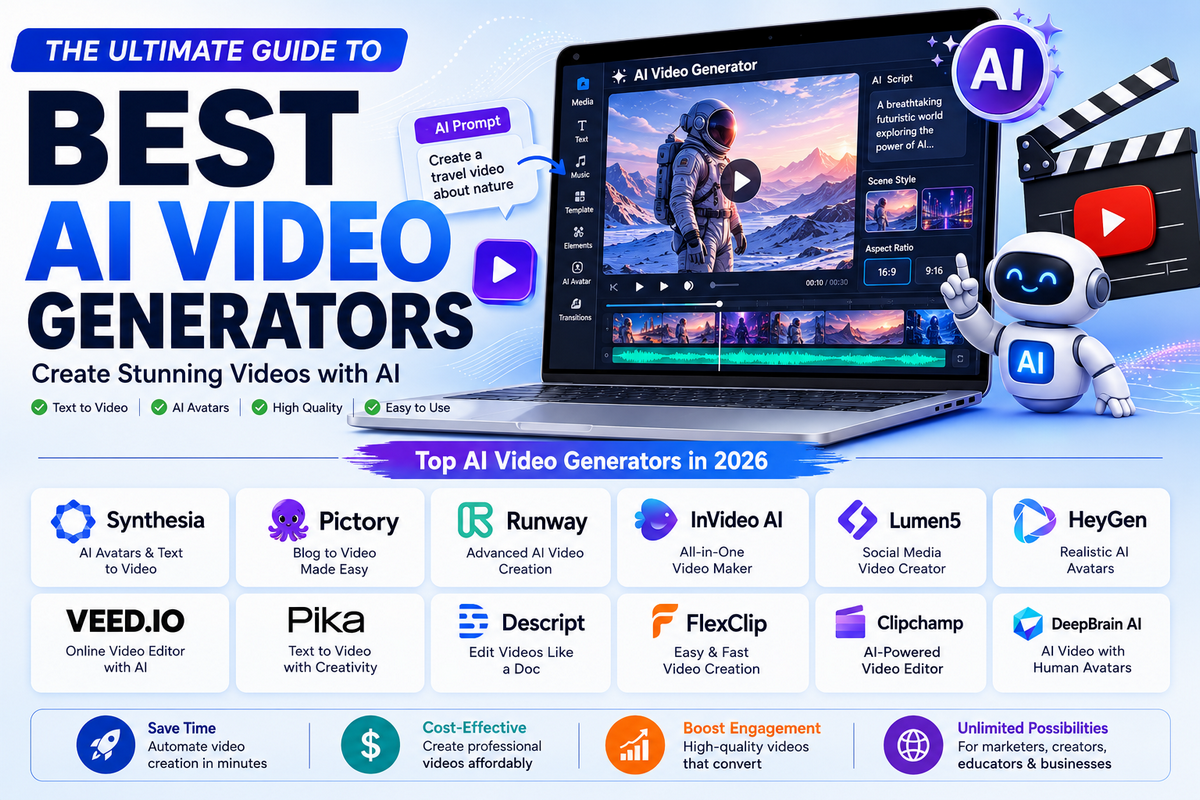
AI video generators have quickly become essential tools for creators, marketers, and businesses that want to turn ideas into videos faster than traditional production allows.
Most people searching for the best AI video generator end up with more questions than answers because every tool is built for a different job.
Some platforms are best for cinematic text-to-video; others are stronger for avatars, short-form social clips, or fast marketing workflows, so the right choice depends on what you actually want to create.
In this guide, we compare Google Veo, OpenAI Sora, Runway, Kling, Pika, Luma Dream Machine, Synthesia, HeyGen, InVideo AI, and CapCut so you can quickly match each tool to the right use case.

Each platform offers a different balance of quality, pricing, creative control, and ease of use, which is why the “best” option depends on your specific goal.
15 Best AI Video Generators in 2026
1. Google Veo 3.x
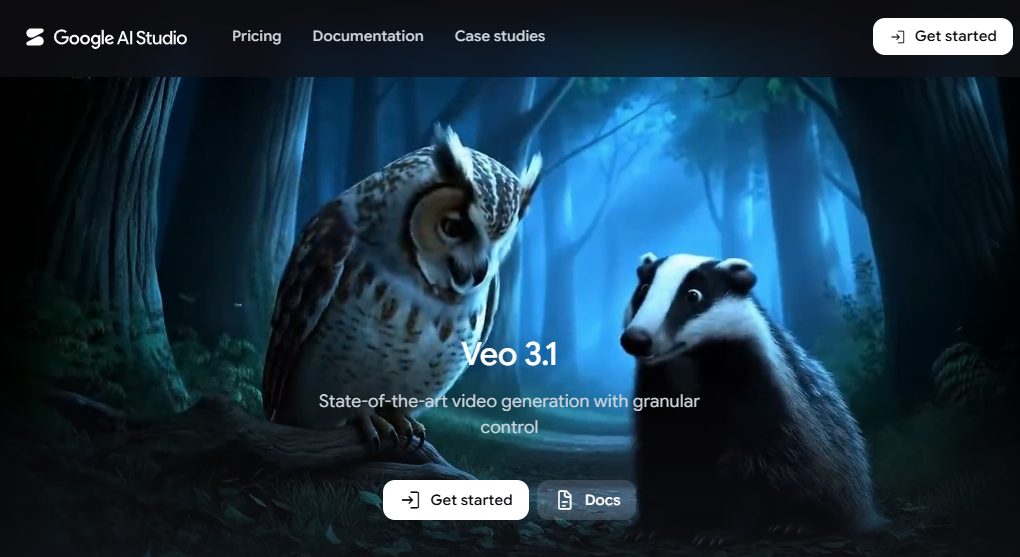
Google Veo 3.x is Google’s flagship AI video generator built for creators who want cinematic, high-quality visuals with strong motion, lighting, and scene consistency.
It fits best when your goal is polished storytelling rather than quick, casual clips. In 2026, Veo is often positioned as one of the strongest all-rounder text-to-video tools for brands, filmmakers, and premium content creators.
Features of Google Veo 3.x
- Cinematic text-to-video generation.
- Strong scene coherence across frames.
- High-quality motion and visual realism.
- Access through Google AI Ultra, Flow, AI Studio, and Vertex AI paths.
- Suitable for branded and narrative content.
- Native fit with Google’s ecosystem and workflows.
PROS
- Excellent cinematic output.
- Good for polished brand videos.
- Strong motion consistency.
- Useful for creators already in Google’s ecosystem.
- Better than many lightweight tools for premium scenes.
CONS
- Access can depend on Google plan tiers and usage limits.
- Not the easiest tool for fast social edits.
- Pricing may be less predictable if you rely on API or credits.
- Can feel overkill for simple short-form clips.
- May require more planning than casual creator tools.
Pricing
Pricing depends on the access route: Google AI Ultra, Flow, AI Studio limits, or Vertex AI API usage. Free access is limited, while paid subscriptions and API usage are better for regular production.
Best for: Best for creators and brands that want premium cinematic output inside Google’s ecosystem.
2. OpenAI Sora 2
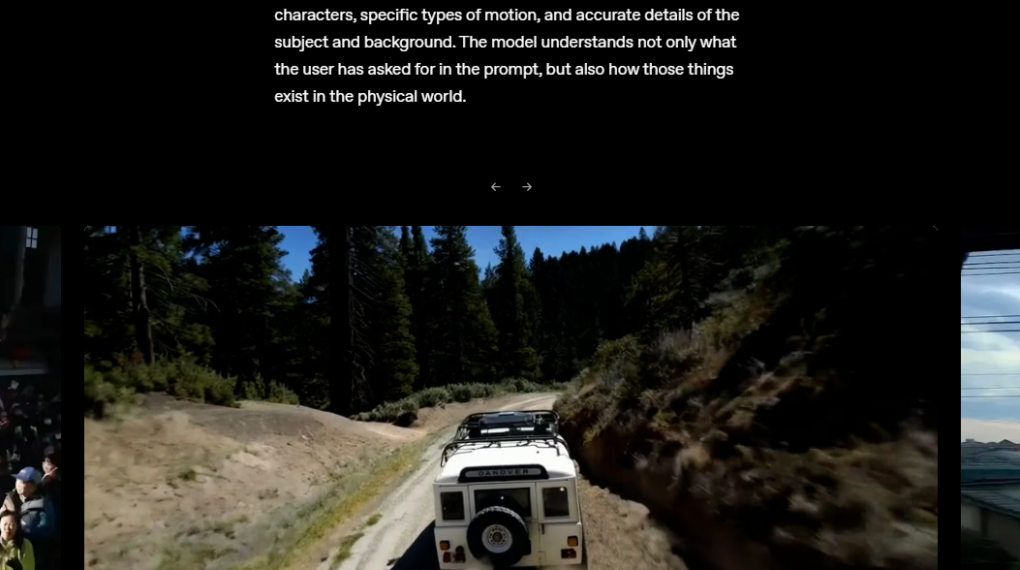
OpenAI Sora 2 is a video and audio generation model built for fast ideation, concepting, and social-ready content.
It generates realistic clips from text or images and adds synchronized audio, which makes it especially useful when you want a quick turnaround.
In 2026, it’s still one of the most talked-about tools for high-end generative video.
Features
- Text-to-video generation.
- Image-to-video generation.
- Synchronized audio output.
- Strong realism and scene detail.
- Fast concept creation for short videos.
- Available through OpenAI API pricing tiers.
Pros
- Very strong realism.
- Good for rapid iteration.
- Audio support improves production value.
- Great for social clips and concepts.
- One of the most advanced models in the category.
Cons
- API pricing can add up if used heavily.
- Not ideal if you need deep editing controls.
- Access is tied to OpenAI’s product and API ecosystem.
- Can be more model-first than workflow-first.
- Not the best choice for enterprise production pipelines by itself.
Pricing
OpenAI documents Sora 2 API pricing at about $0.10 per second for standard output, with higher pricing for Pro variants. Access and usage depend on your OpenAI tier and API plan.
Best for: Best for creators who want cutting-edge text-to-video realism with synchronized audio and fast turnaround.
3. Runway Gen-4 / Gen-4.5
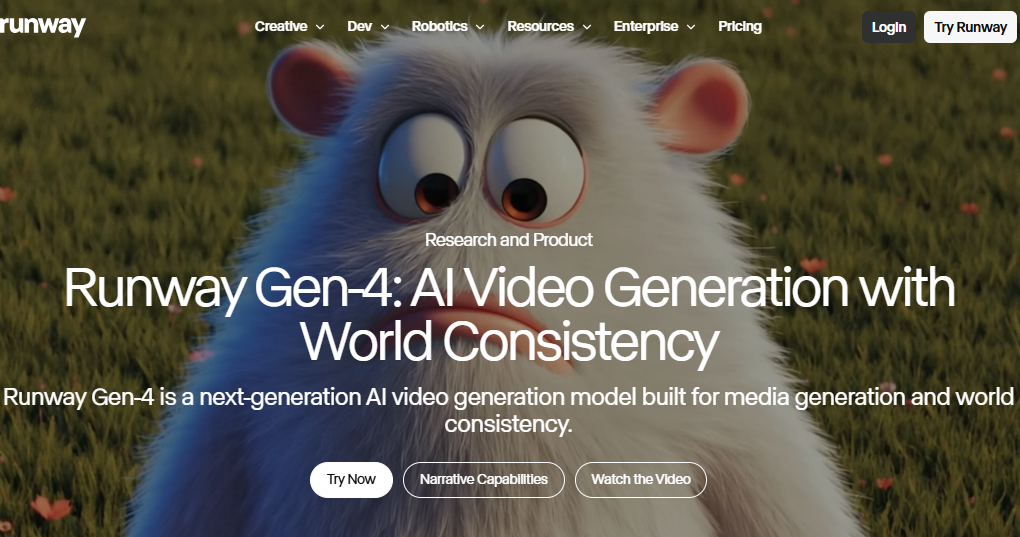
Runway is a creator-focused AI video platform that combines generation and editing in one place.
Its Gen-4 and Gen-4.5 models are known for strong visual quality, character consistency, and professional editing controls.
In 2026, Runway is one of the strongest choices for agencies, marketers, and production teams.
Features
- Text-to-video generation.
- Image-to-video generation.
- Motion Brush and Camera Control tools.
- Gen-4 Reference and consistency controls.
- Editing tools such as Aleph and Act-Two.
- 4K output on higher plans.
Pros
- Excellent creative control.
- Strong for professional workflows.
- Good character and motion consistency.
- Useful for agencies and studios.
- More than just generation; it includes editing power.
Cons
- Credit usage can be costly at scale.
- More complex than beginner tools.
- Some features are locked behind higher plans.
- The learning curve is steeper than simpler apps.
- Not as lightweight for quick casual videos.
Pricing
Runway pricing in 2026 is commonly reported as Free, Standard, Pro, and Max. Unlimited style plans, with paid tiers ranging roughly from about $12 to $76 per month depending on billing and plan. Higher tiers unlock more credits, higher-quality output, and more advanced workflows.
Best for: Best for creators, marketers, and production teams who need generation plus editing control in one platform
4. Kling
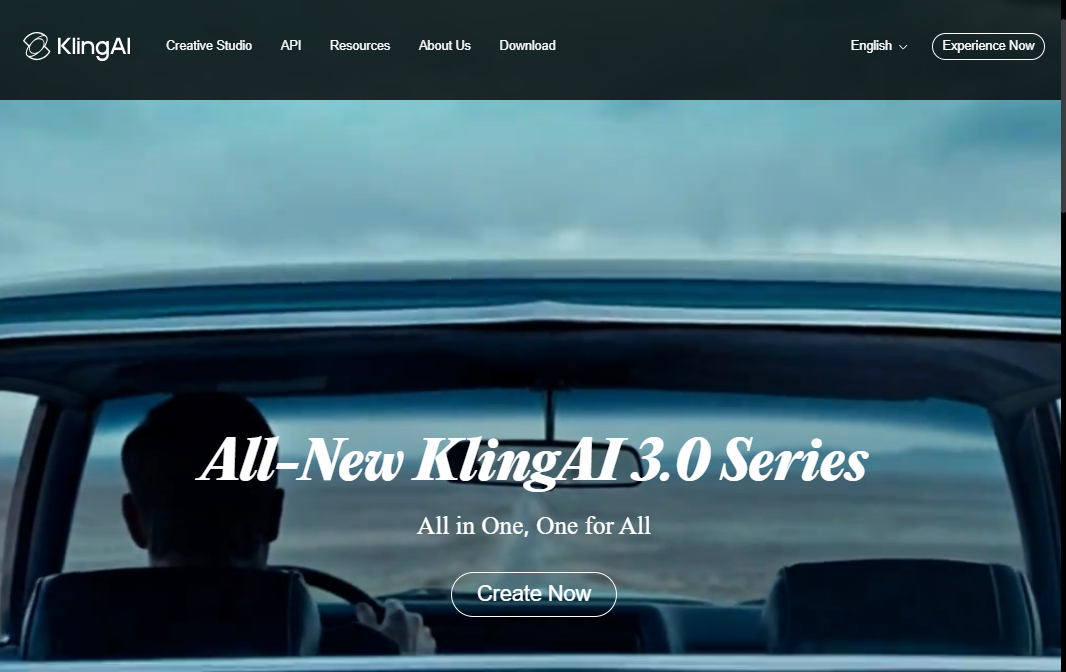
Kling is a strong AI video generator for creators who want realistic motion, cinematic scenes, and budget-friendly access compared with some premium rivals.
It has become one of the most talked-about tools in 2026 because it balances video quality, longer outputs, and a broad feature set across multiple subscription tiers.
If you want a tool that can produce polished results without moving straight to the most expensive plans, Kling is a serious option.
Features
- Text-to-video generation.
- Image-to-video support.
- Native audio and longer video options on higher tiers.
- Batch generation support on paid plans.
- Priority processing on higher tiers.
- Professional mode for higher-quality output.
- Camera control and newer model access on better tiers.
- Enterprise/API options for high-volume users.
Pros
- Strong realism for the price.
- Good motion quality and physics awareness.
- Flexible tier structure for different usage levels.
- Useful for creators publishing regularly to social platforms.
- Higher plans offer better speed and feature access.
Cons
- The credit system can be confusing at first.
- The free plan is limited and watermarked.
- Higher-volume work gets expensive quickly.
- Interface and workflow may feel less polished than some competitors.
- Pricing and feature availability can shift by region or tier.
Pricing
Kling’s 2026 plans are commonly reported as Free, Standard, Pro, Premier, and Ultra, with paid tiers ranging from roughly $6.99 to $180 per month depending on billing and plan. The Standard plan is the entry point for watermark-free commercial use, while Pro, Premier, and Ultra are better for more serious or high-volume production.
Best for: Best for creators who want cinematic output, useful motion controls, and a lower entry price than the most premium tools.
5. Pika
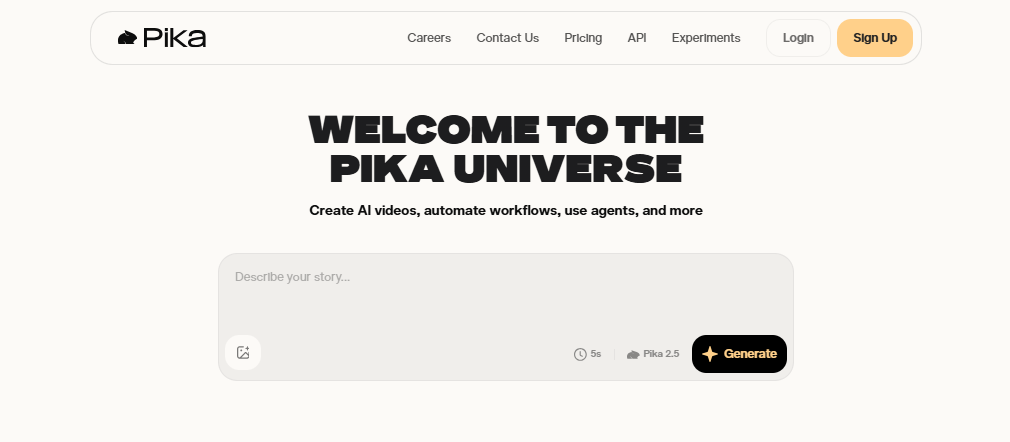
Pika is a creative, social-first AI video generator built for fast, playful, and stylized content.
It’s especially attractive for short-form creators who want quick experiments, eye-catching edits, and a tool that feels more fun than formal.
In 2026, Pika is still one of the most accessible options for turning ideas into attention-grabbing clips.
Features
- Text-to-video generation.
- Image-to-video workflows.
- Style swaps and frame editing tools. 1
- Social-first templates and outputs.
- Credits-based usage across plans.
- More advanced generation options on paid tiers.
- Built for fast experimentation and short clips
Pros
- Easy to use for beginners.
- Great for short-form and meme-style content.
- Good for creative experimentation.
- Lower-friction workflow than pro studio tools.
- Flexible plan options for different creator levels.
Cons
- Less realistic than top cinematic tools.
- Not ideal for heavy production workflows.
- Advanced usage can consume credits quickly.
- Can feel more stylized than brand-polished.
- Limited if you need deep control over motion and continuity.
Pricing
Pika offers a free tier and several paid tiers, with pricing structured around credits and feature access. Exact plan names and costs can change, but the important point is that paid tiers unlock more generations, stronger features, and higher usage limits.
Best for: Best for TikTok, Reels, Shorts, and creators who want quick stylized videos without a steep learning curve.
6. Luma Dream Machine
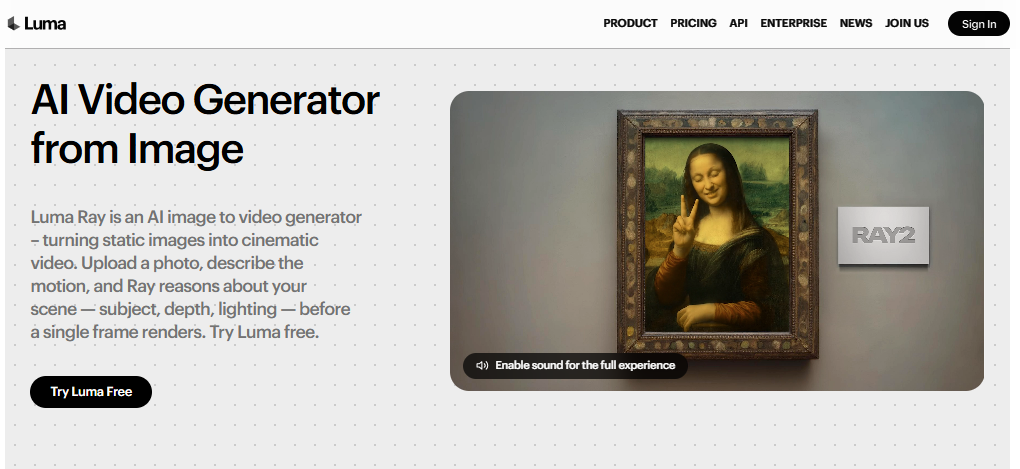
Luma Dream Machine is a cinematic AI video tool built for realistic motion, creative experimentation, and iterative visual development.
It’s known for being a strong middle ground: more polished and high-end than simple social tools, but often easier to explore creatively than a full production suite.
In 2026, it remains a popular choice for creators who want realistic video with room to refine ideas.
Features
- Text-to-video generation.
- Iterative refinement and multiple versions.
- Cinematic, realistic motion output.
- Higher-tier commercial use support.
- 4K support on premium plans.
- Credit-based subscriptions.
- Enterprise options for higher-volume teams.
Pros
- Strong realistic motion and physics.
- Good for concept work and creative iteration.
- Clear upgrade path from free to pro plans.
- Useful for creators who want cinematic quality.
- Better commercial options on paid tiers.
Cons
- Free tier is limited.
- Higher tiers can get expensive.
- Not as editing-heavy as Runway for pro workflows.
- Credits and generation limits may feel restrictive at scale.
- Not the simplest tool for casual one-off clips
Pricing
Luma Dream Machine pricing is commonly reported as Free, Lite, Plus, Unlimited, and Enterprise, with paid plans often starting around $9.99 to $29.99 per month and going higher for pro and enterprise users. Paid tiers unlock more credits, higher resolution, and commercial use rights.
Best for: Best for creators who want cinematic output, realistic motion, and a flexible tool for exploring multiple ideas
7. Synthesia
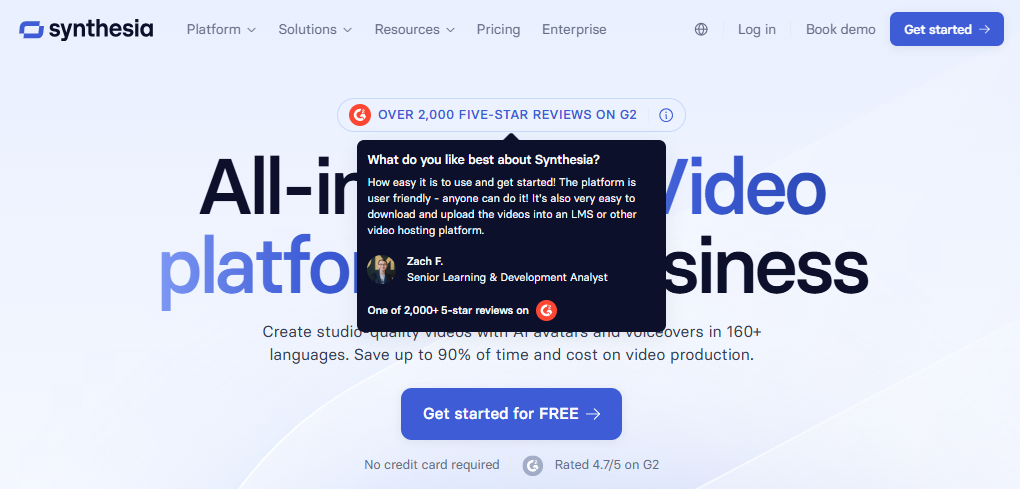
Synthesia is an avatar-based AI video platform built for training, onboarding, internal communication, and corporate explainers. It lets teams create polished presenter-style videos without cameras, actors, or a full studio workflow. In 2026, Synthesia remains one of the strongest choices for enterprise-friendly AI video because it focuses on scale, consistency, and multilingual delivery.
Features
- AI avatar video generation.
- Free and paid plans with clear tiering. 1
- Multilingual video creation and localization.
- Personal avatar creation on higher plans.
- Video download on paid plans.
- Enterprise-focused features like SSO and LMS delivery support.
- SCORM export for enterprise learning workflows.
- Stock avatar library for fast production.
Pros
- Excellent for training and onboarding.
- No camera or studio required.
- Fast to produce in multiple languages.
- Strong enterprise governance and delivery options.
- Good choice for repeatable corporate content.
Cons
- Not designed for cinematic video generation.
- Avatar style can feel formal or templated.
- Best enterprise features sit behind higher plans
- Less suitable for creative storytelling.
- The free tier is limited and watermarked
Pricing
Synthesia publishes a free plan and paid tiers, including Starter and Creator, with Enterprise available by custom quote. The verified 2026 pricing referenced by third-party reviews shows a free tier plus Starter around $29/month, Creator around $89/month, and Enterprise custom pricing.
Best for: Best for HR, e-learning, training teams, and internal communication videos.
8. HeyGen
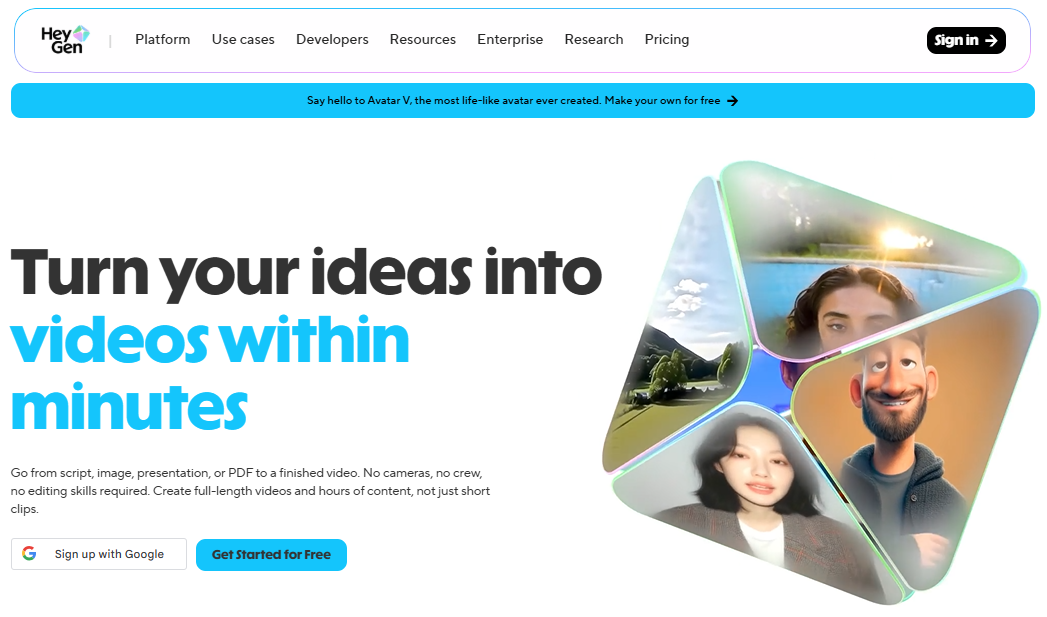
HeyGen is an AI avatar and personalized video platform designed for sales, marketing, localization, and multilingual outreach.
It helps users create talking-head-style videos at scale without a recording setup, making it especially useful for customer-facing teams.
In 2026, HeyGen is often chosen for realism, lip-sync quality, and campaign personalization.
Features
- Avatar-based video creation.
- Personalized video generation.
- Multilingual and translation workflows.
- Credit-based usage model.
- Team and enterprise options.
- Fast campaign-style video production.
- Suitable for sales and marketing automation.
- Easy distribution for outreach workflows.
Pros
- Great for personalized outreach.
- Strong for multilingual content.
- Good lip-sync and avatar realism.
- Useful for marketing and sales teams.
- Fast to produce compared with filming.
Cons
- Not a cinematic video generator.
- Credit-based pricing can limit scale.
- Less suitable for storytelling or film-style work.
- Enterprise-level use may need higher plans.
- Quality depends on script and avatar selection.
Pricing
HeyGen uses tiered pricing with Creator, Team, and Enterprise-style options, plus a credits system for usage. Published 2026 pricing guides place it in the subscription + credits category, with the exact cost depending on plan and usage volume.
Best for
Best for sales outreach, personalized marketing, and multilingual explainer videos.
9. InVideo AI
InVideo AI is a prompt-to-video platform for marketers and creators who want a quick end-to-end workflow.
It helps turn ideas into videos by assisting with scripting, scene assembly, and export, which makes it useful for teams that want speed over deep manual editing.
In 2026, it’s still a popular choice for social and promo content.
Features
- Prompt-to-video workflow.
- Script generation support.
- Scene assembly and editing assistance.
- Social and promo video templates.
- Voiceover and narration support.
- Useful for marketers and creators.
- Faster production than traditional editing.
- AI-assisted video creation pipeline.
Pros
- Very beginner-friendly.
- Fast for ads and social content.
- Good end-to-end workflow.
- Helpful for non-editors.
- Good for teams making frequent promos.
Cons
- Can feel template-driven.
- Credit usage may be confusing or restrictive.
- Less advanced than cinematic generators.
- Not ideal for high-end visual realism.
- Some plans can become costly as usage grows.
Pricing
Recent 2026 guides describe InVideo AI as a subscription tool with plans that start around the mid-$20s per month and scale upward depending on usage and credits. Higher plans unlock more generations and fewer limitations.
Best for
Best for marketers, solo creators, and small teams making quick promo or social videos.
10. CapCut
CapCut is a general-purpose video editor with strong AI-assisted editing features, making it one of the easiest tools for creators who want to move quickly from raw footage to finished short-form content.
It is especially popular with social creators because it combines timeline editing, templates, captions, effects, and AI tools in one place.
In 2026, CapCut remains a practical choice for fast editing rather than pure text-to-video generation.
Features
- Multi-track timeline editing.
- Auto-captions and text tools.
- Background removal and green-screen tools
- Templates, transitions, and effects library.
- AI voiceover and voice effects.
- 4K export on Pro.costbench+1
- Cloud sync and collaboration on paid tiers.
- AI credits for advanced generative features.
Pros
- Very easy for beginners.
- Strong all-in-one editing workflow.
- Great for short-form social content.
- Good free tier for basic editing.
- Plenty of templates and effects for fast output.
Cons
- Not a true AI video generator from scratch.
- Some advanced features are paywalled.
- AI credit limits can be restrictive.
- Pricing changes and tier splits can be confusing.
- Better for editing than cinematic creation.
Pricing
CapCut’s 2026 structure includes Free, Standard, and Pro tiers. Free is generous for basic editing, Standard is commonly around $9.99 per month, and Pro is typically around $19.99 per month, though some regions and billing channels may vary. Pro unlocks 4K export, broader AI tools, cloud storage, and higher AI limits.
Best for: Best for short-form creators, social media editors, and anyone who needs fast, practical editing with AI support.
11. FlexClip
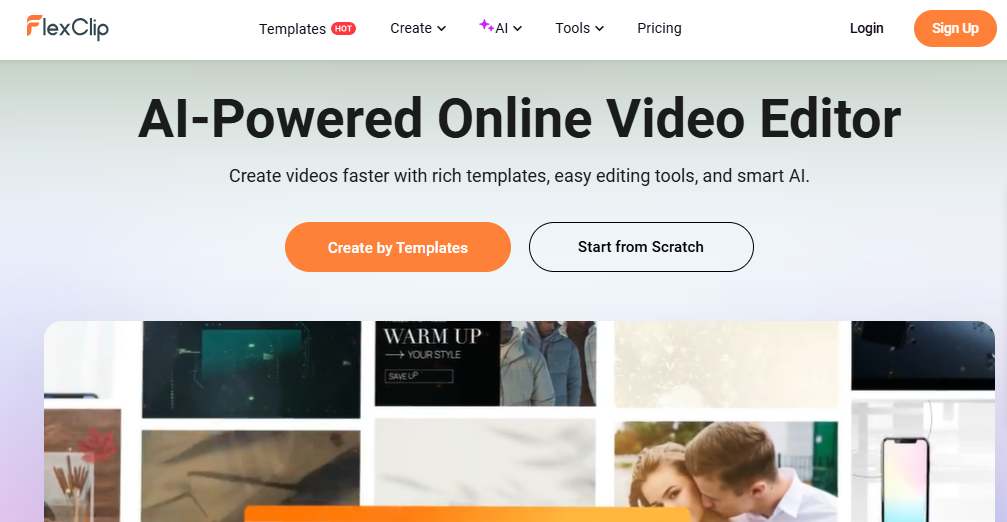
FlexClip is a browser-based AI video editor aimed at marketers, small businesses, and beginners who want to create professional-looking videos without learning complex software.
It runs entirely in the browser and combines templates, stock media, and AI tools like text-to-video and auto subtitles.
In 2026, FlexClip is often recommended as a lightweight alternative to heavier editors for people who need quick social videos, promos, or explainers with minimal setup.
Features of FlexClip
- Browser-based editor, no installation required
- Large library of templates for marketing, social, and business videos
- Built-in stock videos, photos, and music
- AI text-to-video generation
- Auto subtitles and captioning
- AI scriptwriting tools
- Background removal and basic visual effects
- Storyboard and timeline editing modes
Pros
- Very beginner-friendly drag-and-drop workflow
- Huge built-in template and stock media library
- Good AI toolkit for simple marketing videos
- Works on any device with a browser
- Competitive pricing compared to many AI video editors
Cons
- Free plan exports are limited and watermarked
- Not designed for advanced cinematic or VFX work
- Less fine-grained control than pro editors
- Heavy reliance on templates can make videos feel similar
- AI features are less powerful than top-tier text-to-video models
Pricing
FlexClip has a free plan with limited, watermarked exports, plus two main paid plans. Plus is around 11.99 USD/month and business is around 19.99 USD/month (often lower with annual billing), both supporting 1080p exports without watermarks and no length restrictions.
Best for: Best for marketers, small businesses, and beginners who want a simple browser-based AI video editor with lots of templates and stock media.
12. Clipchamp
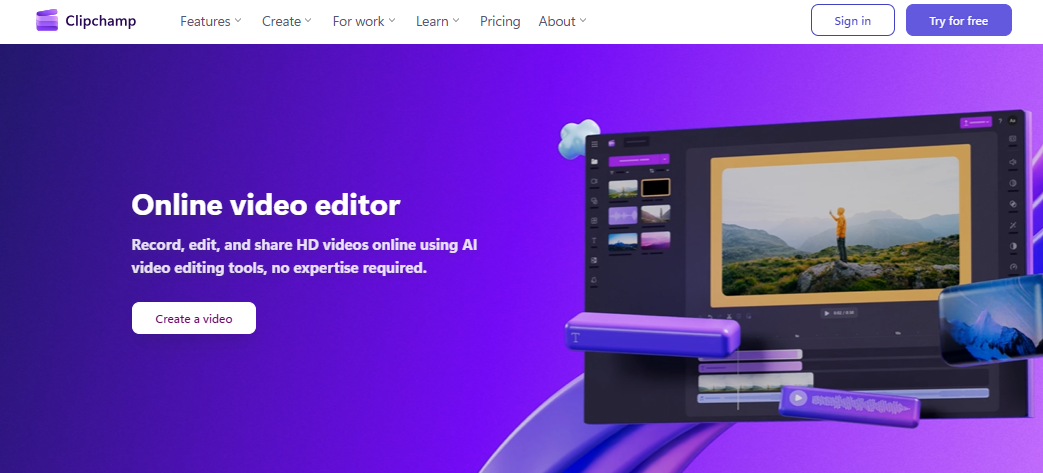
Clipchamp is Microsoft’s online video editor, now integrated with Windows, aimed at casual creators and small teams who want fast editing with AI-assisted tools.
It combines drag-and-drop editing, templates, and AI-powered features like smart editing and auto-captions, making it a convenient choice for Windows 10/11 users who want a built-in editing solution for social videos, presentations, or simple projects.
Features
- Browser and app-based editor for Windows
- AI-powered smart editing tools and templates
- Auto-captions and text tools
- Stock audio, images, and video assets
- Direct export to social platforms and Microsoft services
- Brand kits and asset management on premium plans
- Basic transitions, filters, and visual effects
- Project autosave and cloud sync
Pros
- Integrated closely with Windows and Microsoft accounts
- Easy for beginners to learn
- Good for quick social or business videos
- AI tools reduce manual editing time
- Free plan available for basic use
Cons
- Lacks advanced editing and color-grading controls
- Limited export options and formats for pro users
- Premium features locked behind subscription
- Less suitable for cinematic or complex projects
- Not as flexible as dedicated pro editors
Pricing
Clipchamp offers a free plan and a premium plan, often around 11.99 USD/month or 119.99 USD/year, unlocking additional stock media, brand kits, and more AI tools. Exact pricing can vary by region and promotions.
Best for: Best for Windows users, teachers, and small teams who need a simple, Microsoft-integrated video editor with basic AI helpers.
13. DeepBrain AI (AI Studios)
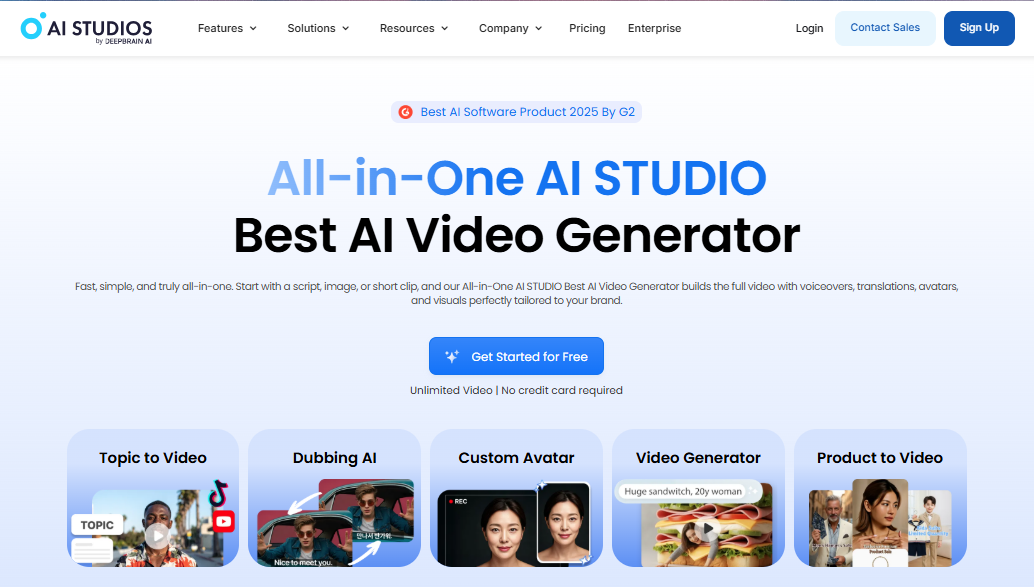
DeepBrain AI (AI Studios) is an AI avatar video generator focused on corporate, news, and training content.
It replaces traditional filming by letting users create talking-head AI videos from scripts using preset or custom avatars.
It stands alongside Synthesia and HeyGen as a strong option for organizations that need consistent, presenter-style video without a studio.
Features
- AI avatar video generation in 1080p
- Library of preset avatars
- Custom avatar creation on higher tiers
- Script-to-video workflows
- Support for multiple languages and voices
- API access for automation on Pro/Enterprise
- Credit-based video generation
- Priority support and higher concurrency on enterprise plans
Pros
- Strong for professional, presenter-style content
- No need for cameras, studios, or presenters
- Flexible plans for individuals and enterprises
- Good for repeated training and explainer videos
- API options support integration into existing workflows
Cons
- Not a cinematic or creative text-to-video model
- Avatar style may feel formal or corporate
- Needs careful scriptwriting for best results
- Credit/usage limits can be restrictive on lower tiers
- Less suited to social or heavily stylized content
Pricing
DeepBrain AI (AI Studios) offers a free plan and paid tiers such as Starter and Pro. Starter is typically around 30 USD/month with a limited number of video minutes, while Pro is higher with more minutes and API access. Enterprise plans are custom-priced.
Best for: Best for companies producing training, news-style, or internal communication videos with AI presenters.
14. Descript
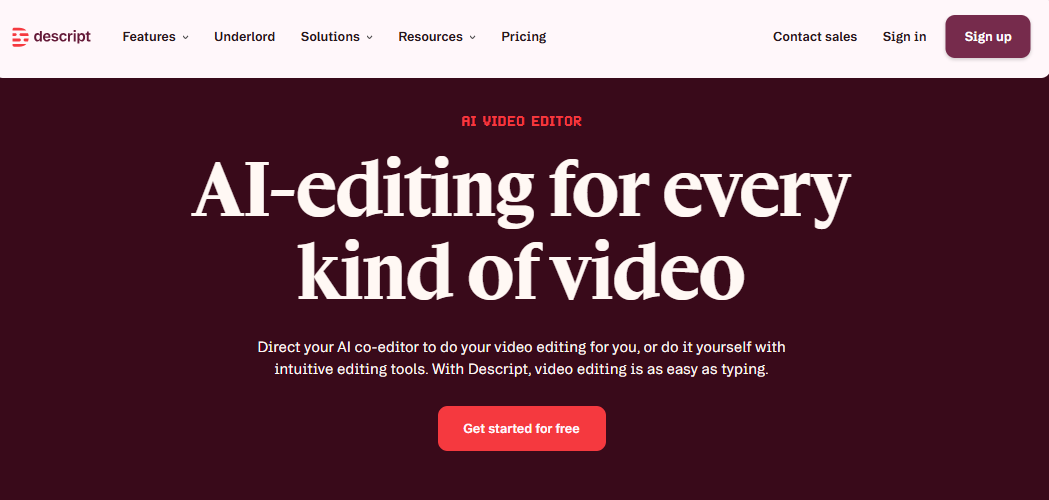
Descript is an AI-powered audio and video editor built around text-based editing, making it ideal for podcasters, educators, and creators whose content is mostly spoken.
You edit by changing the transcript, and Descript updates the video or audio accordingly. It combines editing, AI voice overdubs, screen recording, and basic video compositing in one app.
Features
- Text-based audio and video editing
- Automatic transcription
- AI speech (overdub) for voice cloning and fixes
- Screen recording and presentation capture
- Multi-track editing timeline
- Filler word removal and transcript cleanup
- Basic video compositing and layout tools
- Collaboration features on higher plans
Pros
- Very efficient for podcasts and talking-head videos
- Easy to edit by changing text, not waveforms
- Strong transcription and filler-word tools
- Overdub helps fix mistakes without re-recording
- Good value for creators focused on spoken content
Cons
- Not ideal for highly visual or cinematic editing
- Advanced video editors may find it limiting
- AI voice quality depends on recording and plan
- Higher usage requires paid tiers
- Learning curve if you expect traditional timeline-first editing
Pricing
Descript has a free plan and paid tiers such as Hobbyist, Creator, Business, and Enterprise. Hobbyists are typically around the mid-teens per month (on annual billing), creators around the mid-twenties, and businesses higher, with caps on transcription hours and AI speech minutes that increase with each tier.
Best for: Best for podcasters, educators, and YouTubers whose videos are mainly speech-driven and who want text-first editing.
15. Pictory
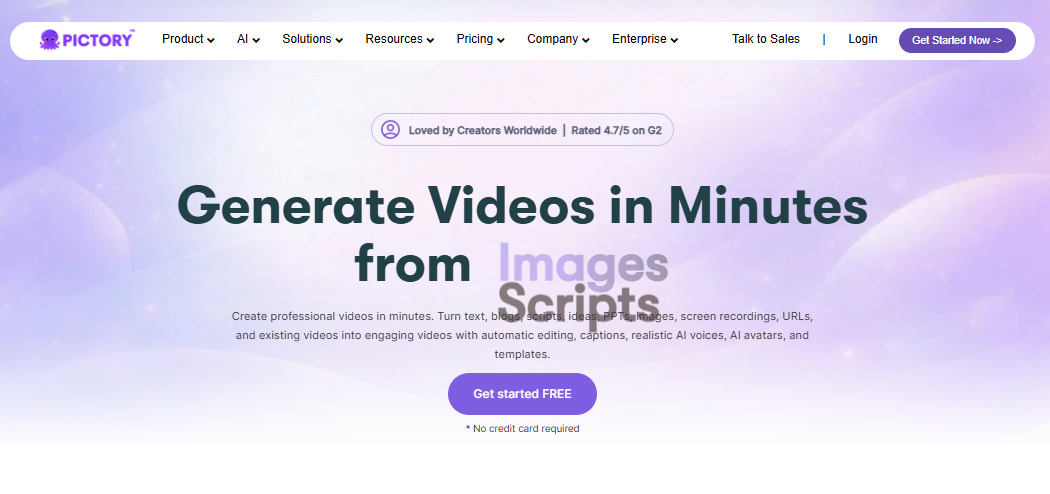
Pictory is an AI video generator focused on turning scripts, blog posts, and long-form content into short highlight videos.
It’s popular with marketers and content repurposers who want to auto-generate clips, social reels, and summary videos from existing material.
It’s designed more for “script-to-video” and “article-to-video” workflows than for pure cinematic generation.
Features
- Script-to-video generation
- Article or blog-to-video conversion
- Automatic captioning and summarization
- Stock visuals and music integration
- Templates for social and promo videos
- Brand kit support on higher tiers
- Automatic highlight extraction from long content
- Voiceover support and narration options
Pros
- Great for repurposing written content
- Speeds up creation of promo and summary videos
- Easy to use for non-editors
- Good fit for marketing and social workflows
- Templates help maintain consistent branding
Cons
- Not designed for high-end cinematic work
- Output can feel templated if not customized
- Limited control compared to pro editors
- Relies on quality of input script or article
- Plans may limit the number of exports per month
Pricing
Pictory’s Starter plan is typically around 25 USD/month with a limited number of exports per month, with higher tiers increasing the export limit, adding more stock access, and unlocking advanced branding and team features. Annual billing usually lowers the effective monthly price.
Best for: Best for marketers and content creators who want to turn scripts, blogs, and long-form content into short branded videos.
| Tool | Best for | Key features | Pricing |
| Google Veo 3.x | Cinematic quality and Google users | Text-to-video, strong motion, scene coherence, Google ecosystem integration | Pricing varies by Google AI Ultra, Flow, AI Studio, and Vertex AI API access. |
| OpenAI Sora 2 | Realistic text-to-video with audio | Text-to-video, image-to-video, synchronized audio, fast iteration developer | OpenAI API pricing is usage-based, with published per-second costs; access depends on the OpenAI tier |
| Runway Gen-4 / 4.5 | Creative control and pro workflows | Motion Brush, Camera Control, reference consistency, editing tools | Free tier plus paid plans generally from about $12 to $76/month depending on the plan |
| Kling | Budget cinematic realism | Text-to-video, image-to-video, native audio on higher tiers, longer videos | Free plus paid plans, commonly ranging from roughly $6.99 to $180/month depending on tier |
| Pika | Short-form creative content | Text-to-video, image-to-video, style swaps, frame editing, social-first outputs | Free tier plus paid credit-based plans; pricing varies by plan and usage |
| Luma Dream Machine | Iterative cinematic ideas | Text-to-video, refinement, realistic motion, commercial tiers | Free and paid plans, often around $9.99 to $29.99/month and higher for pro or enterprise |
| Synthesia | Training and enterprise avatars | AI avatars, multilingual output, enterprise delivery, SCORM export | Free plan plus Starter, Creator, and Enterprise tiers; paid pricing begins around the low-$20s to $29/month range depending on source. |
| HeyGen | Personalized marketing and outreach | Avatar videos, translation, lip-sync, team workflows | Subscription plus credits; creator, team, and enterprise-style options |
| InVideo AI | Quick promo and social videos | Prompt-to-video, script generation, scene assembly, templates | Subscription plans generally start in the mid-$20s per month and scale with usage. |
| CapCut | Fast editing with AI support | Timeline editing, captions, effects, templates, AI voice tools | Free, Standard, and Pro; Standard is commonly around $9.99/month and Pro around $19.99/month. |
Frequently Asked Questions (FAQs)
Can I use AI-generated videos for commercial purposes?
Yes, most premium AI video generators allow you to use the videos for commercial purposes, such as marketing campaigns, YouTube monetization, or client work. However, you should always check the specific licensing agreements of platforms like Synthesia or InVideo, as free tiers often restrict commercial usage and require a paid subscription.
Do I need video editing experience to use AI video generators?
No, you do not need prior video editing experience. Modern AI video tools are designed with beginners in mind, featuring intuitive drag-and-drop interfaces and pre-made templates. You simply type your text or script, and the AI automatically handles complex tasks like scene creation, voice-overs, and transitions for you.
How can I remove watermarks from free AI video generators?
To remove watermarks from videos created by platforms like VEED.IO or InVideo, you generally need to upgrade to a paid subscription plan. While free tiers are great for testing features, they almost always embed a brand watermark. Upgrading unlocks watermark-free exports, higher video resolution, and access to premium media assets.
Which AI video generator is best for faceless YouTube channels?
Platforms like Pictory, InVideo, and Lumen5 are excellent choices for faceless YouTube channels. They specialize in converting text or blog posts into engaging videos using stock footage, automatic captions, and AI voice-overs. This allows you to produce high-quality, informative content consistently without ever needing to show your face on camera.
Are AI avatars in video generators customizable?
Yes, many platforms like HeyGen and Synthesia offer extensive avatar customization. You can choose from hundreds of diverse, pre-made digital presenters or even create a custom avatar based on your own face and voice. This personalization helps brands maintain a unique identity and connect better with their specific target audiences.
Can AI turn my blog posts into videos?
Yes, several AI video generators like Lumen5, Synths Video, and Pictory specialize in turning written content into engaging videos. You simply paste your blog post URL or text, and the AI automatically selects relevant stock footage, adds captions, and generates a voice-over to match your article.
Do AI video generators support multiple languages?
Yes, top-tier platforms like Synthesia and HeyGen support over 140 different languages and accents. This allows you to easily translate your scripts and generate localized voice-overs for a global audience. The AI avatars will even automatically adjust their lip-syncing to match the newly chosen language seamlessly.
Which AI video editor is best for removing pauses?
Wisecut is an excellent AI tool specifically designed to automatically remove awkward pauses and filler words from long talking-head videos or interviews. It uses machine learning to trim your footage, add energetic background music, and sync subtitles, saving vloggers and educators hours of tedious manual editing.
Conclusion
AI video generators have made it possible to go from script or idea to publish-ready video without a full studio, but they’re not one‑size‑fits‑all. The best choice in 2026 depends on what you’re trying to make, how polished it needs to be, and how much control you want over the final result.
If you want cinematic realism, Google Veo and OpenAI Sora are strong options. Runway is better when you need creative control and an all‑in‑one production workflow. Kling offers a strong quality‑to‑value mix, while Pika is ideal for short, stylized social content.
Luma Dream Machine works well for iterative cinematic ideas and concept clips, Synthesia and DeepBrain AI are ideal for training and avatar videos, and HeyGen shines for personalized, multilingual marketing messages.
- Best PayPal Alternatives for Bloggers and Internet Marketers
- Internet in Education Advancement—What is the Significance Of the Internet?
- How to Create Google Virtual Visiting Cards?
- Top World News websites with unbiased organizations
- Best Windows 10 Apps: It Makes Your Life Much Better
- How to Lock Your Windows PC? Best Methods To Keep The Data Safe
For script‑to‑video and content repurposing, Pictory and InVideo AI help turn blogs and briefs into finished promos with minimal editing.
FlexClip and Clipchamp are great lightweight editors for small businesses and Windows users, while Descript is perfect for speech‑driven content like podcasts and talking‑head videos.
When you just need fast, practical editing with AI helpers, CapCut remains one of the easiest tools to use.
The internet is full of AI platforms promising “instant” high‑quality video, so it’s still important to test a few tools, check their limitations, and compare pricing against your actual workflow.
If you match each AI video generator to a specific use case instead of chasing one “perfect” tool, you’ll save money, avoid frustration, and get better results from your content strategy.