Windows 10 End of Life: How to Upgrade to ChromeOS Flex for Free
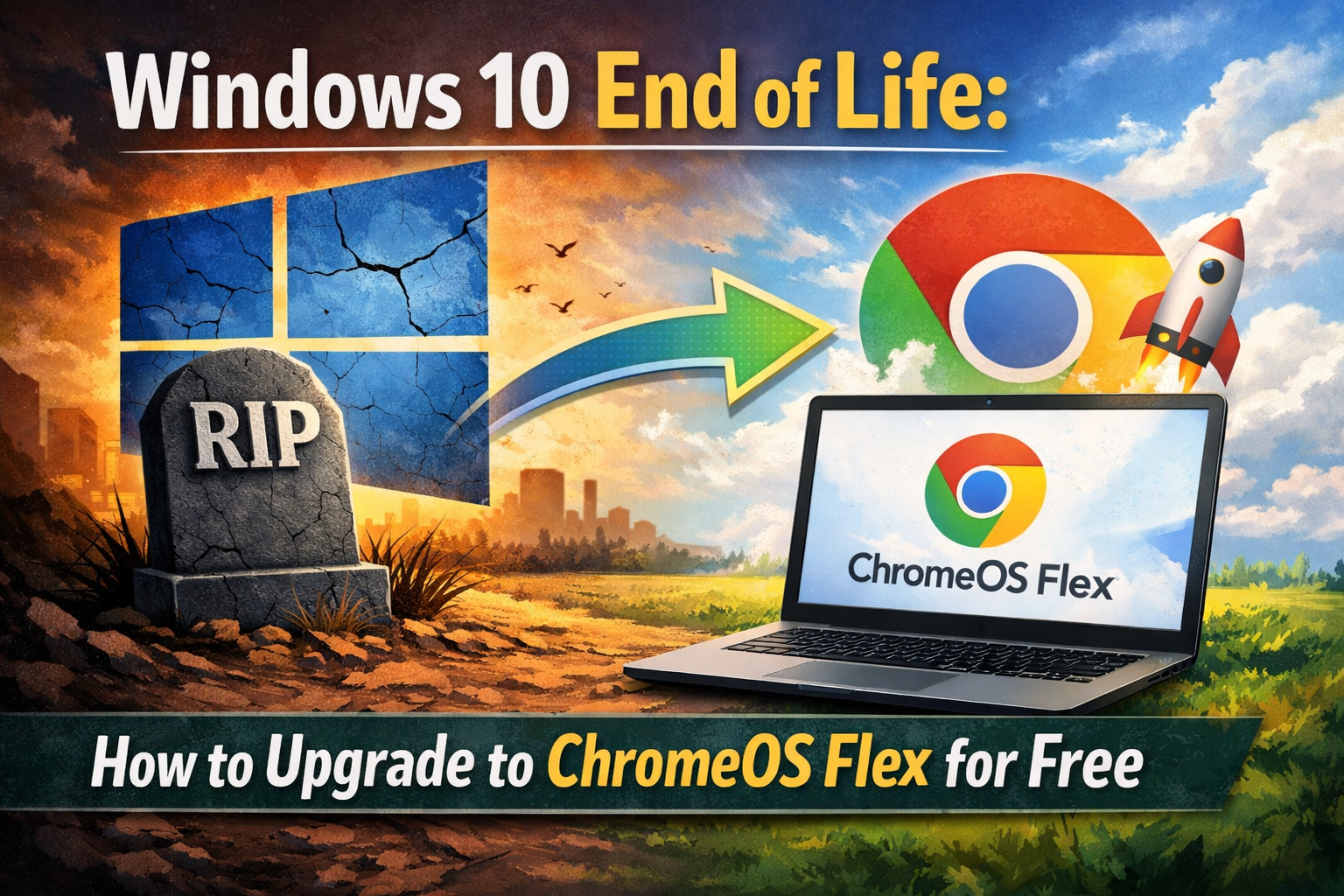
Is your PC ready for the Windows 10 “End of Life”? With Microsoft ending support for Windows 10 on October 14, 2025, an estimated 500 million users face a difficult choice: buy a new Windows 11 machine or risk running an insecure, outdated system.
Google has stepped in with a sustainable solution. By offering a free “upgrade” to ChromeOS Flex, Google aims to save millions of functional PCs from landfills while giving users a fast, secure, and modern computing experience.
What is ChromeOS Flex?
ChromeOS Flex is a lightweight, cloud-first operating system designed to replace Windows or macOS on existing hardware. Unlike the standard ChromeOS found on Chromebooks, Flex is built specifically to breathe new life into older laptops and desktops.
Key Benefits of Switching:
- Fast Performance: Enjoy boot times as fast as 6 seconds and a responsive interface even on aging hardware.
- Built-in Security: ChromeOS Flex features sandboxing and read-only system files, making it virtually immune to traditional viruses and ransomware.
- Eco-Friendly Sustainability: Google estimates that switching to Flex uses 19% less energy on average and helps prevent significant e-waste.
- Seamless Integration: Your Chrome bookmarks, passwords, and Google Drive files sync automatically when you sign in.
ChromeOS Flex vs. Windows 10: Which is Better for You?
While ChromeOS Flex is an excellent alternative for many, it is important to understand the differences before making the switch.
| Feature | Windows 10 | ChromeOS Flex |
|---|---|---|
| System Speed | Often slows down over time | Stays fast with lightweight architecture |
| App Support | Full .exe and native software | Web apps and Linux apps only |
| Android Apps | No | No (Only standard ChromeOS has Play Store) |
| Security | Requires third-party antivirus | Proactive, built-in protection |
| Updates | Can be disruptive | Automatic and happens in the background |
How to Install ChromeOS Flex in 5 Minutes
You can try ChromeOS Flex without erasing your data by booting directly from a USB drive.
1. Check Your Hardware
Ensure your device has at least 4GB of RAM and an Intel or AMD 64-bit processor. You can verify your laptop on the Certified Models List.
2. Create the USB Installer
- Plug an 8GB+ USB drive into any working computer.
- Download the Chromebook Recovery Utility extension for Chrome.
- In the utility, select “Google ChromeOS Flex” as the manufacturer and “ChromeOS Flex” as the product.
3. The $3 USB Kit Alternative
For those who prefer a physical solution, Google has partnered with Back Market to offer a ChromeOS Flex USB Kit for approximately $3/€3, designed to simplify the process for non-tech users.
4. Boot and Install
- Insert the USB into your old PC and restart.
- Enter your BIOS/Boot menu (usually by tapping F12, F2, or Del) and select the USB drive.
- Choose “Try it first” to test it out, or “Install ChromeOS Flex” to permanently refresh your machine.
Conclusion: Is it Worth the Switch?
If your primary computing involves web browsing, streaming, and office work (Google Docs/Microsoft 365 Online), ChromeOS Flex is a superior alternative to an unsupported Windows 10 system. It saves you from the cost of a new laptop while keeping your data secure.
Ready to get started? Visit the official ChromeOS Flex Getting Started guide to revitalize your old PC today.
Would you like a step-by-step guide on how to back up your Windows files before you start the installation?