10 Ways To Use ChatGPT’s Atlas Browser To Revolutionize Your Business
In the fast-evolving world of AI, OpenAI’s latest innovation — the Atlas Browser — is rewriting how businesses operate online. Imagine combining the reasoning power of ChatGPT with a full-fledged web browser. This browser not only reads pages but also understands them. It summarizes them and even performs tasks for you.
Atlas isn’t just another productivity tool; it’s a new AI-driven operating system for the web. This tool can automate the grunt work that drains your time.
It serves solopreneurs, digital marketers, startup founders, and enterprise strategists. It helps with tasks from data research and client onboarding to writing, competitive analysis, and workflow automation.
If ChatGPT helped you think smarter, Atlas helps you work faster. Let’s look at the 10 most powerful ways to use ChatGPT’s new browser Atlas. You can revolutionize your business operations and stay ahead of the curve.
Alongside Atlas, Perplexity’s Comet Browser is another powerful AI browser; I’ve covered its features and use cases in a dedicated review.
Latest Update: ChatGPT Atlas Browser for Business
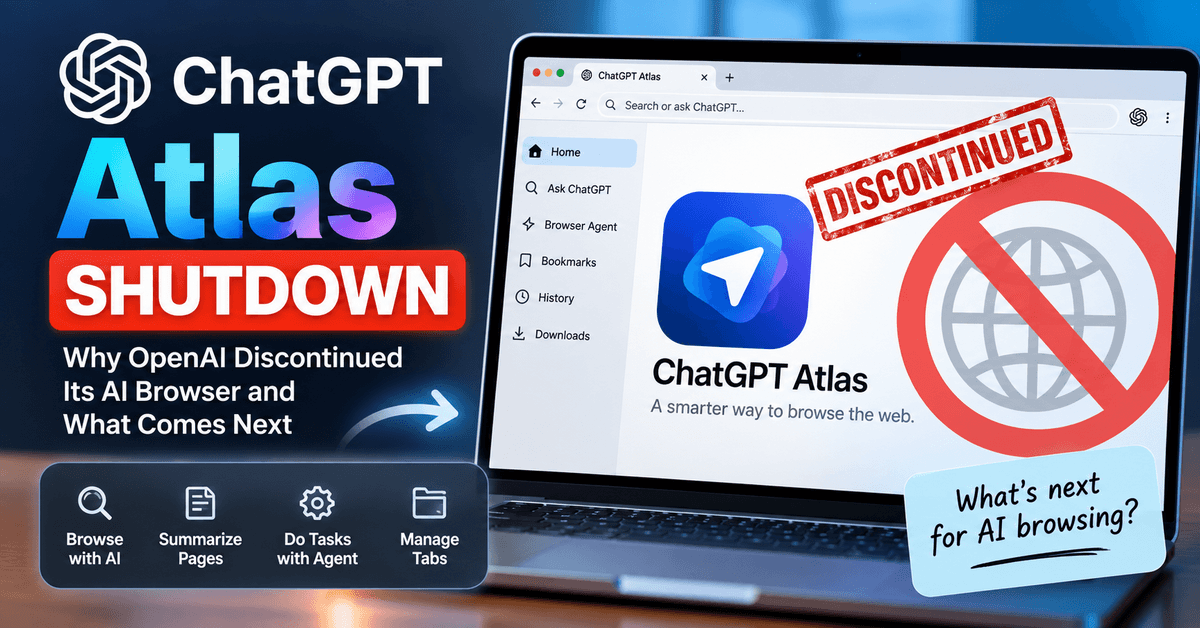
ChatGPT Atlas was designed to help businesses with research, content creation, competitor analysis, and browser-based automation. However, OpenAI discontinued the Atlas browser on August 9, 2026. Businesses should no longer depend on Atlas for ongoing workflows or automation. OpenAI is moving its browser-based agent capabilities into ChatGPT and Codex. For the latest information about the Atlas shutdown, business workflow changes, and alternative AI browsing options, read our updated ChatGPT Atlas Shutdown guide.
1. Get Instant Research and Insights While Browsing
Every entrepreneur knows the struggle — switching tabs, copying data, and spending hours digging through long PDFs or competitor sites. Atlas completely changes this.
The Atlas browser includes an AI sidebar powered by ChatGPT that instantly summarizes any webpage or document. Simply open a report, article, or pricing page, and Atlas provides a concise, context-aware summary.
You can also upload PDFs, market reports, or whitepapers. Atlas will highlight the key trends, insights, and data points relevant to your business.
Example Use Case:
Drop a 50-page industry report into Atlas and ask: “Summarize the three most important trends for SaaS companies in 2025.”
Atlas will scan the full document and deliver executive-level insights in seconds. This feature turns information overload into actionable intelligence, letting you spend less time reading and more time executing.
2. Automate Routine Online Tasks With Agent Mode
One of the most revolutionary features of Atlas is Agent Mode, available to paid users. This feature lets you give Atlas a multi-step command. Atlas can then execute it autonomously. It’s similar to hiring a digital assistant who never gets tired or distracted.
In Agent Mode, Atlas can:
- Open multiple tabs simultaneously.
- Fill out forms, schedule calls, or book appointments.
- Research leads, gather emails, and draft personalized messages.
- Compile information into structured spreadsheets.
Example Use Case: Tell Atlas:
“Find 10 marketing podcasts for small businesses, locate their contact emails, and draft personalized pitches inviting me as a guest.”
Atlas executes all these steps in one go — saving you hours of manual work. With Agent Mode, tasks that once required a virtual assistant can now be completed in minutes. Tasks that took hours of manual effort are now completed swiftly.
3. Maintain Context With Browser Memories
Traditional browsers start from zero every time you open a new session. Atlas changes this with browser memories, allowing it to remember your browsing history, preferences, and previous tasks.
It’s like having a research assistant that remembers your projects, understands your goals, and adjusts to your needs.
Example Use Case: If you researched “top productivity software” last week, today you can say:
“Compare the top three tools I viewed last time and suggest which fits a remote team.”
Atlas recalls your history, filters results, and tailors its suggestions — all without bookmarking or redoing searches.
Over time, these memories compound, creating a personalized browsing ecosystem where every search becomes smarter than the last.
4. Improve Content Creation and Copywriting Workflows
If content creation is part of your business, Atlas can drastically accelerate the process. This includes writing blogs, emails, landing pages, or ad copy.
You can highlight any text on a webpage, document, or form. Ask Atlas to rewrite, refine, or reformat it instantly. It improves tone, grammar, and clarity while maintaining your brand voice.
Example Use Case: You’re writing a sales page but feel the copy lacks energy. Simply highlight your text and prompt:
“Rewrite this section to sound more persuasive for startup founders looking for growth.”
Within seconds, Atlas delivers a refined version — sharper, clearer, and more compelling.
This isn’t basic paraphrasing. Atlas performs contextual rewriting. This makes it perfect for marketers, copywriters, and business owners. They aim to boost conversion rates without hiring expensive editors.
5. Speed Up Competitor and Market Analysis
In business, information speed equals competitive advantage. Atlas turns tedious market analysis into a few simple prompts.
Instead of manually visiting and comparing websites, you can ask Atlas to:
- Extract competitor pricing data.
- Compare product features.
- Analyze customer reviews across multiple sites.
- Generate summarized reports.
Example Use Case: A new competitor just launched. You ask Atlas:
“Analyze their website and find their USP, pricing structure, and weaknesses.”
In minutes, Atlas provides a detailed competitor breakdown, helping you adjust your marketing strategy before they gain traction.
This level of real-time intelligence lets startups and small teams compete with bigger organizations armed with large research departments.
6. Streamline Onboarding and Admin Workflows
Administrative tasks often consume the most time — onboarding clients, organizing documents, setting up folders, and scheduling meetings. Atlas can automate all of this with simple commands.
Example Use Case: When a new client signs your service contract, you can instruct Atlas to:
- Create a project folder in Google Drive.
- Populate it with templates and onboarding documents.
- Schedule a kickoff meeting.
- Send a personalized welcome email.
What once took an hour can now be done in 30 seconds.
By automating repetitive admin work, Atlas frees your time for strategy and growth activities. For freelancers, coaches, and agencies, this is a massive productivity upgrade.
7. Create Automated Monitoring Workflows
Staying updated with industry trends, competitor moves, and new opportunities is essential — but manually monitoring multiple sources is overwhelming.
With Atlas’s Agent Mode, you can set up automated monitoring systems. These systems scan your preferred sources daily. They also send curated updates.
Example Use Case: Tell Atlas to:
“Scan TechCrunch, ProductHunt, and my saved newsletters daily. Summarize five key launches and highlight potential partnership opportunities.”
Each morning, Atlas delivers a neatly packaged report with fresh, relevant insights, saving you hours of scrolling.
This makes it a must-have tool for founders, investors, content creators, and journalists who thrive on timely information.
8. Boost Productivity by Staying in One Browser Ecosystem
Most professionals use multiple tools: Google Docs for writing, Notion for notes, Trello for project management, and Slack for communication. Constantly switching between these kills productivity.
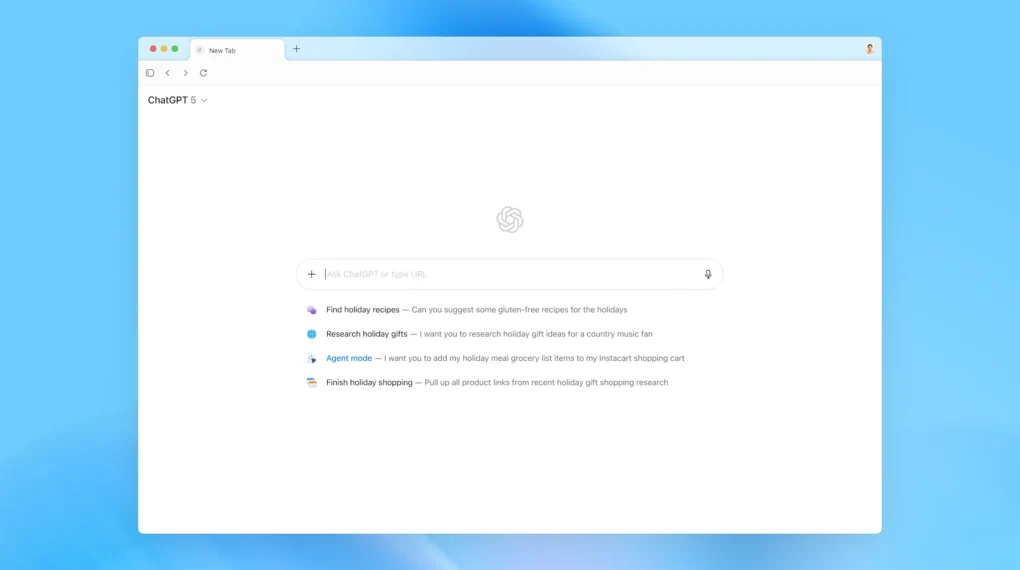
Atlas integrates everything — research, writing, analysis, and execution — into a single environment.
Example Use Case: While planning a product launch, you can:
- Research suppliers.
- Compare pricing models.
- Write your launch email.
- Analyze your competitors — all within Atlas.
This unified workflow preserves your focus and eliminates mental fatigue caused by context switching. The result? More done in less time.
9. Get Proactive AI Recommendations
Unlike traditional assistants, Atlas doesn’t wait for you to ask — it observes your activity and suggests next logical actions.
It learns your workflow patterns and anticipates your needs based on context.
Example Use Case: If you spend 45 minutes researching email marketing platforms, Atlas may automatically ask:
“Would you like a comparison chart of top tools with real-time pricing and key features highlighted?”
This proactive intelligence transforms Atlas from a passive assistant into a strategic partner, helping you think and act faster.
Over time, it becomes like an intelligent co-pilot. It is always one step ahead in organizing your ideas, projects, and business tasks.
10. Stay Secure and Maintain Compliance
While Atlas offers cutting-edge automation, businesses must also prioritize data security and privacy.
Atlas for Business includes security settings and compliance controls, but smart users will establish clear boundaries for sensitive information.
Best Practices:
- Start by using Atlas for public data and content automation.
- Avoid feeding financial or client-sensitive information.
- Gradually integrate Atlas into internal workflows as you understand its security model.
When implemented wisely, Atlas can maximize efficiency without compromising safety. It is suitable for industries with strict compliance standards. These include finance, healthcare, and law.
Why Atlas Is the Future of Business Productivity
The gap between traditional web browsing and AI-augmented browsing is widening fast.
Most people are still manually switching tabs. They are copy-pasting information. Meanwhile, Atlas users are orchestrating intelligent workflows. These workflows combine data gathering, writing, and automation, all in real-time.
Atlas doesn’t replace human creativity or strategy; it amplifies both. By taking over the repetitive work, it allows entrepreneurs to focus on big-picture thinking, innovation, and customer engagement.
You may be an eCommerce founder. You might be a digital marketer, content creator, or small business owner. Adopting Atlas today can position your business years ahead of the competition.
How To Get Started With Atlas
Getting started with ChatGPT’s Atlas browser is easy:
- Sign in to your OpenAI account and enable Atlas under “Settings > Beta Features.”
- Use the sidebar to browse, summarize, and interact with live webpages.
- Try Agent Mode for multi-step automation (available for paid plans).
- Gradually integrate Atlas into your daily workflow — starting with small tasks like research and scaling to automation.
The key is to start small and build momentum. Once you experience Atlas’s time-saving power, you’ll never browse the old way again.
- Introducing ChatGPT Atlas
Final Thoughts: The AI-Powered Atlas Browser Revolution
We’re entering a new era. Your browser is not just a passive tool. It is now an active partner in your business growth.
ChatGPT’s Atlas Browser is the perfect fusion of AI intelligence and real-time internet ability. This innovation streamlines research. It automates operations and enhances decision-making.
Others are still stuck copying data between tabs. Meanwhile, you’ll be designing and executing AI-powered workflows. These workflows will free up your time and supercharge your productivity.
The question isn’t whether AI will transform your business — it’s how soon you’ll start using it.