10 Best AI Writing Tools for Bloggers in 2026: Write Better Blog Posts Faster
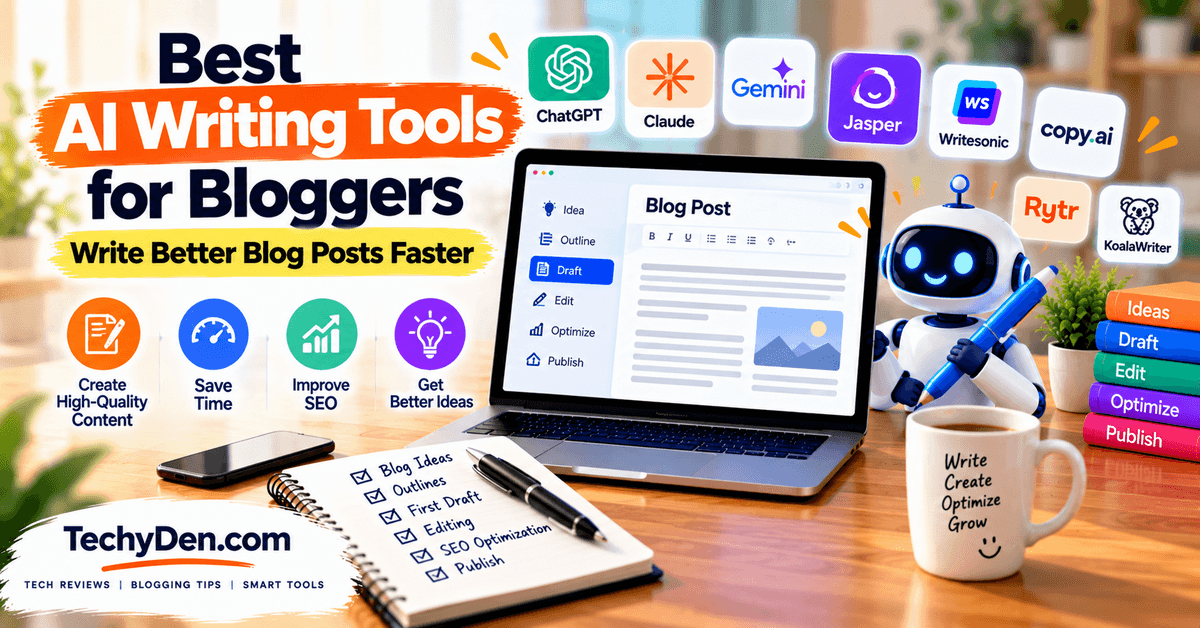
Writing consistently is one of the biggest challenges for bloggers. AI writing tools for bloggers can help you research topics, create outlines, write drafts, improve existing content, rewrite paragraphs, and turn rough ideas into polished blog posts.
The right AI writing tools can save time while helping you maintain a consistent publishing schedule.
There are now dozens of AI writing tools for blogging, from general-purpose AI assistants to dedicated AI blog writing tools designed specifically for content creation.
Some tools are excellent for generating ideas and outlines, while others focus on long-form writing, SEO optimization, editing, rewriting, or maintaining a consistent brand voice.
The main difference is how these platforms fit into your blogging workflow.
General AI assistants such as ChatGPT, Claude, and Gemini can handle many writing tasks through flexible prompts.
Dedicated AI writing platforms often provide specialized features such as templates, content briefs, brand-voice controls, SEO recommendations, and workflows designed for professional content creation.
In this guide, we compare the best AI writing tools for bloggers in 2026 based on practical blogging use cases, including blog post writing, long-form content, SEO, editing, rewriting, research, and content workflows.
Whether you need an AI writing assistant for bloggers, an AI blog writer, or a tool for improving existing articles, you’ll find options for different blogging needs and budgets.
If you want to explore a broader selection of AI-powered tools for content creation, SEO, research, images, and productivity, see our guide to the Best AI Tools for Bloggers.
Best AI Writing Tools for Bloggers at a Glance
The best AI writing tool depends on what you want to accomplish.
Some tools are designed for general-purpose writing, while others focus on long-form articles, editing, SEO, brand voice, or rewriting.
The table below gives you a quick comparison before we examine each tool in detail.
| Tool | Best For | Long-Form | Editing | SEO Features | Free Plan |
|---|---|---|---|---|---|
| ChatGPT | Overall writing | ✓ | ✓ | ✓ | Yes |
| Claude | Long-form writing | ✓ | ✓ | Limited | Yes |
| Jasper | Brand-focused content | ✓ | ✓ | ✓ | 7-day trial |
| Writesonic | AI blog creation | ✓ | ✓ | ✓ | Trial |
| Copy.ai | Marketing content | ✓ | ✓ | Limited | Verify |
| Rytr | Budget AI writing | Limited | ✓ | Limited | Yes |
| Google Gemini | Research + writing | ✓ | ✓ | Limited | Yes |
| Grammarly | Editing and rewriting | — | ✓ | Limited | Yes |
| QuillBot | Rewriting and paraphrasing | — | ✓ | — | Yes |
| KoalaWriter | SEO-focused blogging | ✓ | ✓ | ✓ | Free trial |
Note: Free-plan availability, usage limits, pricing, and features can change.
For example, ChatGPT currently offers a free tier with writing, web search, file uploads, data analysis, and other capabilities subject to separate usage limits.
Claude also has a free option with usage limits, while Google Gemini provides standard access without a paid AI plan.
Jasper currently offers a 7-day free trial rather than a permanent free plan. Grammarly has a $0 Free plan, while QuillBot also provides free access to several of its writing and rewriting tools with limitations.
KoalaWriter currently offers 5,000 free words and 25 credits for new accounts without requiring a credit card.
For this article, “SEO” means the tool provides built-in SEO-oriented capabilities, not that content generated by the tool will automatically rank in Google.
Writers should still perform keyword research, analyze search intent, fact-check the content, add original insights, and optimize the finished article.
Pricing note: Writesonic’s current pricing and product positioning have changed significantly, so I recommend avoiding a specific price in this comparison table and verifying its plan details again when the article is published.
How We Evaluate AI Writing Tools for Bloggers
Not all AI writing tools for bloggers are designed for the same purpose. Some are better at generating complete articles, while others are more useful for editing, rewriting, SEO, or maintaining a consistent brand voice.
To make the comparison useful for bloggers, we evaluate each tool using the following criteria:
- Writing Quality: We look at the overall quality of the generated content, including readability, structure, coherence, clarity, and natural language. We also consider how much editing is typically required before a draft is ready for publication.
- Long-Form Writing: For bloggers creating detailed articles, we examine how well each tool handles context, consistency, article structure, and longer pieces of content. We also consider whether the tool can maintain logical flow as an article becomes longer.
- Editing and Rewriting: We evaluate how effectively each tool can improve existing content. This includes grammar, clarity, tone, sentence structure, rewriting, and preservation of the writer’s original voice.
- SEO Features: For blogging and search-focused content, we look at features related to search intent, keyword support, content structure, headings, and SEO recommendations. SEO features are evaluated as writing assistance rather than a guarantee of search rankings.
- Brand Voice: A useful AI writing assistant for bloggers should be able to produce content that matches a website’s preferred tone and style. We consider features for defining, maintaining, and applying a consistent brand voice across different types of content.
- Ease of Use: We consider the overall user experience, including the interface, writing workflow, available templates, navigation, and learning curve. A powerful AI writing tool is more useful when bloggers can integrate it easily into their existing workflow.
- Price and Usage Limits: Finally, we compare free plans, paid plans, usage limits, and important restrictions. Pricing and feature limits can change frequently, so current plan details should always be verified before making a purchase decision.
Our goal is not to identify one tool that is perfect for every blogger. Instead, we compare these AI writing tools for blogging based on the tasks they are designed to handle, so you can choose the right tool for your content workflow.
What Are AI Writing Tools?
AI writing tools are software applications that use artificial intelligence to help users create, improve, rewrite, and edit written content.
For bloggers, these tools can assist with everything from generating blog ideas and outlines to drafting articles, improving sentences, creating introductions, and repurposing existing content.
How Do AI Writing Tools Generate Text?
Most modern AI writing tools use large language models (LLMs) trained on large amounts of text.
When you provide a prompt, instructions, or existing content, the AI analyzes the context and generates text based on patterns it has learned.
For example, a blogger could ask an AI tool to create an outline for a blog post, expand a section, rewrite a paragraph in a simpler tone, or turn a list of ideas into a first draft.
The quality of the result depends heavily on the instructions, context, source material, and editing provided by the writer.
AI Assistant vs. Dedicated AI Writer
A general AI assistant such as ChatGPT, Claude, or Gemini can perform many different tasks beyond writing.
You can use it for research, brainstorming, analysis, coding, summarization, content planning, and writing.
A dedicated AI writer is usually designed specifically for content creation.
These platforms may provide blog templates, content workflows, brand-voice controls, rewriting features, SEO tools, and other features aimed at writers and marketers.
For bloggers, the better option depends on the workflow.
A general AI assistant can offer greater flexibility, while a dedicated AI writing platform may provide more specialized tools for producing content at scale.
AI Writing vs. Traditional Writing Software
Traditional writing software such as Microsoft Word or Google Docs primarily provides tools for writing, formatting, collaboration, spelling, and basic editing. The writer creates most of the content manually.
AI writing tools can actively help generate and transform content.
They can suggest ideas, create drafts, rewrite sections, summarize information, adjust tone, and help develop an article from a simple prompt.
However, AI-generated content still needs human review.
Bloggers should check facts, add original insights and experience, verify sources, and make sure the final article genuinely serves the reader.
AI Writing Tool vs. Grammar Checker
An AI writing tool and a grammar checker can overlap, but they serve different primary purposes.
A grammar checker focuses mainly on improving existing text by identifying problems with spelling, grammar, punctuation, clarity, and style. Tools such as Grammarly are commonly used for this type of editing.
An AI writing tool can work further upstream in the writing process.
It can help generate ideas, create outlines, draft new content, rewrite paragraphs, change tone, summarize information, and edit existing text.
For bloggers, these tools can complement each other: an AI writer can help create and develop the content, while a grammar and editing tool can help polish the finished draft before publication.
10 Best AI Writing Tools for Bloggers
The best AI writing tool for a blogger depends on the type of content you create and where you need the most help.
Some tools are flexible AI assistants that can handle everything from brainstorming to editing, while others are built specifically for marketing, SEO, rewriting, or large-scale content production.
Here are 10 AI writing tools worth considering for bloggers in 2026.
1. ChatGPT
Best All-Purpose AI Writing Tool
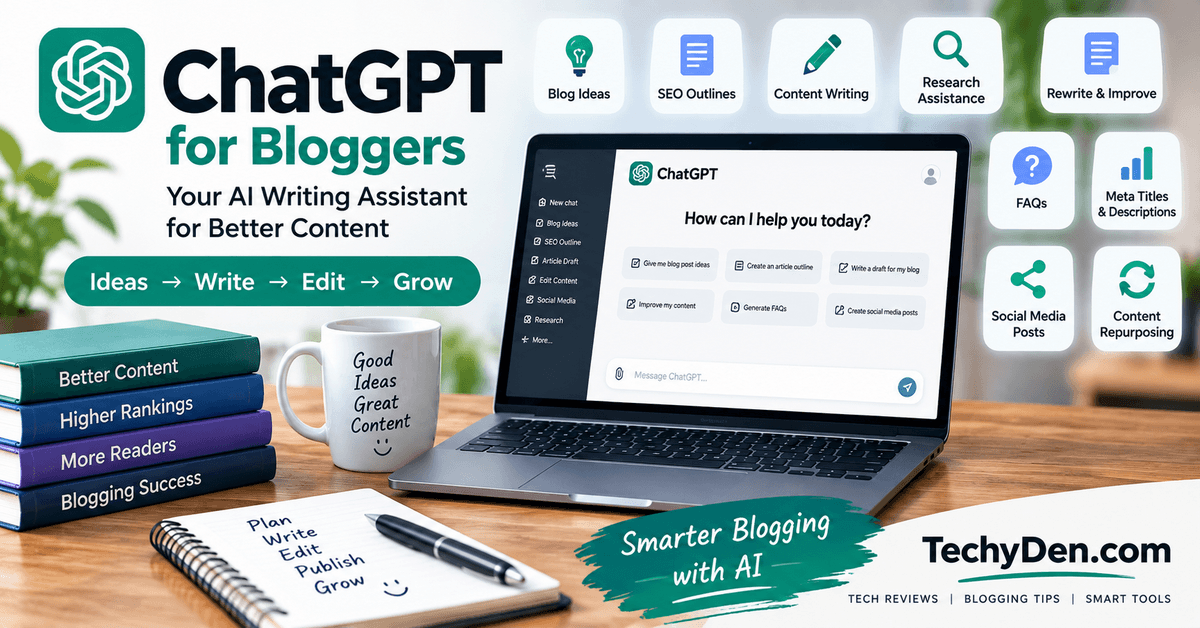
ChatGPT is one of the most flexible AI writing tools for bloggers because it can support almost every stage of the blogging workflow.
You can use it to brainstorm topics, develop content briefs, create outlines, draft sections, rewrite existing content, edit articles, and repurpose a blog post into other formats.
For research-heavy topics, ChatGPT can also use web search to gather current information and provide cited sources.
Projects can keep related chats, files, and instructions together, which can be useful for maintaining context across a longer content project.
ChatGPT can also help bloggers brainstorm keyword ideas and organize topics before writing. For a practical workflow, see our guide on how to use ChatGPT for keyword research.
What bloggers can use ChatGPT for:
- Generating blog post ideas and content angles
- Brainstorming titles and introductions
- Creating detailed blog outlines
- Drafting individual sections or complete first drafts
- Rewriting and simplifying existing content
- Editing grammar, clarity, tone, and structure
- Repurposing articles into social posts, emails, scripts, and summaries
- Researching topics and comparing information from multiple sources
Strengths:
- Extremely flexible for different writing tasks
- Useful for both short-form and long-form content
- Strong brainstorming and outlining capabilities
- Can work with uploaded files and research materials
- Useful throughout the entire blogging workflow
Limitations:
- Output quality depends heavily on the prompt and context provided
- AI-generated facts still need verification
- It is not a replacement for first-hand expertise or editorial judgment
- Some advanced capabilities have plan-specific usage limits
Best for: Bloggers who want one AI writing assistant that can handle ideation, research, writing, editing, and content repurposing.
If you want ready-to-use instructions for brainstorming, outlining, writing, updating, and optimizing blog content, check out these Best AI Prompts for Bloggers.
2. Claude
Best for Long-Form Blog Writing
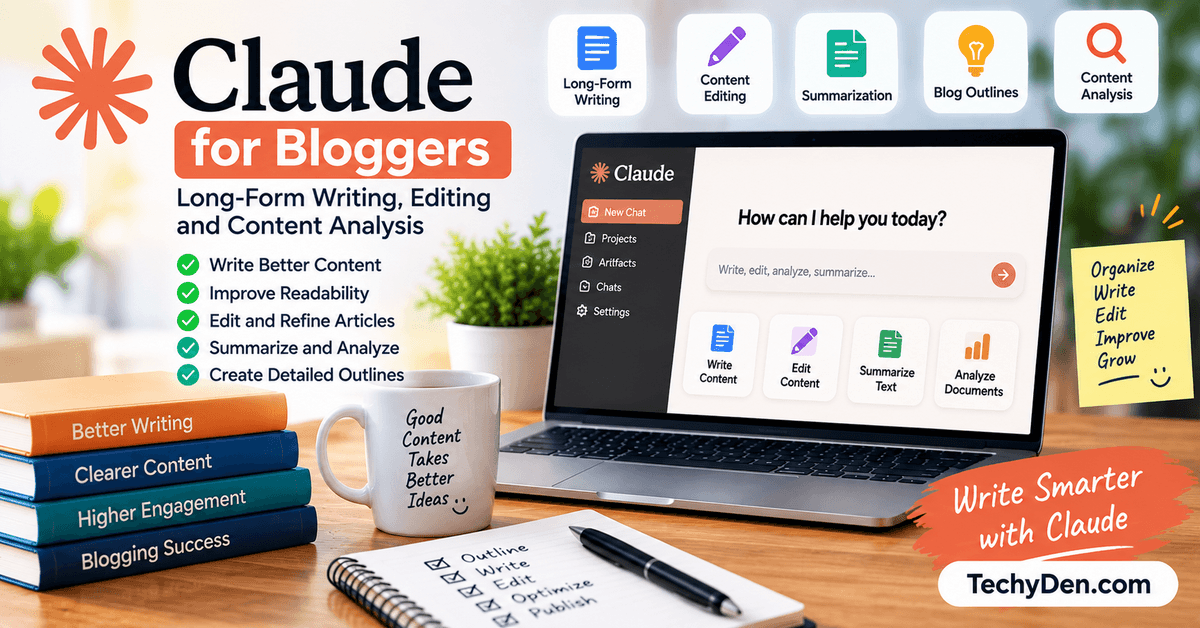
Claude is particularly useful for bloggers who regularly work with long articles, detailed drafts, and large amounts of reference material.
Its Projects feature allows users to organize related chats and knowledge, while custom instructions can help maintain a particular style or role across a project.
Claude can be useful when you want to take a rough article and improve its structure, rewrite sections, simplify complicated explanations, or make a long draft more consistent.
If you are comparing Claude with ChatGPT for blog writing, our detailed Claude AI vs ChatGPT comparison explains how the two AI assistants differ across writing, research, editing, and other workflows.
Bloggers who use Claude for web-based research can also explore Claude in Chrome for browser-based research and productivity workflows.
What bloggers can use Claude for:
- Writing long-form blog articles
- Restructuring lengthy drafts
- Editing and improving existing content
- Summarizing large documents
- Working from reference material
- Maintaining a consistent tone and style
- Developing detailed explanations and articles
Strengths:
- Strong for long-form writing and editing
- Useful when working with substantial reference material
- Projects can provide persistent context for ongoing work
- Good fit for detailed, structured content
Limitations:
- Some advanced features depend on the subscription plan
- Like other AI models, it can generate inaccurate information
- It still requires human editing and fact-checking
- It may be more than a casual blogger needs for simple writing tasks
Best for: Bloggers who regularly create long-form articles, guides, tutorials, and detailed educational content.
For a deeper look at Claude’s features, pricing, strengths, limitations, and performance for content creation, read our complete Claude AI Review 2026.
3. Jasper
Best for Brand-Focused Content
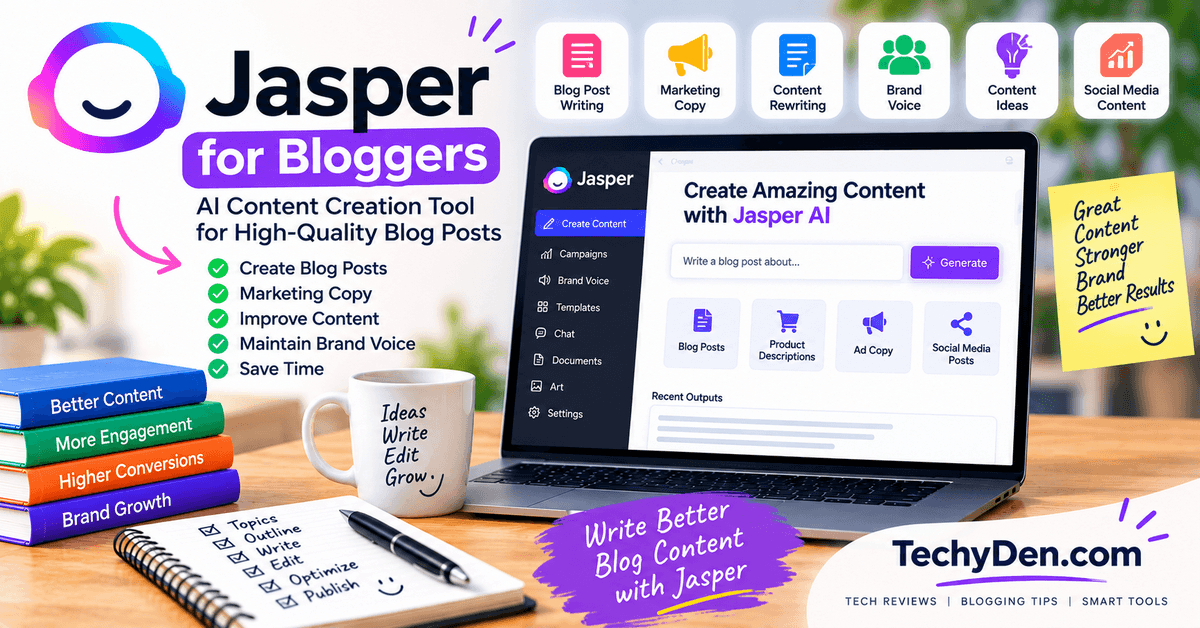
Jasper is designed primarily around marketing and brand content rather than general-purpose AI conversations. Its Brand Voice feature can analyze examples of your writing and use them to maintain a consistent tone and style. Jasper also provides marketing-focused workflows, audiences, knowledge assets, and team collaboration features.
This makes Jasper particularly relevant for bloggers who publish content for a business, manage multiple brands, or work with a team of writers.
What bloggers can use Jasper for:
- Maintaining a consistent brand voice
- Creating blog and marketing content
- Developing content campaigns
- Creating marketing copy
- Repurposing content for different channels
- Working collaboratively with content teams
- Building repeatable marketing workflows
Strengths:
- Strong focus on brand voice
- Marketing-specific workflows and features
- Useful for teams and multi-brand content operations
- Designed for consistent content production at scale
Limitations:
- More expensive than many general-purpose AI assistants
- Some features are primarily aimed at marketing teams
- May be unnecessary for bloggers who publish occasionally
- Advanced features and usage can involve plan or credit restrictions
Best for: Professional bloggers, publishers, agencies, and marketing teams that need consistent brand-focused content.
4. Writesonic
Best for AI-Powered Blog Creation
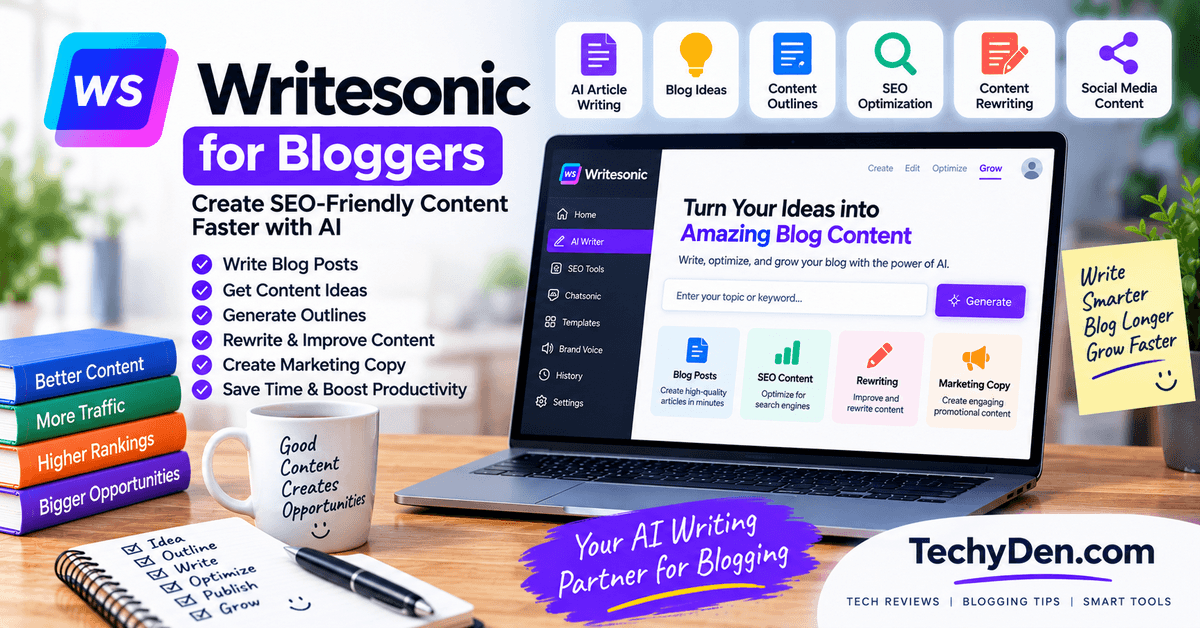
Writesonic combines AI content generation with SEO and AI-search visibility features. Its current platform includes AI article creation, site audits, search visibility tracking, and content workflows.
For bloggers, the main attraction is the ability to combine article generation with SEO-oriented workflows rather than using a general chatbot alone.
What bloggers can use Writesonic for:
- Generating blog articles
- Building article workflows
- Creating SEO-focused content
- Optimizing existing content
- Producing multiple content formats
- Repurposing content
- Auditing website content
Strengths:
- Strong focus on content and SEO workflows
- Designed specifically for content marketing
- AI article generation is integrated into the platform
- Includes website and search-visibility features
Limitations:
- Pricing is considerably higher than many general AI assistants
- The platform has expanded beyond simple AI writing into broader SEO and AI-search visibility
- Usage is tied to plan limits and article allowances
- Some bloggers may not need its broader marketing features
Best for: Bloggers who want an AI blog writing platform with integrated SEO and content workflows.
5. Copy.ai
Best for Marketing Content
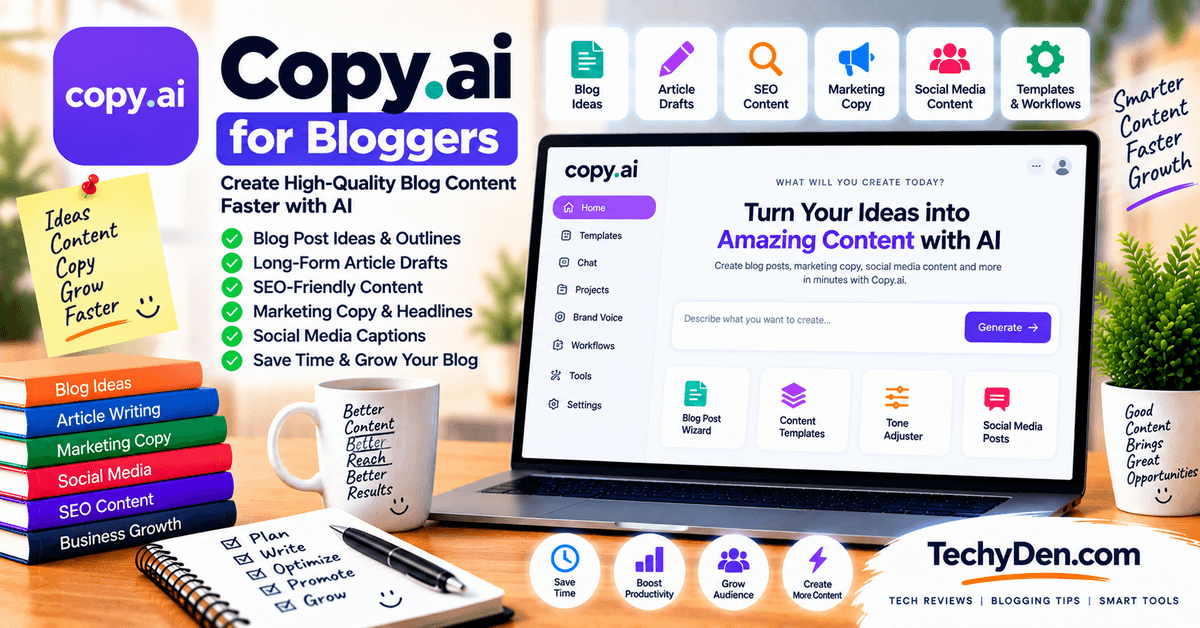
Copy.ai is primarily focused on marketing and go-to-market content, but it also provides workflows specifically relevant to bloggers. Its platform includes content generation, editing, repurposing, content refreshing, SEO workflows, and brand-voice capabilities.
For example, Copy.ai provides workflows that can turn a content brief into a long-form blog post and automate parts of the content creation and repurposing process.
What bloggers can use Copy.ai for:
- Marketing copy
- Blog content
- Social media content
- Content repurposing
- Content refreshing
- Brand messaging
- SEO content workflows
Strengths:
- Strong marketing orientation
- Brand Voice can help maintain consistent messaging
- Workflow automation can reduce repetitive content tasks
- Supports content creation across multiple channels
Limitations:
- More focused on marketing teams than individual bloggers
- The platform can be more complex than a simple AI writing assistant
- Advanced workflows may be unnecessary for basic blog writing
Best for: Bloggers, affiliate marketers, and content teams who want to connect blog writing with broader marketing workflows.
6. Rytr
Best Budget AI Writing Tool
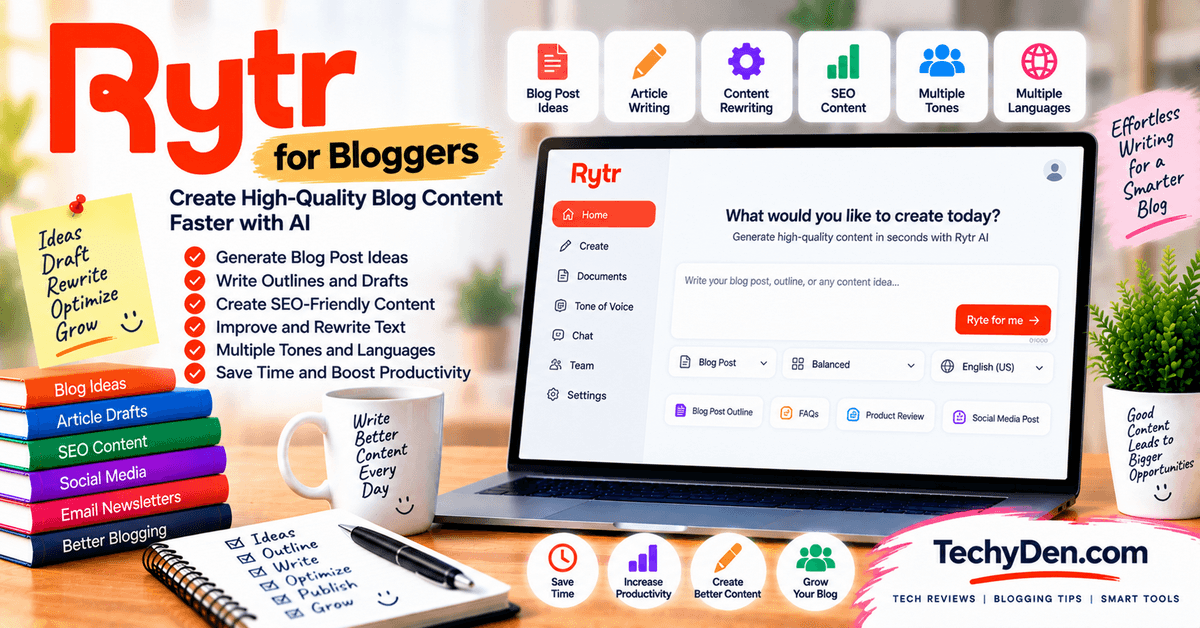
Rytr is a lightweight AI writing platform aimed at users who want help creating content without committing to a more expensive enterprise-focused platform. It supports content generation, multiple writing tones, rewriting, and other common writing tasks.
Rytr’s current pricing includes a free plan with a monthly character allowance, while paid plans provide higher or unlimited generation limits and additional features such as tone matching.
What bloggers can use Rytr for:
- Short-form content
- Blog introductions and sections
- Basic blog writing
- Rewriting paragraphs
- Improving sentence structure
- Generating marketing copy
- Creating content variations
Strengths:
- Affordable entry point
- Simple interface
- Useful for beginners
- Supports multiple writing tones
- Free plan available
Limitations:
- Less comprehensive than larger AI platforms
- Better suited to individual writing tasks than complex content workflows
- Long-form article production may require more manual direction
- SEO functionality is not as extensive as dedicated SEO content platforms
Best for: Beginners, freelancers, and bloggers looking for a budget-friendly AI writing assistant.
7. Google Gemini
Best for Research and Writing
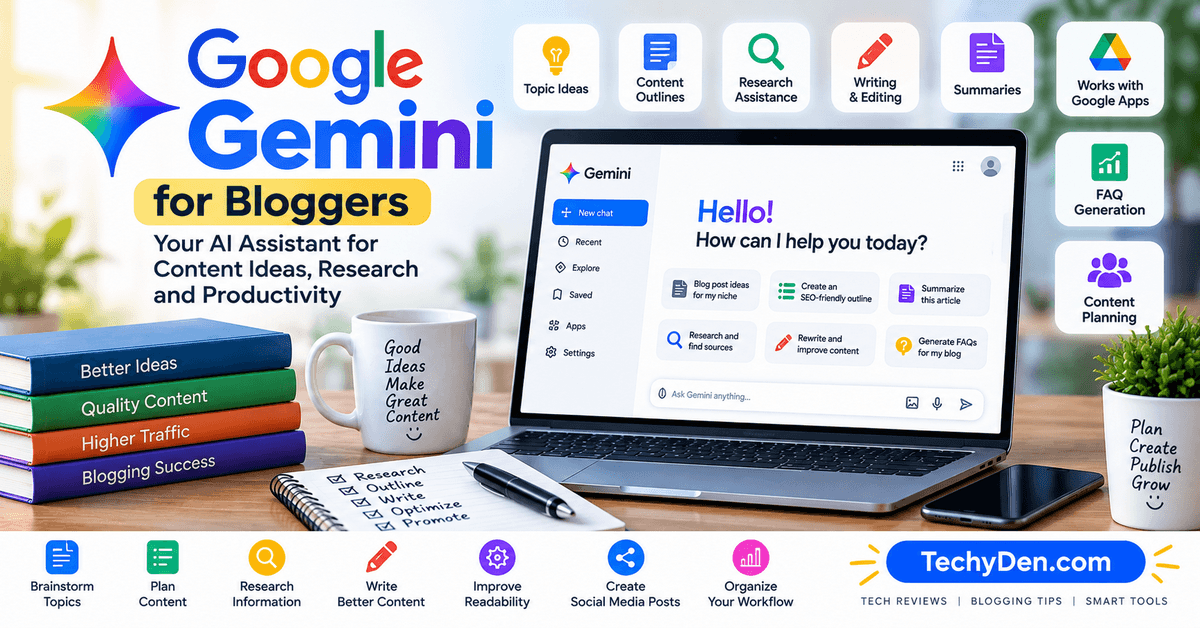
Google Gemini is a general-purpose AI assistant that can support both research and writing. For bloggers, it can be useful for brainstorming topics, organizing ideas, creating outlines, drafting content, summarizing information, and working within Google’s broader ecosystem.
Its biggest advantage for some bloggers is its connection to Google’s ecosystem and its ability to combine research and content-planning tasks in one workflow.
Gemini can also be useful for research, brainstorming, and content planning, especially if you already use Google’s ecosystem. You can learn more in our Gemini review.
What bloggers can use Gemini for:
- Topic research
- Brainstorming
- Blog outlines
- First drafts
- Content planning
- Summarization
- Rewriting and editing
- Google ecosystem workflows
Strengths:
- Useful combination of research and writing
- Good for brainstorming and content planning
- Integrates well with Google’s ecosystem
- Available with a free access option
Limitations:
- Feature and usage limits can vary by plan and demand
- SEO features are less specialized than dedicated SEO writing platforms
- Generated information still needs verification
- Advanced capabilities may require a paid Google AI plan
Best for: Bloggers who want a general AI assistant for research, brainstorming, and writing, particularly those already using Google’s ecosystem.
8. Grammarly
Best for Editing and Rewriting
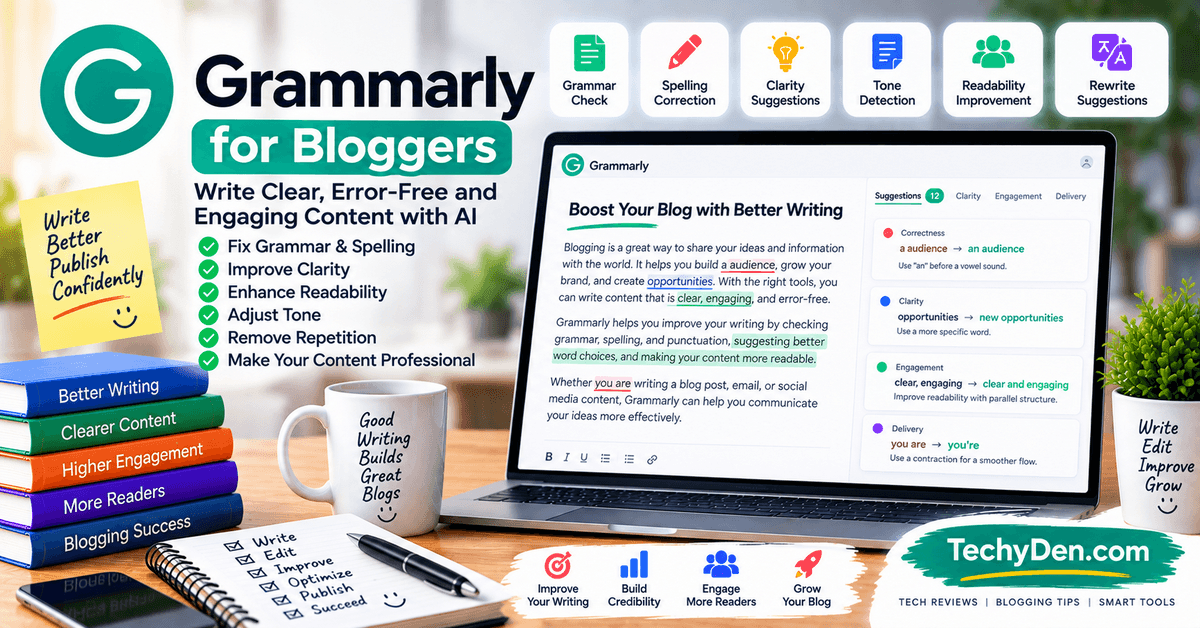
Grammarly is primarily an editing and writing assistant, rather than a dedicated long-form blog generator. Its AI writing features can help generate ideas and outlines, rewrite text, adjust tone and length, and improve existing content.
For bloggers, Grammarly is particularly useful after the first draft has been created. It can help identify awkward sentences, improve clarity, adjust tone, and polish an article before publication.
What bloggers can use Grammarly for:
- Grammar and spelling
- Clarity improvements
- Tone adjustment
- Rewriting
- Proofreading
- Sentence-level editing
- AI-assisted drafting and brainstorming
Strengths:
- Excellent fit for editing existing drafts
- Easy to use while writing
- Useful for grammar, clarity, and tone
- AI rewriting can quickly improve individual passages
- Works across many applications and websites
Limitations:
- Not primarily designed for generating complete long-form blog posts
- SEO features are limited compared with dedicated SEO platforms
- Best used as part of a broader writing workflow
Best for: Bloggers who already write their own drafts and want an AI-powered editor to improve grammar, clarity, tone, and readability.
9. QuillBot
Best for Rewriting and Paraphrasing
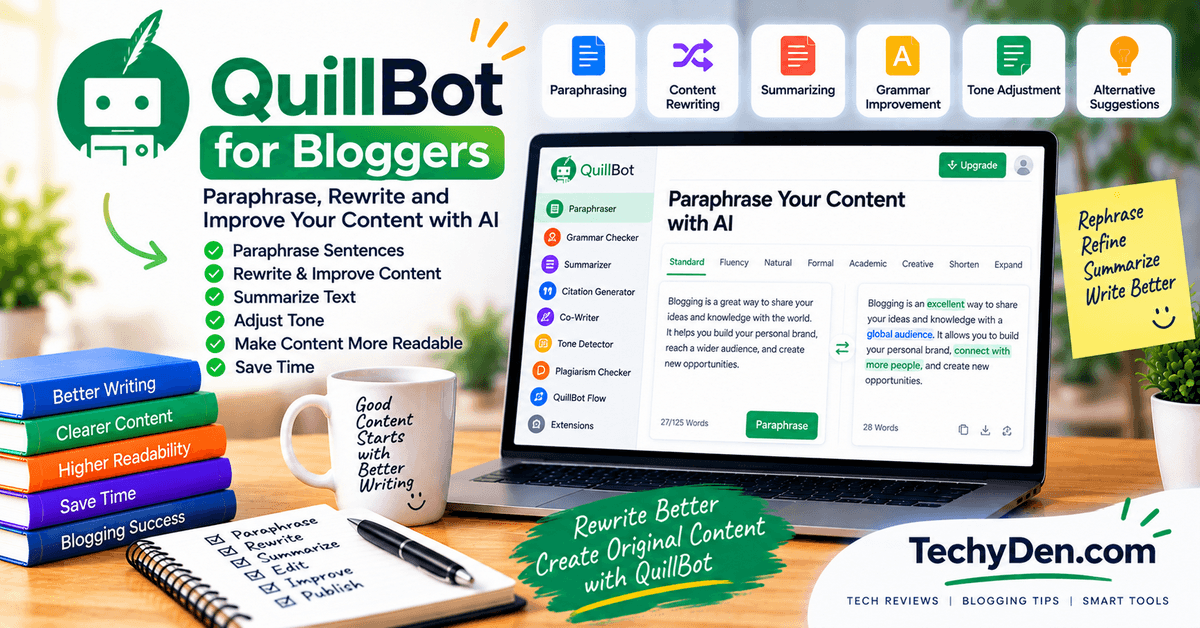
QuillBot is best known for paraphrasing and rewriting, but its toolkit also includes grammar checking, summarization, tone analysis, and other writing features.
It can be particularly useful when you already have a draft and want to make a sentence clearer, simplify complicated language, or rewrite a passage in a different style.
What bloggers can use QuillBot for:
- Paraphrasing
- Rewriting existing drafts
- Summarizing content
- Grammar checking
- Improving fluency
- Simplifying sentences
Strengths:
- Simple approach to rewriting
- Useful for improving existing drafts
- Multiple paraphrasing options
- Grammar and summarization tools are available
- Supports multiple languages for paraphrasing, including English and Hindi
Limitations:
- Not designed primarily for creating complete, research-driven blog posts
- Limited SEO functionality
- Paraphrasing can change wording without adding new expertise or original insight
Important: Paraphrasing does not automatically create original content or expertise. If you rewrite material from another source, you still need to add your own analysis, verify the information, and respect copyright and attribution requirements.
Best for: Bloggers who need a rewriting, paraphrasing, and editing assistant rather than a complete blog-generation platform.
10. KoalaWriter
Best for SEO-Focused Blog Writing
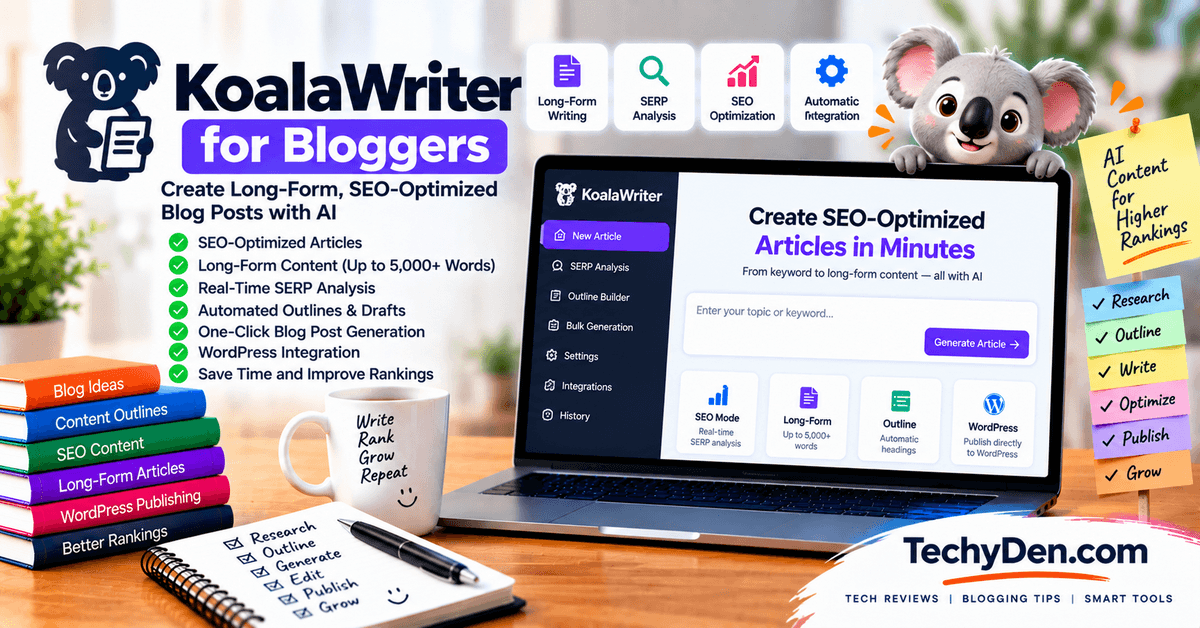
KoalaWriter is designed specifically around AI-assisted SEO content creation. It combines article generation with SEO optimization, research, content structure, and internal linking features.
Its current workflow includes SEO optimization and automatic internal linking, while recent updates have added stronger research, answer-first article structures, brand context, and AI-search-oriented content features.
For bloggers who publish search-focused content regularly, KoalaWriter can provide a more specialized workflow than a general-purpose chatbot.
What bloggers can use KoalaWriter for:
- SEO-focused article creation
- Long-form blog posts
- SERP and topic research
- Content structure
- SEO optimization
- Automatic internal linking
- WordPress publishing workflows
- Content rewriting and updating
KoalaWriter can automatically add internal links by connecting to a site’s sitemap, while Koala’s broader ecosystem also provides dedicated internal-linking functionality.
Strengths:
- Built specifically for SEO-focused blogging
- Combines research and article generation
- Supports long-form content workflows
- Automatic internal linking can save time
- Strong fit for WordPress publishers
- Recent versions include brand-specific context and writing controls
Limitations:
- More specialized than a general AI assistant
- Generated articles still require human editing and fact-checking
- SEO automation does not guarantee search rankings
- Some advanced capabilities depend on the selected plan
Best for: Bloggers, affiliate publishers, and SEO-focused website owners who want a specialized AI writing workflow for search-driven content.
Best AI Writing Tools for Bloggers by Task
There is no single best AI writing tool for bloggers for every situation. A blogger writing a 3,000-word tutorial may need different features from someone editing an existing article or maintaining a consistent brand voice.
Here are the tools that fit the most common blogging tasks.
Best AI Tool for Writing Blog Posts
ChatGPT, Claude, and Writesonic are useful options for writing blog posts.
ChatGPT is a flexible choice for brainstorming, outlining, drafting, rewriting, and editing. Claude is particularly useful for developing detailed, long-form drafts, while Writesonic provides a more specialized workflow for AI-assisted article creation and SEO-focused content.
Best fit: Choose ChatGPT for flexibility, Claude for detailed writing, or Writesonic when you want a dedicated content-generation workflow.
Best AI Tool for Long-Form Blog Posts
Claude and ChatGPT are strong options for long-form blog writing.
Claude can be useful when working with lengthy drafts and substantial reference material, while ChatGPT provides more flexibility for developing an article section by section, researching topics, and refining the final draft.
Best fit: Claude for long-form drafting and restructuring; ChatGPT for a broader end-to-end workflow.
Best AI Tool for SEO Blog Writing
KoalaWriter and Writesonic are useful choices for bloggers who want SEO-focused writing workflows.
KoalaWriter is built around AI-assisted SEO article creation, research, content structure, and internal linking. Writesonic combines AI article generation with SEO and content optimization features.
However, an AI writing tool alone does not make an article SEO-friendly. You still need to understand search intent, perform keyword research, verify information, build useful internal links, and add original value.
Best fit: KoalaWriter for a specialized SEO blogging workflow; Writesonic for a broader AI content and SEO platform.
Best AI Tool for Blog Outlines
ChatGPT, Claude, and Gemini can all create detailed blog outlines.
You can provide the primary keyword, search intent, target audience, competing topics, and your preferred structure, then ask the AI to organize the article into logical sections and subsections.
ChatGPT is particularly flexible for creating structured content briefs, while Claude can be useful for detailed outlines and Gemini can combine brainstorming with research-oriented workflows.
Best fit: Use the tool that fits your existing research and content-planning workflow.
Best AI Tool for Editing Blog Posts
Grammarly and Claude are useful for editing blog posts.
Grammarly is particularly suited to sentence-level improvements such as grammar, clarity, tone, and readability.
Claude can take a broader editorial approach by restructuring sections, improving transitions, simplifying explanations, and reviewing the overall flow of a long article.
Best fit: Grammarly for polishing individual passages; Claude for deeper structural editing.
Best AI Tool for Rewriting Blog Posts
QuillBot, Grammarly, and Claude can help rewrite existing blog content.
QuillBot is particularly focused on paraphrasing and rewriting, while Grammarly can improve clarity, tone, and sentence structure. Claude can handle more substantial rewrites where you want to preserve the original meaning while changing the organization, tone, or level of detail.
Remember that rewriting existing text does not automatically make it original or authoritative. Add your own expertise, examples, analysis, and updated information.
Best fit: QuillBot for quick paraphrasing, Grammarly for polishing, and Claude for more substantial rewrites.
Best AI Tool for Maintaining Brand Voice
Jasper, Claude, and ChatGPT can all be used to maintain a consistent writing style when given appropriate brand guidelines and examples.
Jasper has dedicated brand-voice and marketing features, making it useful for teams that need consistency across large volumes of content. Claude can work with detailed style instructions and reference material, while ChatGPT can follow custom instructions and project-specific context.
For the best results, create a clear brand-voice guide covering tone, vocabulary, sentence length, formatting preferences, words to avoid, and examples of your preferred writing style.
Best fit: Jasper for structured brand-content workflows; Claude or ChatGPT for flexible brand-voice workflows.
Best Free AI Writing Tool for Bloggers
ChatGPT, Gemini, and Claude all provide free access options, although their features, usage limits, and availability can change.
ChatGPT’s Free tier can be useful for brainstorming, writing, editing, research, and other everyday blogging tasks, subject to usage limits. Claude offers a free plan with limited usage, while Gemini provides standard access without requiring a paid Google AI plan.
Free access does not necessarily mean unlimited access. Limits can vary based on demand, model, features, and account type, so check the current plan details before relying on a free service for a high-volume publishing workflow.
Best fit: Start with a free general-purpose AI assistant and upgrade only when you need higher usage limits or specialized features.
AI Writing Tools vs General-Purpose AI Assistants
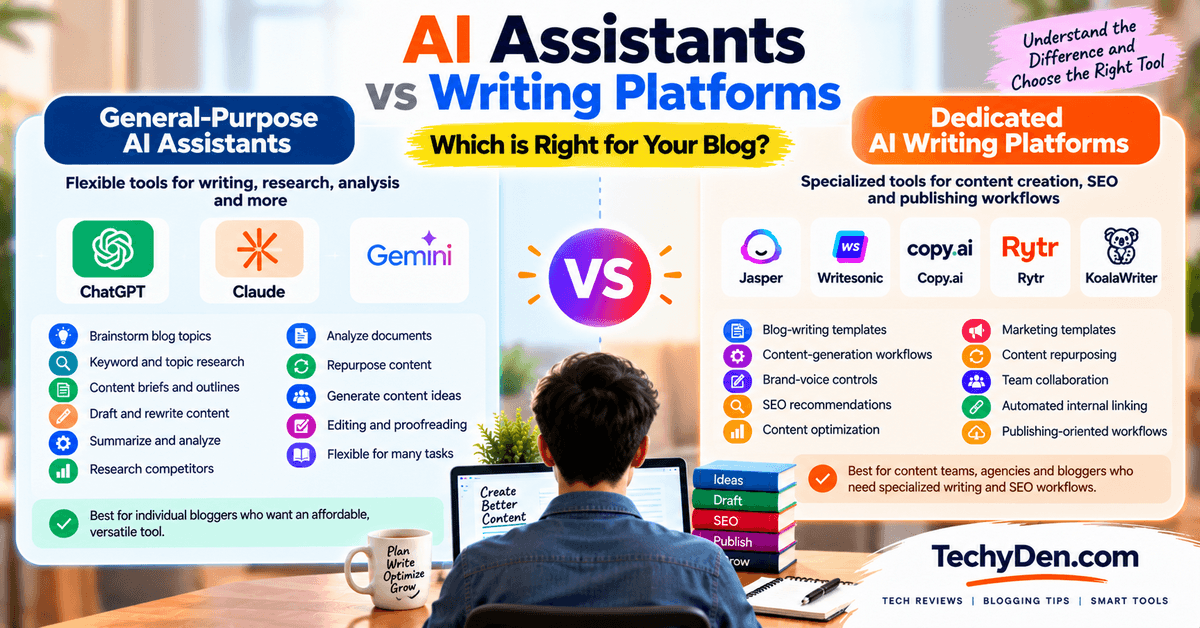
Not all AI writing tools are built in the same way. Some are general-purpose AI assistants that can help with writing alongside research, analysis, brainstorming, and other tasks. Others are dedicated AI writing platforms designed specifically around content creation, marketing, SEO, or publishing workflows.
Understanding the difference can help bloggers avoid paying for features they don’t need.
1. General-Purpose AI Assistants
ChatGPT, Claude, and Gemini are general-purpose AI assistants. Writing is only one part of what they can do.
For bloggers, these tools can help with:
- Brainstorming blog topics
- Keyword and topic research
- Creating content briefs and outlines
- Drafting blog posts
- Rewriting and editing
- Summarizing research
- Analyzing documents
- Creating content ideas and variations
- Repurposing existing content
- Researching competitors and topics
Their biggest advantage is flexibility. A single AI assistant can support several stages of your blogging workflow instead of being limited to one type of content task.
They can make more sense for individual bloggers who want an affordable, versatile tool that can handle different tasks as their needs change.
2. Dedicated AI Writing Platforms
Jasper, Writesonic, Copy.ai, Rytr, and KoalaWriter are more focused on AI-assisted content creation, although their feature sets differ considerably.
These platforms may provide specialized features such as:
- Blog-writing templates
- Content-generation workflows
- Brand-voice controls
- SEO recommendations
- Content optimization
- Marketing templates
- Content repurposing
- Team collaboration
- Automated internal linking
- Publishing-oriented workflows
For example, a blogger who repeatedly creates SEO-focused articles may prefer a platform with built-in content research and optimization workflows rather than starting every article with a blank chatbot conversation.
Dedicated platforms can also be useful for content teams, agencies, affiliate publishers, and businesses that need repeatable processes and standardized content production.
When Does Each Category Make Sense?
A general-purpose AI assistant makes sense when you want flexibility and use AI for many different tasks. You may not need a specialized writing platform if your workflow mainly involves brainstorming, outlining, drafting, editing, research, and occasional content repurposing.
A dedicated AI writing platform makes more sense when you regularly produce content and want specialized workflows, templates, brand controls, SEO features, or team-oriented functionality.
There is also nothing wrong with using both. For example, a blogger could use ChatGPT or Claude for research, brainstorming, and drafting, then use a dedicated SEO writing platform to optimize the finished article.
Which Should Bloggers Choose?
The choice depends on your blogging workflow rather than simply the number of features a platform offers.
General-purpose AI assistants offer greater flexibility. They are useful when you want one tool that can help with writing, research, brainstorming, analysis, and editing.
Dedicated AI writing platforms may provide more specialized workflows and templates. They can be useful when you produce content regularly and want features designed specifically for blog writing, marketing, SEO, brand voice, or publishing.
For most individual bloggers, it makes sense to start with a general-purpose AI assistant and add a dedicated writing platform only when its specialized features solve a specific problem in your workflow.
How to Use AI Writing Tools for Blogging
AI writing tools work best when they are part of a structured blogging workflow rather than being used to generate an article and publish it without review.
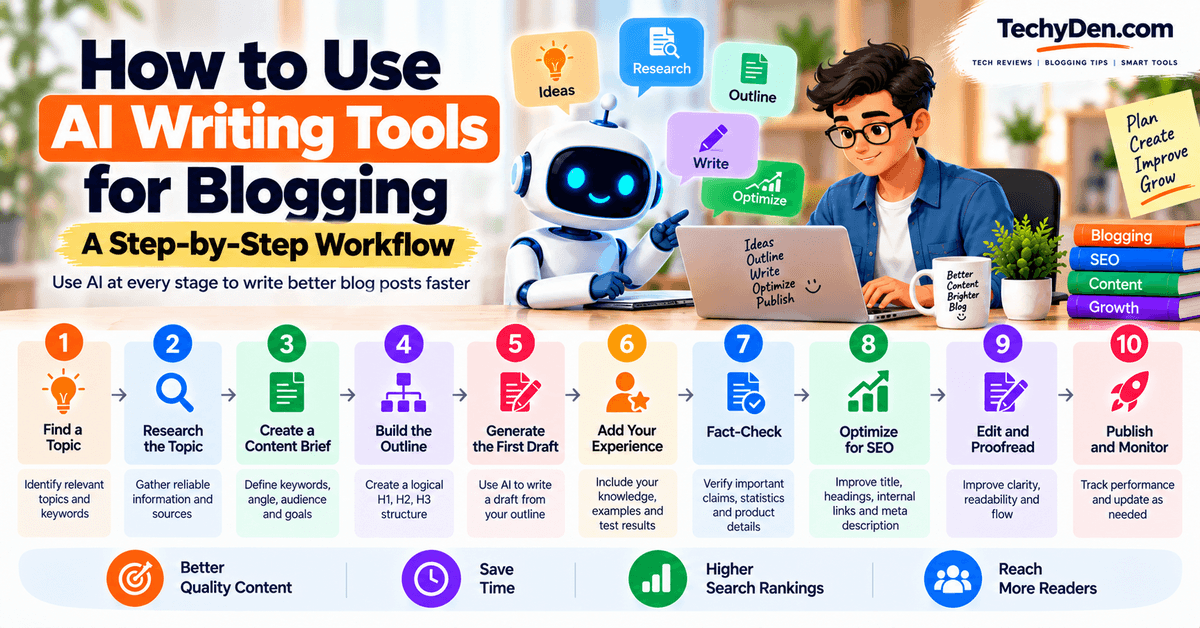
A practical workflow looks like this:
Topic → Research → Content Brief → Outline → AI Draft → Human Expertise → Fact-Check → SEO → Edit → Publish
Below is a step-by-step workflow with practical AI prompts you can adapt to your own blog.
If you want ready-to-use prompts for each stage of this process, our guide to AI prompts for bloggers includes prompts for topic research, outlines, introductions, content briefs, FAQs, SEO, content updates, and internal linking.
Step 1 — Find a Topic
Start with a topic that is relevant to your audience and has a clear search purpose. Use keyword research tools, Google Search, Search Console data, competitor research, and your existing content to identify potential topics.
AI can help you brainstorm topic ideas, related questions, content angles, and long-tail keywords. However, validate the ideas with actual keyword and audience research before creating content.
Practical AI prompt:
Prompt:
I run a blog about [NICHE] for [TARGET AUDIENCE]. Suggest 20 useful blog post ideas related to [TOPIC]. Group them by search intent: informational, commercial, comparison, and transactional. For each idea, suggest a primary keyword, a possible long-tail keyword, and the reader's main question. Avoid generic topics and prioritize ideas where I can provide practical value or first-hand experience.
Step 2 — Research the Topic
Gather reliable information before asking AI to write the article.
Use official documentation, reputable publications, original research, expert sources, and your own experience where appropriate. AI can help organize research and identify questions worth answering, but important claims should be verified against original sources.
Practical AI prompt:
Prompt:
I'm researching a blog post about [TOPIC]. Help me create a research checklist covering the most important facts, questions, statistics, product details, expert opinions, and sources I should verify before writing. Separate information that requires current verification from general background knowledge. Do not invent sources or facts.
For bloggers who spend significant time researching competitors, sources, and web pages, AI browsers for research can complement traditional AI writing tools.
Step 3 — Create a Content Brief
Create a content brief before writing. Include the primary keyword, related keywords, search intent, target audience, article angle, questions to answer, competitor gaps, sources, internal-link opportunities, and desired call to action.
Practical AI prompt:
Prompt:
Create a detailed content brief for a blog post targeting the primary keyword “[PRIMARY KEYWORD].”Target audience: [AUDIENCE]
Blog niche: [NICHE]
Include:
- Search intent
- Primary keyword
- Secondary and related keywords
- Reader’s main questions
- Recommended article angle
- Important topics to cover
- Potential content gaps
- Suggested internal-link opportunities
- Recommended CTA
Avoid keyword stuffing and avoid adding sections simply to make the article longer.
Step 4 — Build the Outline
Use the content brief to create a logical article structure. The outline should answer the reader’s main question early and then provide supporting information in a logical order.
Practical AI prompt:
Prompt:
Based on the following content brief, create an SEO-friendly outline for a blog post targeting “[PRIMARY KEYWORD].”  Create one H1, followed by logical H2 and H3 sections. Make the structure useful for readers rather than simply adding headings for SEO. Include sections that address search intent, related questions, practical examples, and FAQs. Avoid duplicate or overlapping sections.
Content brief:  [PASTE CONTENT BRIEF]
Step 5 — Generate the First Draft
Use AI to create a first draft from your approved outline and research rather than asking it to write a generic article from a single keyword.
Give the AI your audience, outline, facts, sources, tone, and brand guidelines.
Practical AI prompt:
Prompt:
Write a first draft of the following blog section using the outline and information provided below.Topic: [TOPIC]
Target audience: [AUDIENCE]
Primary keyword: [KEYWORD]
Tone: [TONE]Requirements:
- Follow the approved outline
- Write naturally and clearly
- Use short paragraphs
- Include practical examples where useful
- Avoid unnecessary repetition
- Do not invent statistics, quotes, sources, or product features
- Do not force keywords into the text
- Clearly identify any information that needs verification
Outline:
[PASTE OUTLINE]
Step 6 — Add Your Experience
This is where you make the content more useful and distinctive.
Add your own knowledge, experience, examples, screenshots, test results, case studies, and practical recommendations. AI can help organize your experience, but it should not invent first-hand experience on your behalf.
Practical AI prompt:
Prompt:
I have the following first-hand experience with [TOPIC/PRODUCT]:

[PASTE YOUR NOTES]

Turn these notes into a useful section for my blog post. Preserve the facts and meaning of my experience. Do not invent tests, results, opinions, or experiences that I did not provide. Highlight specific observations, practical lessons, and recommendations that would help readers.
Step 7 — Fact-Check
Review important claims before publishing, especially statistics, dates, pricing, product features, technical specifications, and company information.
Practical AI prompt:
Prompt:
Review the following blog draft for factual claims that require verification. Create a table with these columns: Claim, Why It Needs Verification, Recommended Source, and Status. Pay particular attention to statistics, dates, pricing, product features, technical specifications, and claims about companies or products. Do not assume a claim is true simply because it appears in the draft. Draft: [PASTE DRAFT]
Use the AI output as a fact-checking checklist, not as proof that the claims are accurate. Verify important information against the original sources.
Step 8 — Optimize for SEO
After the article is useful and factually sound, optimize it for search.
Check search intent, keyword usage, headings, related topics, internal links, image alt text, title, and meta description.
Practical AI prompt:
Prompt:
Review this blog post for on-page SEO targeting “[PRIMARY KEYWORD].” Evaluate whether it satisfies the search intent and naturally covers important related topics. Suggest improvements to the title, H2/H3 headings, keyword placement, internal-link opportunities, FAQ topics, and meta description. Do not recommend keyword stuffing or unnecessary repetition. Prioritize usefulness, clarity, and search intent. Blog post: [PASTE ARTICLE]
If you use ChatGPT during the SEO stage, our collection of ChatGPT prompts for SEO can help with keyword analysis, content optimization, internal linking, and search-focused content workflows.
Step 9 — Edit and Proofread
AI-generated drafts often contain repetition, generic language, awkward transitions, and sentences that don’t sound like the blogger.
Use an AI editor to identify these problems, but make the final editorial decisions yourself.
Practical AI prompt:
Prompt:
Edit the following blog post for grammar, clarity, readability, flow, and consistency. Preserve my original meaning, expertise, and writing style. Remove unnecessary repetition and generic AI-sounding phrases. Improve awkward sentences and transitions without making the content overly formal. Do not add unsupported facts or new claims. After editing, list the most important changes you made.

Article:
[PASTE ARTICLE]
Step 10 — Publish and Monitor
Publishing is not the end of the workflow. Monitor the article after publication and use real performance data to decide what should be updated.
Look at Search Console queries, impressions, clicks, rankings, organic traffic, engagement, and conversions where relevant.
Practical AI prompt:
Prompt:
Analyze the following performance data for my blog post and identify opportunities for improvement.Article: [ARTICLE URL/TITLE]
Primary keyword: [KEYWORD]Data:
[PASTE SEARCH CONSOLE OR ANALYTICS DATA]Identify:
- Queries with impressions but low clicks
- Topics or questions the article may not fully answer
- Potential title or meta-description improvements
- Sections that may need updating
- Internal-link opportunities
- Content gaps worth addressing
Prioritize practical changes and explain why each change may help.
The Complete AI-Assisted Blogging Workflow
You can summarize the process as:
Find a topic → Research → Create a content brief → Build an outline → Generate a first draft → Add your experience → Fact-check → Optimize for SEO → Edit and proofread → Publish and monitor
The key is to use AI differently at each stage. AI can accelerate research, planning, drafting, editing, and optimization, but human expertise remains essential for accuracy, originality, first-hand experience, and final editorial judgment.
The goal isn’t to publish content written entirely by AI. The goal is to use AI to write better blog posts faster while making the final content more useful and trustworthy for readers.
How to Use AI Without Making Your Blog Sound Like AI
AI can help bloggers write faster, but simply publishing AI-generated text can make an article feel generic, repetitive, or disconnected from the writer’s experience. The best approach is to use AI as a writing assistant while adding your own knowledge, examples, evidence, and editorial judgment.
If you need help improving the readability and naturalness of AI-assisted drafts, see our guide to AI humanizer tools and how they can be used as part of an editing workflow.
Here are practical ways to make AI-assisted blog content more useful and authentic.
1. Add First-Hand Experience
Your own experience is one of the easiest ways to make an article more valuable.
If you have personally tested a product, used a software tool, followed a particular workflow, or solved a problem, explain what you actually experienced. Include specific observations that an AI model could not know unless you provided them.
For example, instead of simply explaining that an AI writing tool can generate blog posts, describe how you used it, what type of prompt produced better results, how much editing was required, and where the tool struggled.
2. Use Your Own Examples
Generic examples can make AI-generated content feel interchangeable with thousands of other articles.
Add examples from your own blog, niche, audience, or workflow. Show readers how you would actually use a recommendation rather than simply explaining what the tool can theoretically do.
For example, a technology blogger can demonstrate an AI prompt using a real software topic, while a biology blogger can use an actual educational topic from their field.
3. Add Original Data and Screenshots
Screenshots, test results, experiments, comparisons, and original data can significantly improve an article.
When reviewing an AI writing tool, consider showing:
- Screenshots of the interface
- Example prompts and outputs
- Editing before and after
- Writing-quality comparisons
- Response times where relevant
- Feature tests
- Actual workflow results
This gives readers evidence of how the tool works instead of relying entirely on generic descriptions.
4. Give AI Specific Instructions
The quality of AI output often improves when you provide more useful context.
Instead of asking:
"Write a blog post about AI writing tools."
Give the AI information about your audience, search intent, article structure, tone, facts, examples, and content requirements.
For example:
"Write this section for beginner bloggers. Use a conversational but professional tone. Explain the concept with a practical blogging example. Avoid generic claims, unnecessary adjectives, and repetitive conclusions. Use the facts provided below and do not invent statistics."
Specific instructions give the AI a clearer target and make the resulting content easier to edit.
5. Rewrite Generic Sections
Read every AI-generated section critically. If a paragraph could appear on almost any website, improve it.
Look for phrases that don’t provide meaningful information, repetitive explanations, obvious filler, and broad claims without evidence.
Replace generic statements with specific examples, useful instructions, data, personal observations, or expert analysis.
6. Maintain Your Brand Voice
Your blog should still sound like your blog, even when AI helps create the content.
Create clear guidelines for your preferred tone, sentence length, vocabulary, formatting, level of detail, and words or phrases you avoid. Give these guidelines to your AI writing tool when generating or editing content.
You can also provide examples of your existing writing and ask the AI to follow the same general style without copying the wording.
7. Fact-Check AI-Generated Claims
A natural writing style does not make inaccurate information acceptable.
Before publishing, verify important claims about statistics, product features, pricing, technical specifications, dates, research, and companies.
For current topics, use reliable and preferably primary sources. AI should help you work with information, but it should not be treated as the final authority for factual claims.
8. Never Publish the First Draft
One of the simplest ways to improve AI-assisted content is to treat the first AI response as a starting point rather than a finished article.
A useful workflow is:
AI draft → Human review → Add experience → Fact-check → Rewrite → SEO optimization → Proofread → Publish
The human editing stage is where you remove generic language, correct mistakes, add original insights, improve the structure, and make the article genuinely useful to your audience.
9. The Goal Is Better Content, Not Less AI
Using AI does not automatically make a blog post low quality, and manually written content is not automatically high quality. What matters is the value of the finished article.
Use AI to save time on repetitive tasks, brainstorming, outlining, drafting, and editing. Then use your own expertise, experience, research, and judgment to turn that assistance into a useful final resource.
AI should accelerate your blogging workflow—not replace your expertise.
AI Writing Tools and SEO
AI writing tools can help bloggers speed up many parts of the SEO content process, from creating outlines to improving existing articles. However, using AI to generate an article does not automatically make that article SEO-friendly.
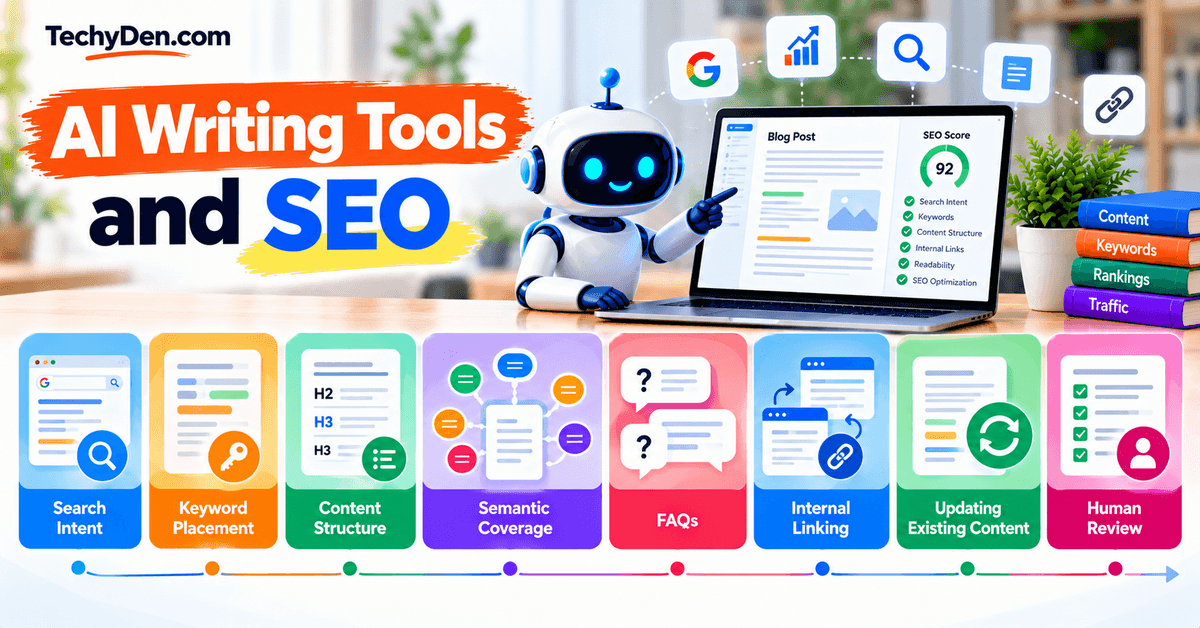
The quality of the final result depends on whether the content satisfies search intent, provides useful information, is well structured, and offers genuine value to readers.
1. Search Intent
Before writing an article, understand what the searcher actually wants.
AI can help analyze a keyword and identify whether the intent is informational, commercial, navigational, or transactional. It can also suggest the questions and subtopics a reader may expect to find.
However, compare AI suggestions with actual search results before finalizing your content strategy. The search results themselves provide important clues about what users are looking for.
2. Keyword Placement
AI can help incorporate your primary keyword and related terms naturally into an article.
Important locations may include:
- Title
- Introduction
- Relevant headings
- Body content
- URL
- Meta title and description
- Image alt text where appropriate
Avoid asking AI to insert a keyword a specific number of times simply to reach a target density. Keywords should appear naturally where they help describe the topic.
3. Content Structure
AI can help create a logical content structure with H2 and H3 headings, short paragraphs, lists, tables, examples, and FAQs.
A well-structured article makes it easier for readers to find the information they need and helps search engines understand the different topics covered on the page.
Use AI to identify missing sections or structural problems, but don’t add unnecessary sections simply to make an article longer.
4. Semantic Coverage
A useful article should cover the important concepts related to its main topic rather than repeatedly mentioning the same keyword.
AI can help identify related questions, entities, subtopics, terminology, and concepts that may be relevant to the reader.
For example, an article about AI writing tools for bloggers may naturally need to discuss blog drafting, editing, rewriting, SEO, content briefs, long-form writing, brand voice, and fact-checking.
The goal is comprehensive coverage—not stuffing the article with as many related keywords as possible.
5. FAQs
AI can help identify common questions readers may have about a topic and turn them into useful FAQ sections.
For example, a blog post about AI writing tools could address questions such as:
- What is the best AI writing tool for bloggers?
- Can AI write a complete blog post?
- Are AI writing tools good for SEO?
- Can AI-generated content rank in search engines?
- What is the best free AI writing tool?
Only include FAQs that genuinely add value. Don’t create dozens of questions simply to target additional keywords.
6. Internal Linking
AI can help identify opportunities to connect related articles within your website.
For example, this article can link to guides covering AI tools, AI agents, AI browsers, keyword research, and individual AI platforms. AI can suggest potential connections, but you should review every recommendation to ensure the linked page is genuinely relevant.
Good internal linking helps readers discover related content and creates a clearer relationship between pages within your topical cluster.
As AI workflows become more advanced, bloggers can also use AI agents for bloggers to combine research, content creation, optimization, and other multi-step tasks.
7. Updating Existing Content
AI writing tools can also help update older blog posts.
You can use AI to identify potentially outdated sections, compare an old article against current information, suggest missing topics, rewrite outdated passages, and create an update checklist.
However, don’t let AI automatically replace old information without verification. Check current pricing, product features, statistics, links, screenshots, and other time-sensitive information before publishing an update.
8. Human Review
Human review remains an essential part of AI-assisted SEO writing.
Before publishing, check whether the article:
- Satisfies the search intent
- Provides accurate and useful information
- Contains original insights or experience
- Uses keywords naturally
- Has a logical structure
- Includes relevant internal links
- Contains accurate facts and current information
- Sounds natural and matches your brand voice
AI can make the writing process faster, but SEO success depends on the quality and usefulness of the finished content—not simply on whether AI was used to create it.
For a broader look at AI tools for keyword research, SEO, research, and content optimization, see our Best AI Tools for Bloggers guide.
Best Free AI Writing Tools for Bloggers
You don’t necessarily need to pay for an AI writing platform to get useful help with blogging. Several AI assistants and writing tools offer free access, although the available features, usage limits, and restrictions vary.
For most bloggers, a free AI tool can be enough for brainstorming, outlining, drafting, editing, or rewriting. If you publish frequently or need advanced SEO and content workflows, a paid plan may become more useful.
| Tool | Free Plan | Best Use |
|---|---|---|
| ChatGPT | Yes | General writing, brainstorming, research and editing |
| Claude | Yes | Long-form writing and editing |
| Google Gemini | Yes | Research, brainstorming and writing |
| Grammarly | Yes | Grammar, clarity and editing |
| QuillBot | Yes | Rewriting and paraphrasing |
| Rytr | Yes, limited | Short-form content and basic AI writing |
1. ChatGPT
ChatGPT’s Free tier provides access to AI writing, web search, file and image uploads, data analysis, and other capabilities, although individual tools and model usage have separate limits. OpenAI notes that available models and limits can change over time.
Best use: Blog ideas, outlines, research assistance, drafting, rewriting, editing, and content repurposing.
2. Claude
Claude offers a free plan, but its usage is limited. Anthropic says free usage operates with a session-based limit that resets every five hours, while the number of messages can vary based on demand and other factors.
Best use: Long-form articles, restructuring, editing, and working with substantial reference material.
3. Google Gemini
Gemini provides free access to its standard capabilities, while higher limits and additional capabilities can vary by Google AI plan. Google also notes that usage limits can change depending on the model and access level. Google Help
Best use: Research, brainstorming, content planning, and drafting.
4. Grammarly
Grammarly offers a Free plan that is particularly useful for grammar, spelling, clarity, and basic writing assistance.
Best use: Editing and proofreading existing blog drafts.
5. QuillBot
QuillBot provides free access to several writing tools, including its basic paraphrasing and grammar features. Its free capabilities have usage and feature restrictions; for example, the free version provides limited paraphrasing modes, while advanced modes and unlimited paraphrasing require Premium.
Best use: Rewriting, paraphrasing, grammar checking, and improving existing drafts.
6. Rytr
Rytr currently offers a Free plan with 10,000 characters per month and access to more than 40 use cases. Its paid plans increase generation limits and add additional capabilities.
Best use: Short-form content, blog introductions, content ideas, and basic rewriting.
Which Free AI Writing Tool Should Bloggers Start With?
If you’re just starting with AI-assisted blogging, a general-purpose AI assistant such as ChatGPT, Claude, or Gemini can cover most of the basic workflow without requiring multiple subscriptions.
You can then add specialized tools such as Grammarly or QuillBot when you need dedicated editing or rewriting features.
Keep in mind that free plans are not necessarily unlimited plans. Usage limits can change, and features available today may be moved behind paid plans later. Check the provider’s current pricing and usage information before making a tool part of a high-volume publishing workflow.
Are AI Writing Tools Worth Paying For?
Whether an AI writing tool is worth paying for depends on how often you publish, how much time it saves, and which features you actually need.
Free AI writing tools can be enough for beginners and occasional bloggers, while paid plans can become useful when AI becomes a regular part of your content workflow.
Pay When
Consider paying for an AI writing tool when:
- You publish frequently: If you create several blog posts each month, higher usage limits can make your workflow more consistent.
- Free limits are restrictive: Paid plans may provide higher usage limits, access to additional models, or more advanced features.
- You need advanced features: Features such as long-form workflows, brand voice, content optimization, team collaboration, or integrations may only be available on paid plans.
- You save significant time: If a paid tool helps you research, outline, draft, edit, or optimize content faster, the time savings can justify the subscription.
- You need brand or team workflows: Bloggers working with editors, writers, or marketing teams may benefit from shared workspaces, brand guidelines, and collaboration features.
Don’t Pay When
A paid AI writing subscription may not be necessary when:
- You’re just starting: Beginners can learn AI-assisted writing workflows using free tools before committing to a subscription.
- You publish occasionally: If you only write a few articles each month, free usage limits may be sufficient.
- Free tools are enough: Tools such as ChatGPT, Claude, Gemini, Grammarly, or QuillBot offer free options that can handle many common blogging tasks.
- You haven’t established a workflow: Before paying, determine how AI fits into your research, outlining, writing, editing, and SEO process. A subscription is less useful if you rarely use it.
Bottom line: Don’t subscribe simply because a tool has more features. Start with a free plan, build a repeatable blogging workflow, and upgrade when usage limits or specific features are genuinely slowing you down.
Common Mistakes Bloggers Make With AI Writing Tools
AI writing tools can speed up research, outlining, drafting, and editing, but they can also create problems when bloggers rely on them without human review.
Avoiding these common mistakes can help you publish content that is more useful, accurate, and original.
- Publishing Raw AI Output: AI-generated content often needs editing before publication. Raw output can contain repetitive phrasing, generic introductions, awkward transitions, factual errors, or a writing style that doesn’t match your blog. Use AI as a starting point, then rewrite and improve the content with your own expertise and examples.
- Creating Generic Content: AI can produce technically correct articles that still feel similar to hundreds of other pages online. Simply asking an AI tool to write a complete article can result in predictable, surface-level content. Add original examples, personal experiences, screenshots, case studies, expert insights, or data that make your article genuinely useful.
- Ignoring Search Intent: Using AI to generate an article around a keyword doesn’t guarantee that the content matches what searchers want. Before writing, determine whether the keyword requires a guide, comparison, review, tutorial, list, or another type of content. Structure the article around the user’s actual search intent rather than simply repeating the target keyword.
- Keyword Stuffing: AI tools can sometimes overuse a target keyword when given overly aggressive SEO instructions. Repeating the same keyword unnecessarily can make an article difficult to read. Use your primary keyword naturally and include relevant related terms where they genuinely improve topical coverage.
- Trusting AI-Generated Facts: AI writing tools can produce incorrect, outdated, or unsupported information. This is particularly important when writing about software features, pricing, statistics, technical specifications, or other information that changes frequently. Verify important claims against reliable sources before publishing.
- Not Adding First-Hand Experience: AI can explain how a product or process works, but it cannot replace your own experience with it. Whenever possible, add screenshots, test results, workflows, examples, observations, or lessons learned from actually using the tool. This gives readers information they cannot get from a generic AI-generated article.
- Using Too Many AI Tools: You don’t need a separate AI tool for every step of your blogging workflow. Using too many platforms can increase costs, create duplicated work, and make your process more complicated. Start with a small tool stack and add specialized tools only when they solve a specific problem.
- Failing to Edit: Even good AI-generated drafts can contain unnecessary words, repetitive ideas, awkward sentences, or sections that don’t contribute much to the reader. Always edit the draft for accuracy, clarity, tone, structure, and usefulness before publishing.
- Using AI-Generated Information Without Verification: One of the biggest mistakes is treating AI output as automatically reliable. AI-generated information should be considered a draft or research starting point, not a source of truth. Check important facts, statistics, quotes, product details, links, and references using trustworthy sources. For current topics, verify information against the latest official documentation or other authoritative sources.
The goal isn’t to avoid AI. It’s to use AI effectively while keeping human judgment, experience, editing, and fact-checking at the center of your blogging workflow.
Frequently Asked Questions (FAQs) on Best AI Writing Tools for Bloggers
What is the best AI writing tool for bloggers?
The best AI writing tool depends on your blogging workflow. ChatGPT is a versatile option for brainstorming, outlining, drafting, editing, and repurposing content. Claude is useful for long-form writing and editing, while specialized platforms such as Jasper, Writesonic, and KoalaWriter offer more focused blogging workflows.
What is the best free AI writing tool for bloggers?
ChatGPT, Claude, and Google Gemini all offer free options that can help with blogging tasks such as brainstorming, research, outlining, drafting, and editing. Free plans have usage limits and feature restrictions that can change, so check the current plan details before choosing one.
Can AI write a complete blog post?
Yes, AI writing tools can generate a complete blog post from a detailed prompt. However, an AI-generated draft should not automatically be treated as publication-ready. Bloggers should add original insights, verify facts, improve the structure, optimize for search intent, and edit the content before publishing.
Which AI tool is best for long-form blog posts?
Claude and ChatGPT are useful for long-form blog writing because they can help with detailed outlines, extended drafts, restructuring, and editing. The right choice depends on the article type, workflow, context requirements, and how much human editing you plan to do.
Which AI writing tool is best for SEO?
For SEO-focused blogging, specialized tools such as KoalaWriter and Writesonic provide features designed around content creation and optimization. General-purpose tools such as ChatGPT and Claude can also support keyword research, content planning, outlines, and SEO editing when combined with dedicated SEO tools.
Can AI-generated blog posts rank on Google?
AI-generated content can appear in search results, but using AI does not guarantee rankings. Search performance depends on factors such as relevance, helpfulness, originality, accuracy, search intent, website authority, and overall content quality. AI should be used to assist content creation rather than as a shortcut to producing large amounts of low-value content.
Are AI writing tools good for blogging?
Yes. AI writing tools can help bloggers brainstorm topics, create outlines, draft sections, rewrite content, improve readability, and repurpose existing articles. Their usefulness depends on how they are integrated into the workflow. Human expertise, fact-checking, editing, and original experience remain important.
Can AI replace human writers?
AI can automate parts of the writing process, but it does not eliminate the need for human judgment. Bloggers still need to choose useful topics, understand their audience, provide original insights, verify information, make editorial decisions, and add first-hand experience.
What is the best AI tool for rewriting blog posts?
QuillBot is specifically designed for paraphrasing and rewriting, while Grammarly and general-purpose AI tools such as ChatGPT and Claude can also help improve clarity, tone, structure, and readability. Choose based on whether you need simple paraphrasing or deeper editorial rewriting.
How can I make AI-written content sound human?
Give the AI tool specific instructions about your preferred tone and audience, then edit the output yourself. Add first-hand experiences, original examples, opinions, screenshots, data, and stories. Remove repetitive or generic language and rewrite sections that don’t sound natural. Most importantly, don’t publish the first AI-generated draft without reviewing it.
Final Verdict on Which AI Writing Tool Should Bloggers Choose?
There isn’t one AI writing tool that is ideal for every blogger. The right choice depends on the type of content you publish, your workflow, budget, and the features you actually need.
Here is a task-based way to choose:
- Overall writing and blogging: ChatGPT
- Long-form writing: Claude
- Brand-focused content: Jasper
- SEO-focused blogging: KoalaWriter
- Research and writing: Gemini
- Editing and proofreading: Grammarly
- Rewriting and paraphrasing: QuillBot
- Beginners and free usage: ChatGPT or Gemini
These categories are based on the primary use cases discussed throughout this guide rather than a universal ranking. A blogger who mainly writes long-form tutorials may need a different tool from someone focused on SEO content, marketing copy, or editing.
The best AI writing tool depends on your blogging workflow. Start with one tool, learn how to use it effectively, and add specialized tools only when they solve a genuine problem.
Use AI to speed up your process, but keep research, fact-checking, editing, originality, and first-hand experience at the center of your content strategy.